Jera Value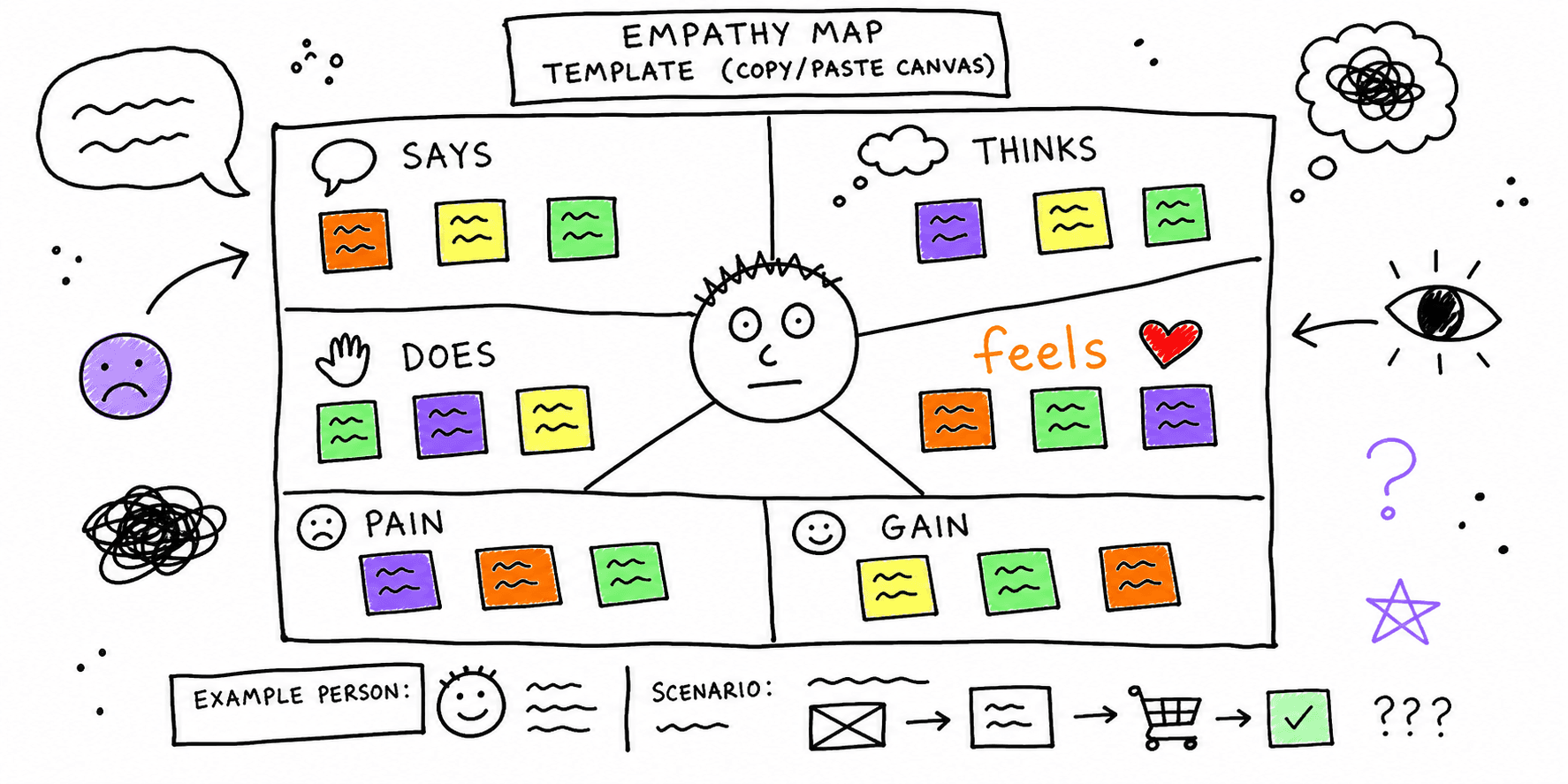

An empathy map helps your team translate raw research into decisions you can ship. This guide gives you a practical empathy map template you can copy into docs, spreadsheets, or whiteboards and use in one focused workshop.
If you need research inputs first, start with the user interview template, contextual inquiry template, and user research screener template.
Copy/Paste Empathy Map Template (Canvas)
Use one map per persona and one scenario at a time (for example: "first-time signup" or "checkout on mobile").
| Section | Prompt questions | Evidence to add | Priority (1-5) |
|---|---|---|---|
| Says | What exact phrases did users say? | Interview quotes, support transcripts | |
| Thinks | What is likely in their head but not always spoken? | Interview inference + behavior evidence | |
| Does | What actions do they take step by step? | Session recordings, analytics events | |
| Feels | What emotions show up at each moment? | Sentiment tags, hesitation signals | |
| Pains | What causes friction, delay, confusion, or distrust? | Drop-off points, rage clicks, complaints | |
| Gains | What outcomes or moments create confidence? | Completion events, positive comments | |
| Opportunities | What specific UX/content/product change should be tested first? | Ticket links, experiment briefs |
Filled Empathy Map Example (B2B SaaS Trial)
Scenario
- Persona: Growth manager evaluating an SEO audit tool
- Goal: Generate a useful audit report in the first session
- Context: Desktop, low time budget, comparing 2 to 3 alternatives
Example map
- Says:
- "I need to know if this catches issues my team missed."
- "I don't want another generic score."
- Thinks:
- "Will this create real, client-ready output?"
- "How much setup is required before I see value?"
- Does:
- Scans homepage proof
- Opens sample report
- Starts trial, then pauses on form fields
- Feels:
- Curious at first, then uncertain during signup
- Relieved when report preview appears
- Pains:
- Unclear first action after signup
- Too many optional fields before value
- Gains:
- Fast report generation
- Clear issue prioritization
- Opportunities:
- Shorten signup form
- Add first-report checklist in onboarding
- Place proof near primary CTA
After mapping, validate proposed fixes with a quick website usability test and a focused website UX audit.
How to Run a 45-Minute Empathy Mapping Session
1. Prepare evidence (10 minutes)
Bring only recent data:
- 5 to 10 interview quotes
- Funnel drop-off points
- 3 to 5 session replay clips
- Support tickets from the same flow
For cleaner synthesis, cluster your notes first using this affinity diagram template.
2. Fill Says, Thinks, Does, Feels (15 minutes)
- Use facts first, assumptions second.
- Mark each statement as
observed,inferred, orassumed. - Keep each item short (one sentence max).
3. Turn insights into pains/gains (10 minutes)
- Merge duplicates.
- Mark business impact and user impact.
- Remove low-evidence claims.
4. Prioritize opportunities (10 minutes)
Use a simple score:
Priority score = Impact x Confidence x Frequency
- Impact: expected conversion/retention lift (1-5)
- Confidence: evidence quality (1-5)
- Frequency: how often users hit the issue (1-5)
Move the top 3 opportunities directly into tickets.
Empathy Map vs Persona vs Journey Map
Use each artifact for a different job:
- Empathy map: fast synthesis of behavior and emotion for one scenario.
- Persona: durable profile of goals, constraints, and context.
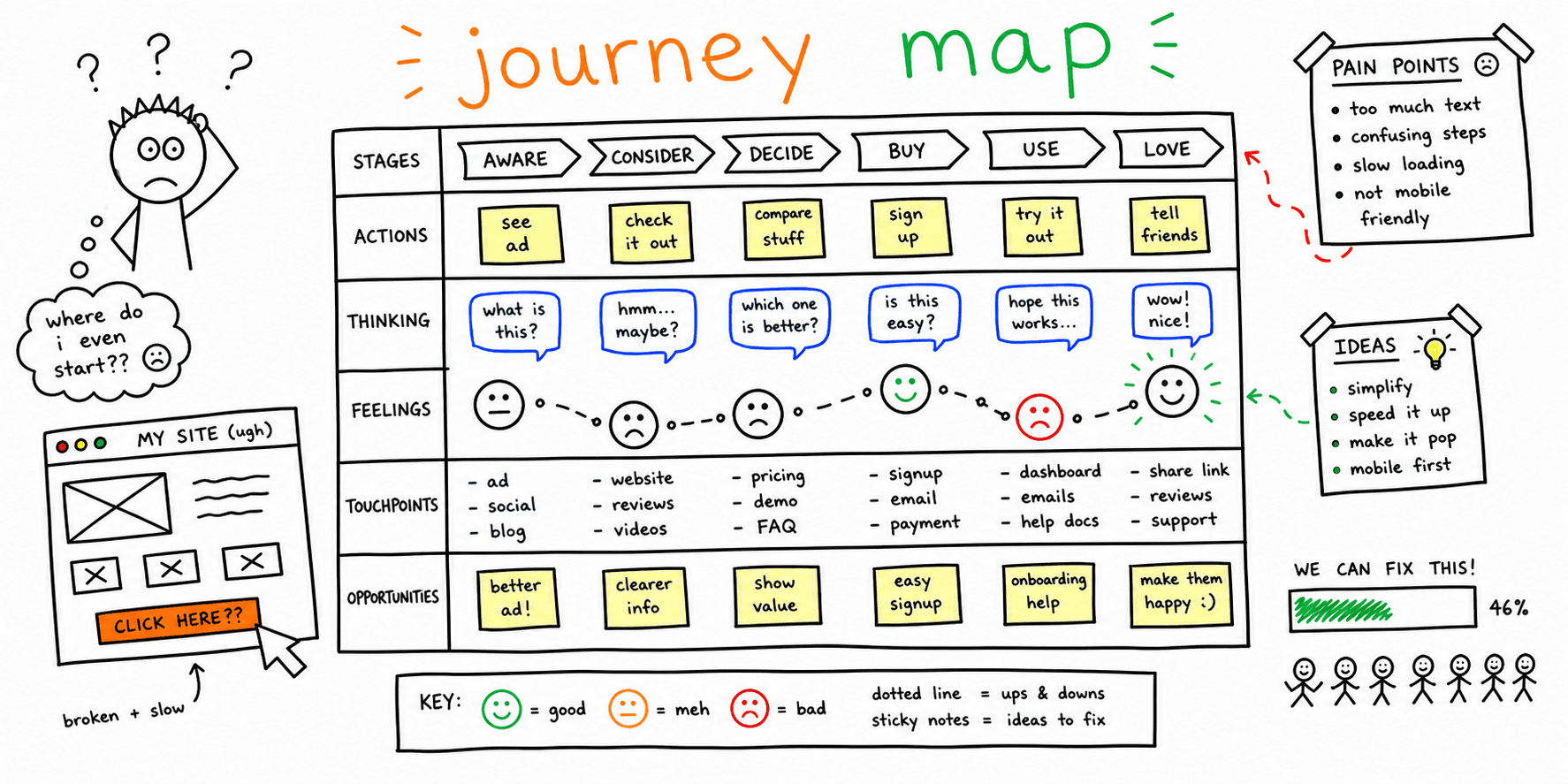
- Journey map: stage-by-stage timeline across multiple touchpoints.
Pair this template with:
Common Mistakes That Reduce Signal
Mistake 1: Mapping opinions instead of evidence
Fix: require a source note for every item (quote, replay, event, ticket).
Mistake 2: Mixing multiple personas in one map
Fix: run separate maps per persona and scenario.
Mistake 3: Stopping at sticky notes
Fix: convert top opportunities into experiments with owners and success metrics.
Mistake 4: No follow-through on content/UX updates
Fix: audit updated pages with Website Content Analysis and Landing Page Analyzer.
Practical Checklist
- Map one persona and one scenario only
- Use quotes and behavior evidence in every section
- Tag items as observed, inferred, or assumed
- Score opportunities by impact, confidence, and frequency
- Assign owner + metric + due date to top actions
FAQ
Is an empathy map only for design thinking workshops?
No. It is useful for product, UX, growth, and content teams whenever behavior is unclear and priorities are debated.
How many users do I need before mapping?
You can start with a small sample (for example 5 to 8 interviews), but confidence increases when you combine qualitative and quantitative signals.
Should I create a separate empathy map for each funnel stage?
Usually yes. Friction in discovery is different from friction in onboarding or checkout, so separate maps keep actions specific.
References
- Nielsen Norman Group: Empathy Mapping
- Interaction Design Foundation: Empathy Maps in UX
- Miro: Empathy Map Template
- Atlassian: Empathy Mapping
Related resources
- User interview questions template
- Usability testing template
- Research brief template
- Website UX checklist
Need fast, page-level feedback before your next research cycle? Run a quick Roast My Web review, then use this empathy map to prioritize what to fix first.