Jera Value
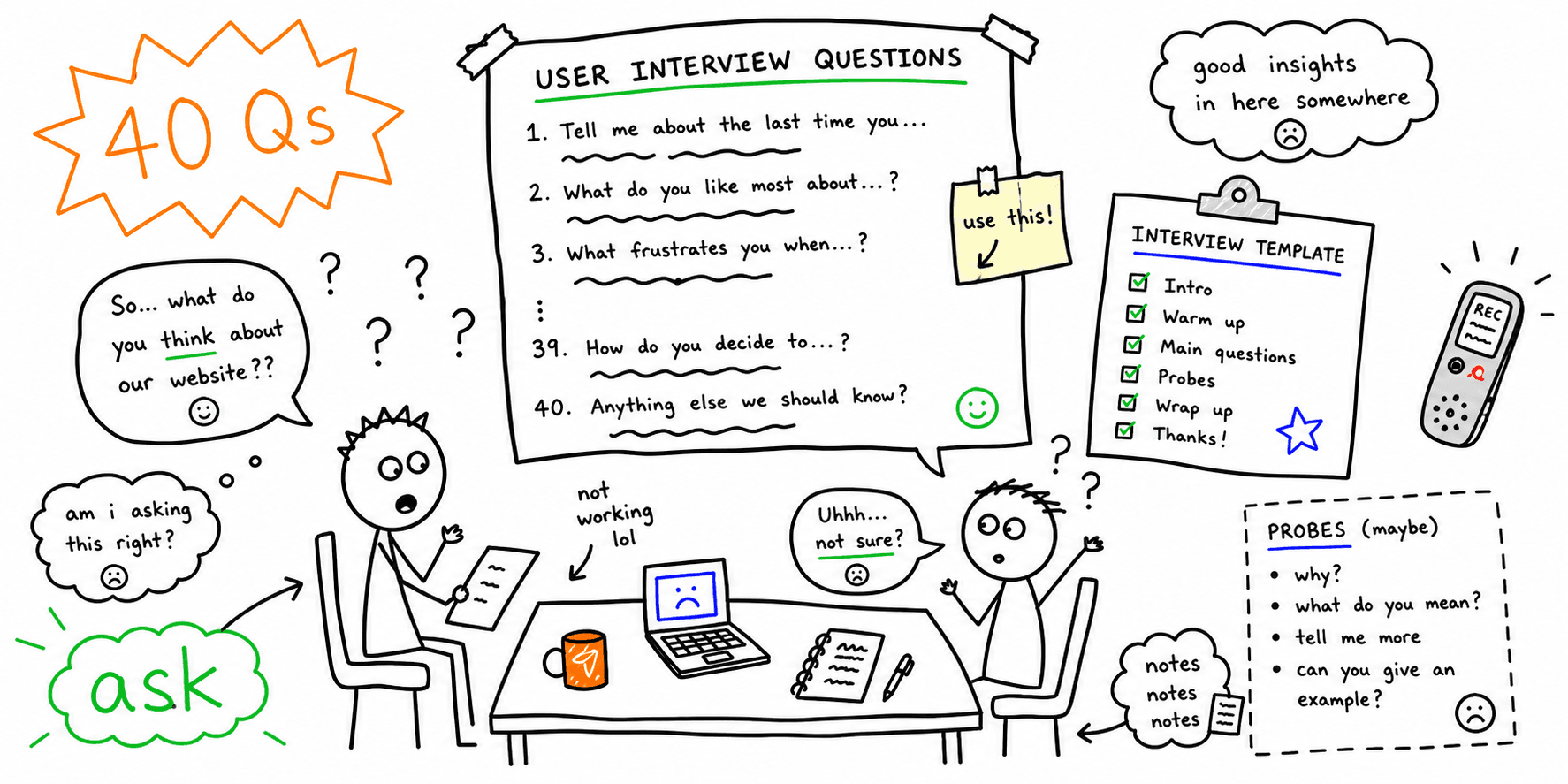

Good interviews start with the right questions. This guide gives you a structured user interview question bank that you can adapt to any research goal, and a copy/paste interview template. It also has a focused set of UX interview questions for websites and landing pages, and tips to avoid biased questions. Use the sections that you need and delete the rest. For the full interview workflow, see the user interview template.
What is a user interview?
A user interview is a research method in which you ask participants about their experiences, behaviors and needs. Nielsen Norman Group's guide to user interviews calls interviews an attitudinal method. They collect what people report about their behavior, thoughts and feelings, not the behavior that you observe.
User interviews vs usability tests
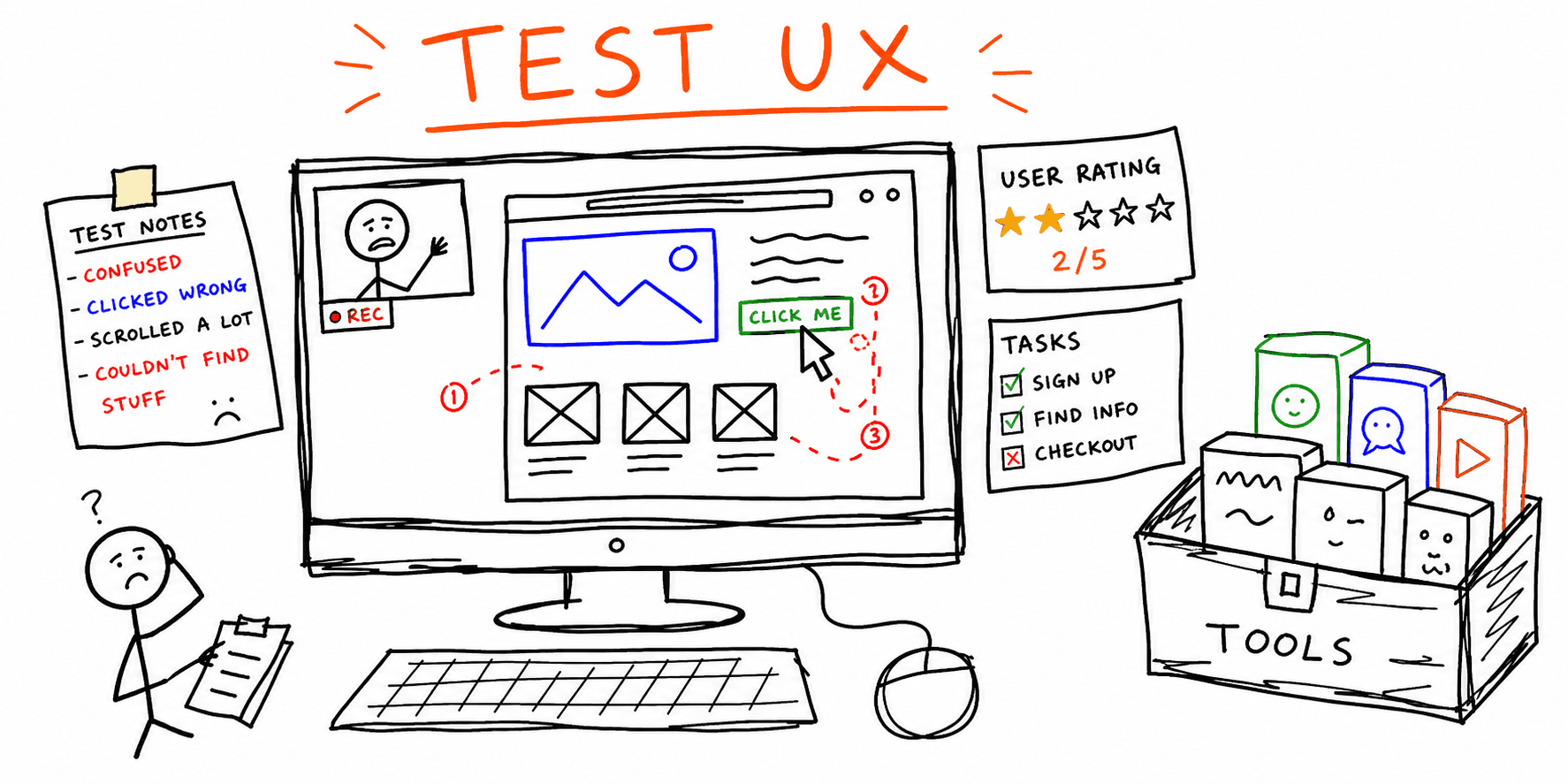
User interviews explore motivations and mental models, but usability tests observe behavior while users complete tasks. They are different methods, so use each one at a different time.
How to plan your interview
- Define your research goals.
- Draft an interview guide with open-ended questions.
- Start with easy questions to build rapport.
- Follow up with probing questions.
Question design rules
Avoid leading questions. Ask for real examples and recent experiences, and use open-ended questions that start with "How" or "What".
UX interview questions for websites and landing pages
Generic interview prompts are not enough when your team improves a marketing site, a signup flow or a pricing page. For these pages, use UX interview questions about navigation, trust and conversion behavior.
1. Goal and intent questions
- What did you come to this page to do?
- What did you expect to find in the first 10 seconds?
- Which part of the page felt most relevant to your goal?
2. Navigation and clarity questions
- Where did you look first to continue your task?
- Which label or section name felt unclear?
- What information did you need but could not find quickly?
3. Trust and conversion questions
- What made you hesitate before clicking the CTA?
- What proof (reviews, pricing detail, examples) were you looking for?
- What would make you feel confident enough to complete the next step?
To see what users actually do on the page, watch real people use it in a usability test, and follow the usability testing guide to run one. Before you test with people, you can run the Roast My Web website usability test on the page. The website usability test is an AI check of one public page for clarity, navigation and task friction, and it does not replace testing with real users.
User interview questions (by category)
Use these questions as a starting point and adapt them to your project.
1. Warm-up and background
- Tell me about yourself and your role.
- What does a typical day look like for you?
- How often do you work on [task]?
2. Tasks and workflows
- Walk me through how you currently [task].
- What steps do you take from start to finish?
- What tools or resources do you use?
3. Pain points and friction
- What is the most frustrating part of [task]?
- What issues come up most often?
- What workarounds have you created?
4. Product and feature feedback
- What do you like or dislike about the current solution?
- What features feel missing or unnecessary?
- If you could change one thing, what would it be?
5. Awareness and expectations
- What is your main goal when visiting [site/app]?
- Were you aware of [feature] before today?
- What would prevent you from achieving your goal?
6. Follow-up probes
- Tell me more about that.
- Can you give me a specific example?
- Why was that important to you?
7. Wrap-up
- Is there anything we did not ask that we should have?
- Can we contact you for follow-up research?
Turn interview answers into prioritized fixes
When users say the same thing again and again, use this table to find the likely issue and the next action, so that your interview notes become a prioritized backlog.
| If users repeatedly say... | Likely issue | Next action |
|---|---|---|
| "I am not sure where to start" | Weak visual hierarchy | Run a landing page analyzer and simplify top sections. |
| "I could not find what this page does" | Messaging and content mismatch | Use website content analysis to tighten copy intent. |
| "I was not ready to click the CTA" | Trust or offer clarity gap | Audit credibility and CTA flow with a website UX audit. |
| "I got stuck halfway" | Interaction friction | Find the page where users stop, then check it with the website checker. |
User interview template (copy/paste)
Interview goals
- Primary questions to answer:
- Target audience:
- Session length:
Interview guide
- Warm-up and background
- Task and workflow questions
- Pain points and workarounds
- Product or feature feedback
- Follow-up probes
- Wrap-up
Note-taking grid
| Question | Key quotes | Insight | Follow-up |
|---|---|---|---|
| Walk me through [task] | "..." | Bottleneck at step 3 | Ask about tools |
Common mistakes to avoid
Watch for three common mistakes. A leading question suggests the answer that you expect, so you hear your own idea back instead of the user's experience. Jargon that users do not use makes them guess what you mean. Questions about hypothetical future behavior, such as "Would you use this?", give you guesses, so ask about a recent, real example instead.
FAQ
How many questions should a user interview have?
Focus on depth, not quantity. A user interview with fewer, better questions gives richer insights.
Can interviews replace usability testing?
No. Interviews capture attitudes and motivations, but usability tests observe real behavior.
Are these UX interview questions for hiring UX designers?
No. This guide is for user research interviews with the customers or users of your product or website. It is not for job interviews with candidates.
Related resources
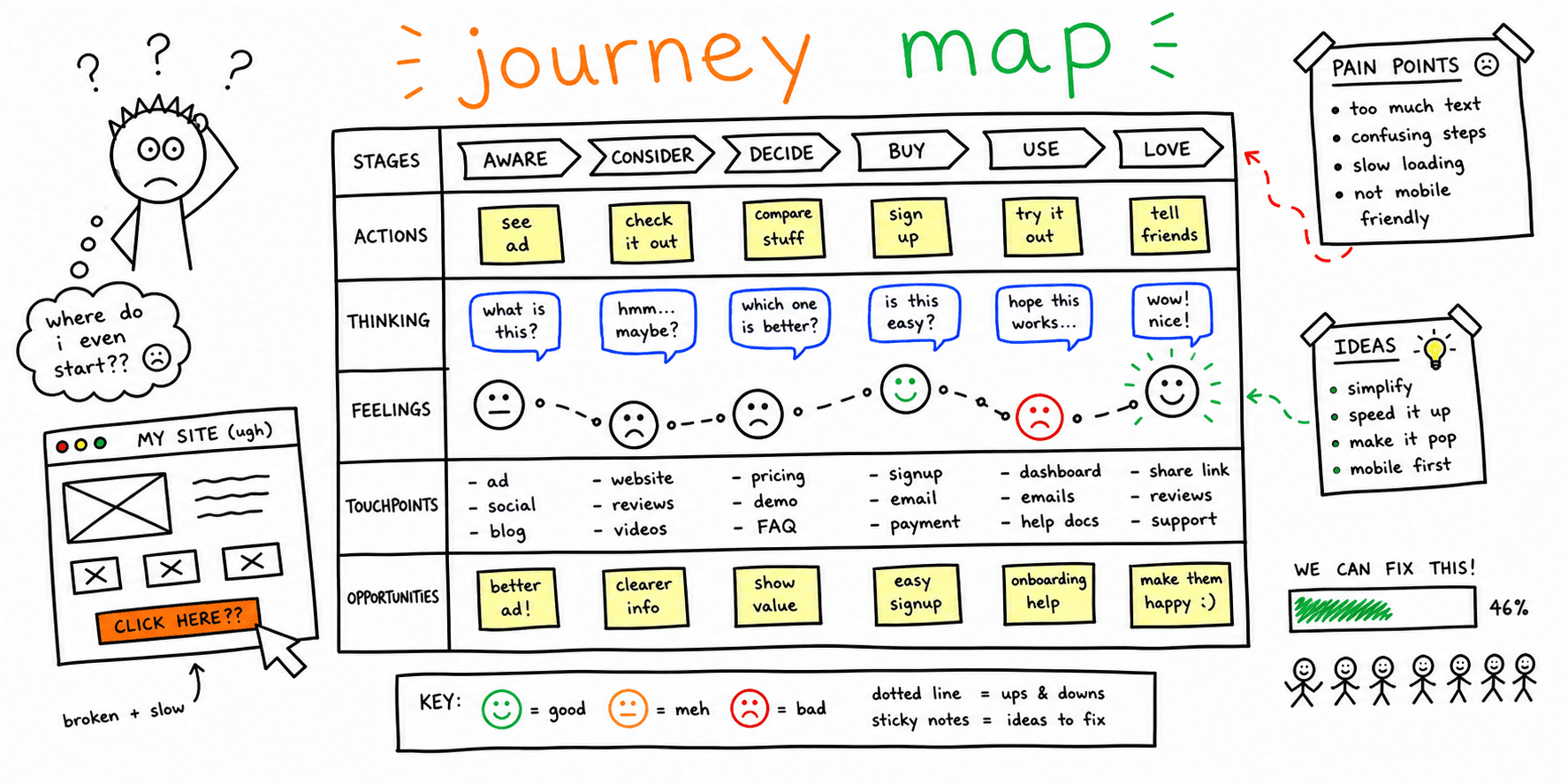
Run the full session with the user interview template. After the interviews, test real behavior with the usability testing template and the guide on how to conduct usability testing. Use the website feedback survey template when you need answers from more people than you can interview. To place the answers on the steps of a journey, use the user journey mapping template. When the interviews point to problems on a page, check its UX with a website UX audit and its copy with a website content analysis.