Jera Value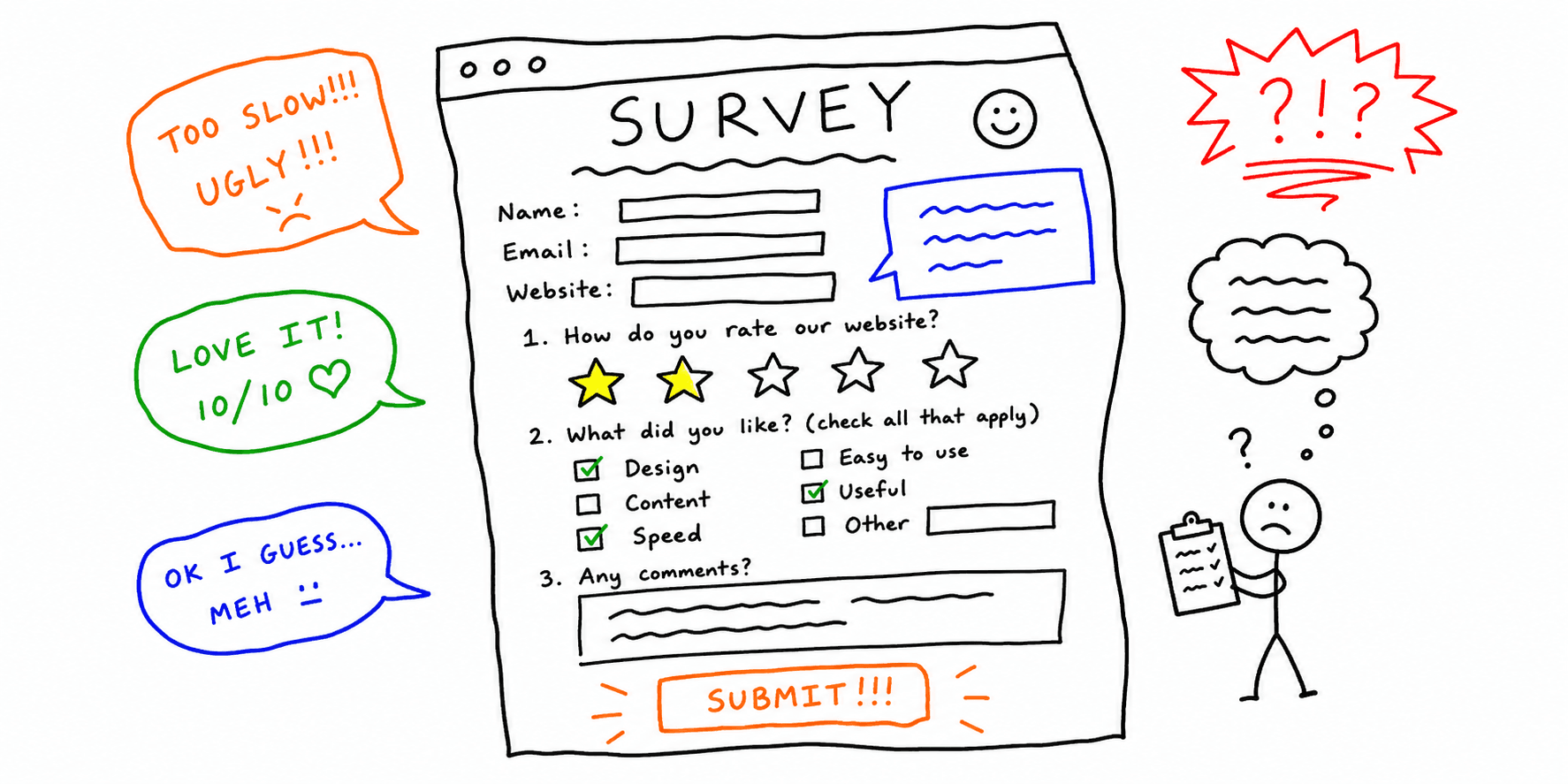

A feedback survey only helps if it produces issues your team can actually fix.
This guide gives you both:
- A website feedback survey template for quick satisfaction + friction checks
- A website feedback form template for longer, actionable comments
- Proven website survey questions you can reuse across key page types
- Practical website survey examples you can launch in minutes
- A practical rollout workflow so feedback turns into shipped fixes
If you want an AI-prioritized action list alongside survey responses, run a page through Feedback for a Website and Website Checker.
Use survey insights to inform your usability testing template and website UX checklist.
References for this guide are listed at the end.
Website feedback survey vs website feedback form
Use a survey when you need fast, structured responses. Use a feedback form when you need detailed context and suggestions.
| Format | Best use case | Typical length | Output type |
|---|---|---|---|
| Survey | Pulse-checking friction across key pages | 3 to 6 questions | Scored + short text |
| Feedback form | Collecting concrete complaints, bugs, and ideas | 6 to 12 fields | Detailed free text |
Website feedback form template (copy/paste)
Use this feedback form template for website pages where users are likely to hit friction (pricing, checkout, signup, docs).
Form title
Help us improve this page
Form fields
What were you trying to do today?(short text)Did this page help you complete that task?(yes / partly / no)Where did you get stuck?(dropdown: navigation, content, trust, speed, mobile, bug)What happened?(long text)How severe was this issue?(minor / blocks decision / blocks task)Device used(desktop / mobile / tablet)Browser(optional)Email for follow-up(optional)
Submit message
Thanks. We review feedback weekly and prioritize the most repeated blockers first.
Routing rules
- Route
blocks taskissues directly to product/engineering owners. - Route
contentissues to marketing/content teams. - Group responses by page type so you can find repeated patterns fast.
Website feedback survey template (copy/paste)
Use this survey when you need quick directional insight from more users.
Survey intro
Thanks for visiting. This 45-second survey helps us improve this page.
Core survey questions
- What were you hoping to do on this page?
- Did you complete it? (yes / no / partly)
- How easy was this page to use? (1-5)
- How clear was the content? (1-5)
- What nearly stopped you from continuing?
- What should we fix first?
Website survey questions and examples (copy/paste)
Use these website survey questions when you need page-specific insight instead of generic comments.
If you need wording examples first, review website feedback examples. If you want AI-assisted prioritization after collection, run responses through Feedback for a Website and Website Content Analysis.
Website survey example: homepage clarity
- In your own words, what do we offer?
- How clear was the headline? (1-5)
- What key info felt missing before you could trust this page?
- What should we improve first?
Website survey example: pricing page confidence
- Which plan were you considering?
- What stopped you from choosing a plan today?
- Which detail was missing? (features, limits, integrations, support, contract)
- What one clarification would help you decide faster?
Website survey example: signup and checkout flow
- Which step felt hardest?
- Did anything slow you down? (form length, unclear labels, trust concern, performance)
- Did you finish signup/checkout? (yes / no / partly)
- What one fix would most improve this flow?
Website survey example: blog and docs usefulness
- Did this page answer your main question? (yes / partly / no)
- Which section was most useful?
- Which section was unclear or missing?
- What should we add so you do not need another tab?
Use these blocks with your usability testing template and how to conduct usability testing workflow so you can validate top issues before shipping fixes.
Exit-intent mini version
- What were you looking for?
- Did you find it? (yes / no)
- What should we improve first?
Question bank by audit goal
Navigation and usability
- Which part of the page was hardest to use?
- Did any link, button, or menu behave unexpectedly?
- What would make navigation easier right now?
Content clarity
- What information was missing?
- Which sentence or section felt confusing?
- What would make this page more trustworthy?
Conversion blockers
- What almost stopped you from signing up or buying?
- Which concern is still unresolved?
- What answer did you expect before deciding?
Mobile and performance
- Was anything difficult on your phone?
- Did any section load too slowly?
- Did layout shifts or popups interrupt your flow?
Placement and timing rules that increase response quality
- Show surveys after a user spends at least 25 to 40 seconds on page.
- Trigger exit-intent only on high-value pages (pricing, signup, checkout).
- Keep one active survey per session to avoid fatigue.
- Run form-only collection on support/docs pages where feedback is detailed.
Response tagging model (so feedback becomes backlog-ready)
Tag each response before analysis:
page_type: homepage, pricing, signup, checkout, blog, docsissue_type: navigation, clarity, trust, speed, mobile, bugseverity: low, medium, highfunnel_stage: discover, evaluate, decide, purchase
This makes it easier to connect feedback to fixes in your website usability checklist and website feedback tools workflow.
7-day rollout plan
Day 1-2
- Pick 2 to 3 pages with clear business impact.
- Choose one success metric per page (completion rate, CTA clicks, bounce).
Day 3-4
- Launch the survey template.
- Add the feedback form template on at least one high-friction page.
Day 5-6
- Review responses daily.
- Tag and group recurring blockers by issue type and severity.
Day 7
- Ship 2 to 3 high-severity fixes.
- Re-check the same pages with website feedback examples criteria to improve feedback quality.
Tips for higher response rates
- Keep surveys under 2 minutes
- Ask only what you will act on
- Avoid jargon and internal terms
- Use one open-ended question at the end
- Tell users how often responses are reviewed
FAQ
How long should a website feedback form template be?
For most sites, 6 to 8 fields is enough. Longer forms reduce completion unless users are highly motivated.
Should I run both a survey and a feedback form?
Yes, if you separate purpose: surveys for trend data, forms for context-rich problems and ideas.
How long should a website feedback survey be?
Short surveys perform best. Start with 3 to 6 questions and expand only if needed.
What is the difference between website survey examples and website feedback examples?
Survey examples are structured question sets for collection. Feedback examples show what good and bad responses look like after collection.
Use this page for copy/paste survey blocks, then review Website Feedback Examples to train teams on response quality.
Can I reuse the same survey across pages?
You can reuse the core questions, but add 1 to 2 page-specific questions for better insights.
Are templates customizable?
Yes. Survey templates are designed to be edited so they fit your brand and goals.
References
- SurveyMonkey — Website Feedback Survey Template
- ConvertFlow — Website Survey Examples Templates
- Lyssna — Website Feedback Survey
- SurveySparrow — Website Feedback Survey Questions
- Sogolytics — Website Feedback Survey