Jera Value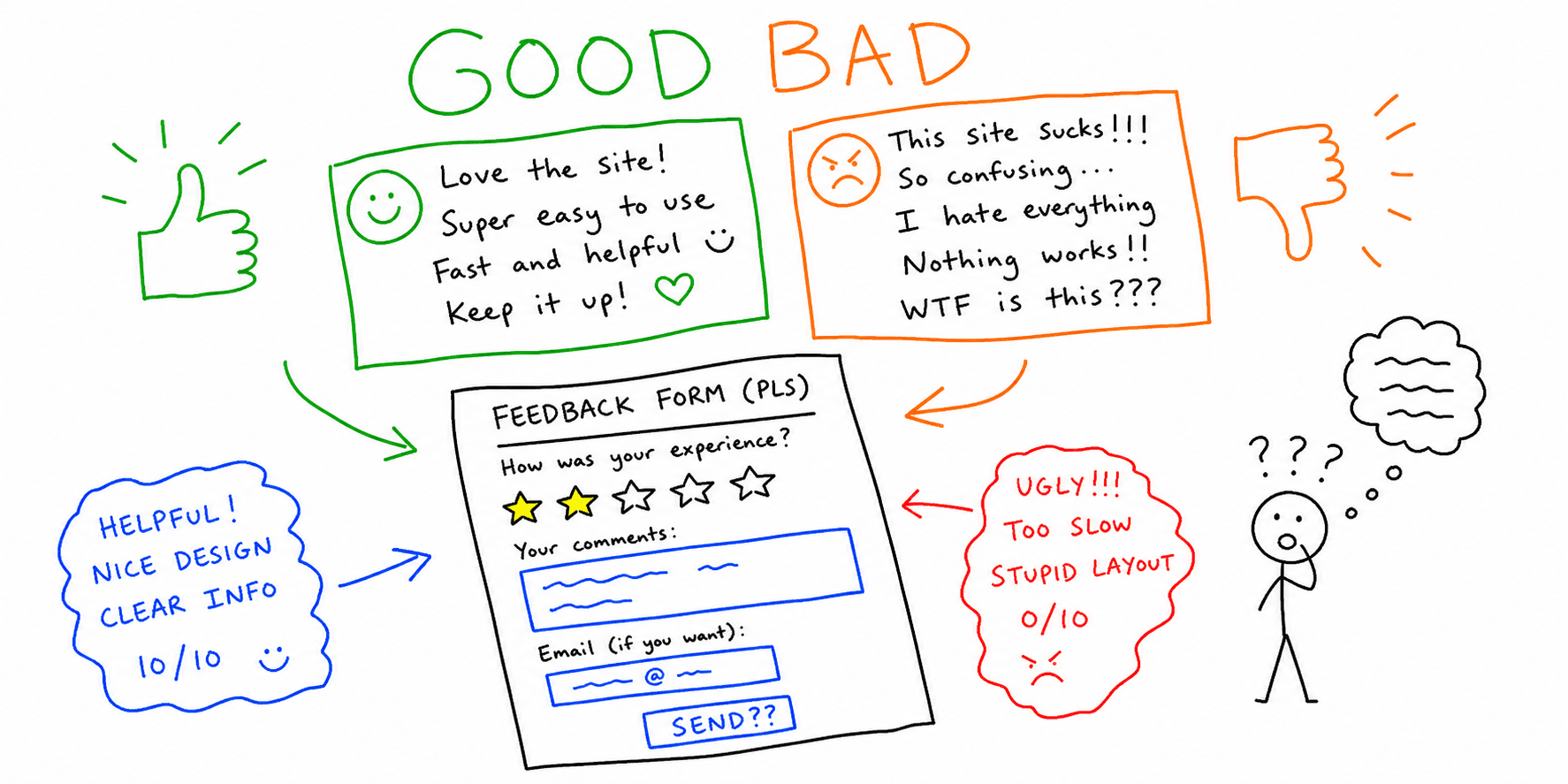

Website feedback examples only help if they lead to clear fixes.
This guide gives you:
- Bad-to-good feedback rewrites you can reuse with your team
- Copy/paste website feedback form examples by page type
- A quick triage workflow to turn comments into a prioritized backlog
Need a complete template instead of examples? Start with the Website Feedback Survey Template. Need a prioritized issue list per page? Use Feedback for a Website and Website Checker.
Examples vs templates vs tools
| If you need to... | Use this | Best starting point |
|---|---|---|
| Learn what "good feedback" looks like | Examples | This page |
| Collect consistent responses from users | Template | Website Feedback Survey Template |
| Prioritize fixes by impact, severity, and effort | Tooling | Website Feedback Tools |
If your intent is "website feedback form examples," stay on this page. If your intent is "website feedback form template," jump to the template guide above.
Website feedback examples: bad vs actionable
Use this formula for any feedback you collect:
Page + user goal + observed friction + impact + suggested fix
1. Homepage clarity
Bad:
"The homepage feels off."
Actionable:
"On homepage hero, I could not tell what the product does in under 5 seconds. Add a one-line value proposition above the primary CTA."
2. Pricing trust
Bad:
"Pricing is weird."
Actionable:
"On /pricing, annual savings are shown only in small text below the fold. Repeat savings near each plan card and add a billing toggle tooltip."
3. Navigation findability
Bad:
"Navigation is bad."
Actionable:
"From blog pages, I could not find the audit product page in one click. Add a primary nav link to /landing/website-checker and a contextual CTA in the sidebar."
4. Checkout friction on mobile
Bad:
"Checkout is confusing and slow."
Actionable:
"On mobile checkout, there are six required fields before payment and no progress cue. Split into two steps and enable address autofill."
5. Form error recovery
Bad:
"Contact form does not work."
Actionable:
"When email is invalid on /contact, the error only says 'invalid'. Show the expected format and keep user input after validation fails."
6. Page speed and interaction delay
Bad:
"This page is slow."
Actionable:
"On /landing/website-ux-audit, first interaction is delayed after hero loads on 4G mobile. Compress hero image and defer non-critical scripts."
7. Comparison-page decision support
Bad:
"I need more details before deciding."
Actionable:
"On the alternatives page, there is no side-by-side feature comparison. Add a concise comparison table and proof points for top objections."
8. Documentation search quality
Bad:
"Docs are hard to use."
Actionable:
"In docs search, query results prioritize old pages and omit setup steps. Re-rank by recency + task completion relevance, and surface quick links in zero-results state."
Website feedback form examples (copy/paste)
These website feedback form examples are designed for high-value pages where generic comments are not enough.
Example 1: Homepage clarity form
- What were you trying to understand on this page?
- Was the value proposition clear in the first few seconds? (yes/partly/no)
- What was unclear or missing?
- What would have made this page clearer immediately?
Example 2: Pricing hesitation form
- Which plan were you considering?
- What stopped you from choosing it today?
- Which detail was missing? (features, limits, integrations, contract, support, trust)
- What answer did you expect before deciding?
Example 3: Checkout blocker form
- Which step did you leave?
- What issue occurred? (field error, payment error, trust concern, unexpected cost, speed)
- Did this block your purchase? (yes/partly/no)
- Device + browser
- Optional screenshot URL
Example 4: Docs or support page form
- What task were you trying to complete?
- Did you find the exact instruction you needed?
- Which term did you search?
- What should this page include to solve your task?
Example 5: Post-purchase feedback form
- What almost stopped you from buying?
- Which page influenced your final decision most?
- What one thing should we improve first?
If you want the full field-level structure and rollout timing, use this Website Feedback Form Template.
Convert feedback into fixes in 15 minutes
- Tag every response by
page_type,issue_type, andseverity. - Merge duplicates that describe the same blocker.
- Rewrite each cluster into one fix-ready statement using the formula above.
- Prioritize by impact on signups, purchases, or lead quality.
- Validate top fixes using How to Conduct Usability Testing and the Usability Testing Template.
For broader quality checks after feedback-driven updates, run the Website Usability Checklist, Website UX Audit, and Website Content Analysis.
FAQ
Is "website feedback form examples" different from "website feedback examples"?
Yes. "Website feedback examples" is broader and includes comment quality examples. "Website feedback form examples" usually means specific question sets and field structures for collection.
How many questions should a website feedback form example include?
For high completion, keep it to 3 to 5 core questions plus one optional context field (device/browser or screenshot link).
Should examples include both positive and negative feedback?
Yes. Positive feedback reveals what to preserve, while negative feedback identifies what to fix first.