Jera Value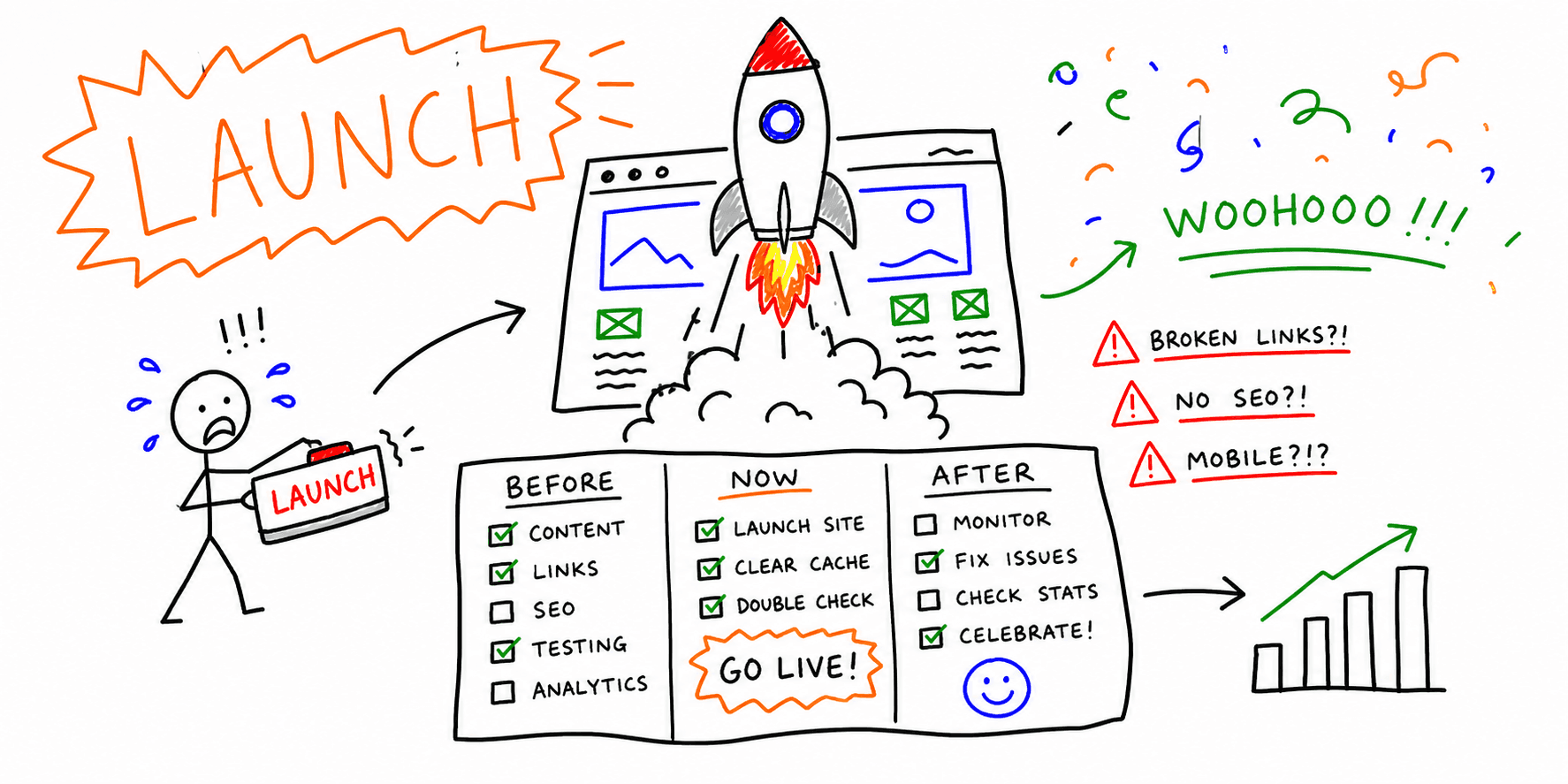

A website launch checklist should do more than list random tasks. It should help your team make launch decisions fast, assign owners, and prove nothing critical broke.
This guide gives you a launch website checklist split into three phases:
- pre-launch (staging)
- go-live window (production cutover)
- post-launch monitoring (first 2 to 4 weeks)
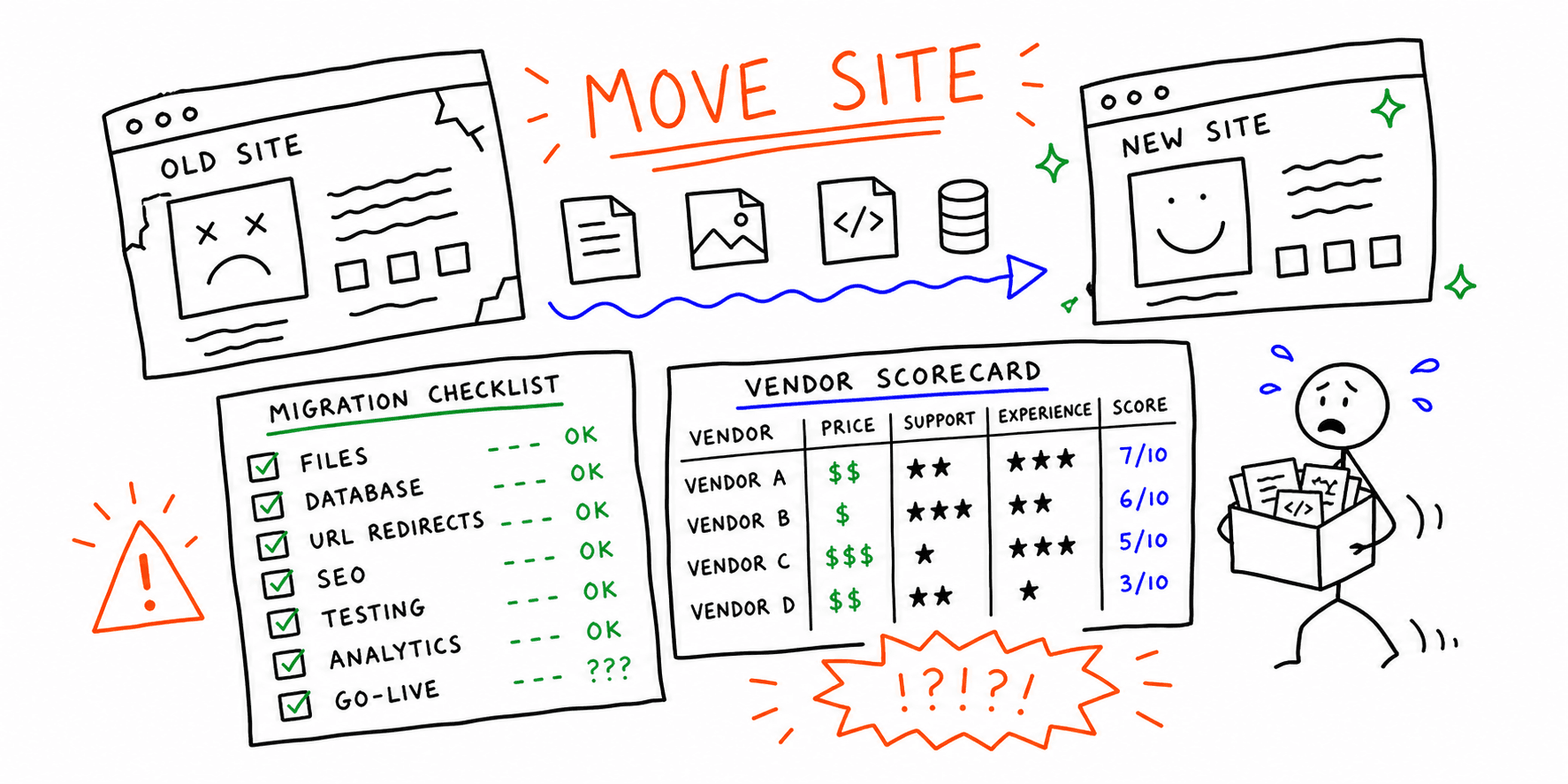
If you are shipping a redesign or migration, use the dedicated website relaunch checklist section below before and after cutover.
Need a quick baseline before release? Run the Website Audit Tool and Technical Website Audit on your top revenue pages first.
Website launch checklist template (copy/paste)
Use this format in your PM tool or spreadsheet:
| Task | Owner | Phase | Done | Evidence |
|---|---|---|---|---|
| Redirect map tested | SEO lead | Pre-launch | [ ] | Crawl export + 404 report |
| GA4 purchase event verified | Analyst | Go-live | [ ] | Realtime + debug screenshot |
| CWV regression check complete | Dev | Post-launch | [ ] | PSI/Lighthouse links |
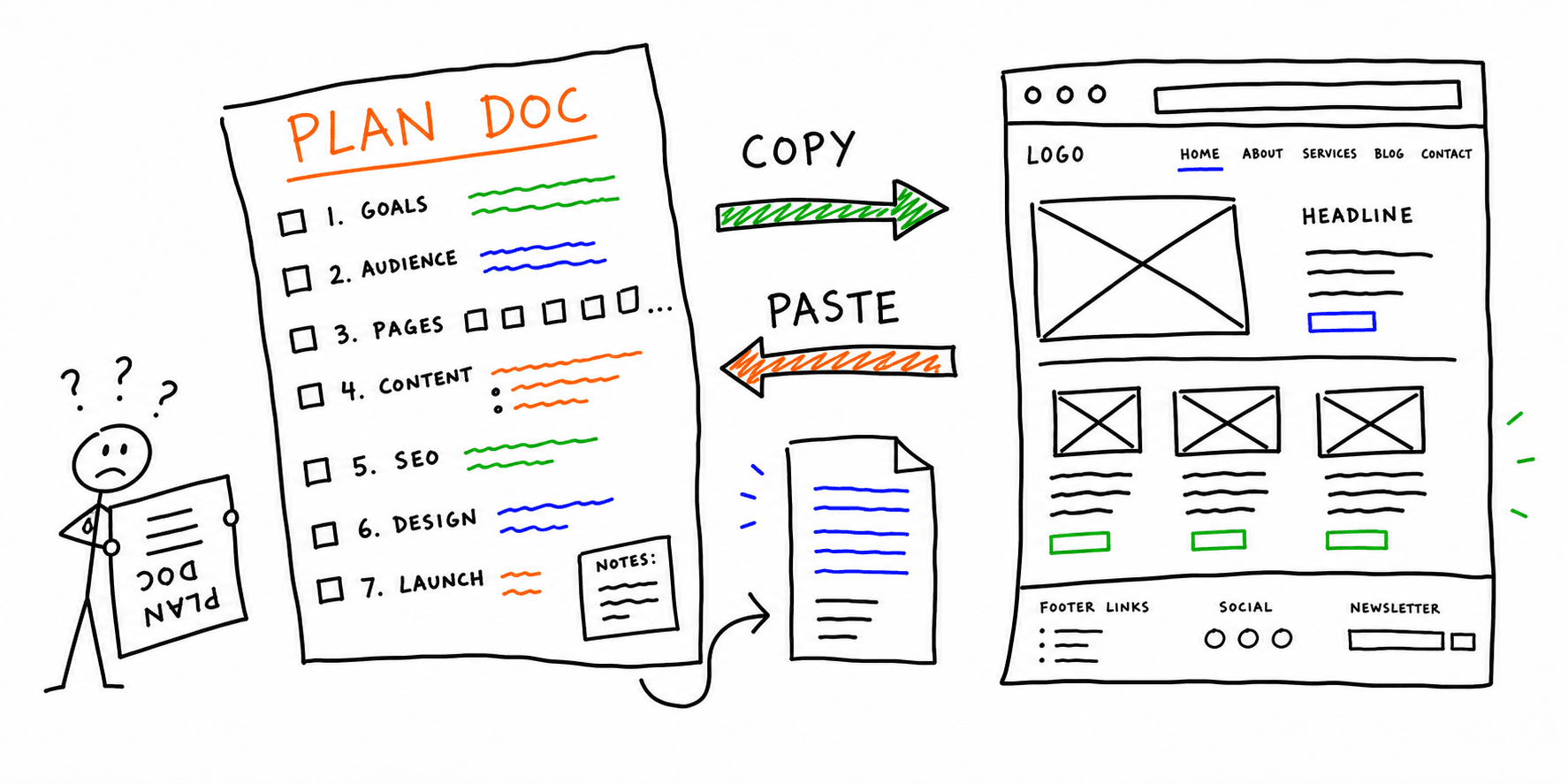
If you need a broader planning artifact, pair this with the Website Planning Template.
Website pre launch checklist (staging)
1) Information architecture, URLs, and redirects
- Final content locked and approved
- Old-to-new URL map completed (no orphan high-traffic URLs)
- 301 redirects tested for every changed or removed page
- Canonical tags reviewed on templates (no cross-canonical mistakes)
- XML sitemap generated from production URLs only
robots.txtallows intended pages and blocks staging paths
Migration-heavy launch? Cross-check with this Website Migration Service checklist.
2) On-page SEO and indexability
- Title tags and H1s finalized on priority pages
- Meta descriptions rewritten for CTR (not copied from old site)
- Open Graph/Twitter metadata set for core pages
- Internal links updated (no staging URLs, no legacy dead links)
- Schema markup validated for key templates
Need a deeper review before launch day? Use the SEO On-Page Analysis page and the Website SEO Audit Checklist.
3) Analytics, conversion tracking, and forms
- GA4/analytics tags fire on all templates
- Conversion events mapped to business KPIs (lead, trial, purchase)
- Thank-you pages and event parameters verified
- CRM and form routing tested with real test submissions
- Consent banner behavior validated by region/device
4) UX, accessibility, and performance gates
- Primary user flows tested end-to-end (desktop + mobile)
- Keyboard navigation and form focus states verified
- Color contrast and heading hierarchy checked
- Largest pages tested for mobile speed and CWV
- Hero images compressed and lazy loading configured correctly
Add a second QA pass with Website QA Checklist, Website Checker, and Core Web Vitals Test.
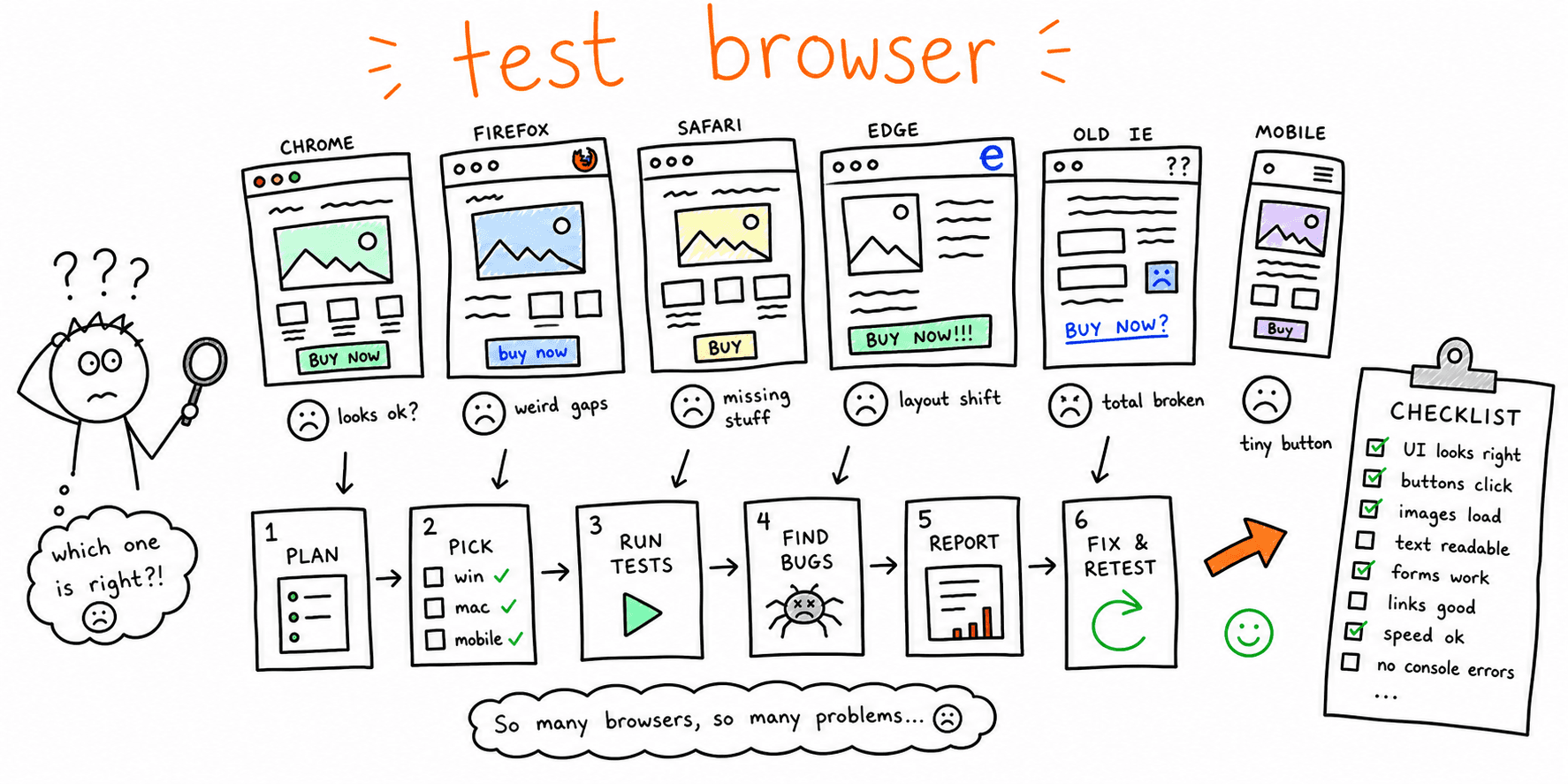
Before sign-off, run a web browser test online and use this checklist to check website on different browsers for the top launch templates.
Website relaunch checklist (for redesigns and migrations)
Use this when you are replacing an existing site, not launching from zero. Relaunches usually fail on parity gaps: missing URLs, broken tracking, or changed templates with weaker internal linking.
1) Baseline before content freeze
- Export top organic landing pages (sessions, conversions, assisted revenue)
- Snapshot top queries and pages from Search Console for 90 days
- Crawl the live site and save title/H1/indexability baseline
- Map old templates to new templates (page type parity)
- Flag pages that must preserve rankings (high-intent pages only)
2) Cutover controls during relaunch
- Validate 1:1 redirect coverage for all changed URLs
- Confirm canonical tags point to final URLs (not staging/parameter variants)
- Verify nav and footer links route to new equivalents (no legacy dead ends)
- Re-submit XML sitemap after deploy and check
lastmodfreshness - Smoke-test top conversion flows from top organic landing pages
3) First 14 days after relaunch
- Compare top 20 pages against baseline (traffic + conversion deltas)
- Triage ranking drops by page type and query intent
- Patch missing internal links on underperforming templates
- Monitor 404 growth and repair redirect gaps daily
- Document relaunch debt and assign owners with due dates
For deeper prep, pair this section with Website Redesign Requirements, Website Redesign Strategy, and Website Migration Service.
Website go live checklist (launch window)
- DNS switched and SSL chain valid
- Cache/CDN invalidated after deploy
- Redirects and canonicals spot-checked on top pages
- Analytics + ad pixels validated in realtime mode
- Revenue-critical flows tested again in production
- Search Console sitemap submitted/re-submitted
- Error logging and uptime alerts confirmed active
Tip: Run this phase as a 60 to 120-minute command center with one owner for SEO, one for analytics, and one for engineering.
Post-launch checklist (first 2 to 4 weeks)
First 24 hours
- Monitor 404 and 5xx error logs every few hours
- Fix missing redirects and broken internal links immediately
- Validate indexed URL patterns in Search Console
First 7 days
- Compare organic sessions vs pre-launch baseline
- Track conversion rate and funnel drop-off by device
- Re-test template pages after bug-fix deploys
Weeks 2 to 4
- Review query-level changes (winners/losers by page type)
- Expand internal links to newly published priority pages
- Build a maintenance queue for unresolved launch debt
After stabilization, roll into a recurring Website Maintenance Checklist and Site Health Check.
Common launch failures this checklist prevents
- Redirect chains that waste crawl budget
- Missing analytics events that hide conversion drops
- Mobile performance regressions after launch-day image swaps
- Forms that submit but fail CRM routing
- Internal links that still point to removed legacy URLs
Related resources
- Website Planning Template (Word)
- Website Redesign Requirements
- Website Migration Service
- Website Maintenance Checklist
- Technical Website Audit
Final thoughts
A strong website launch checklist turns launch chaos into a controlled process. Treat launch as a 30-day operating window, not a single deploy, and you will protect rankings, tracking, and revenue.