Jera Value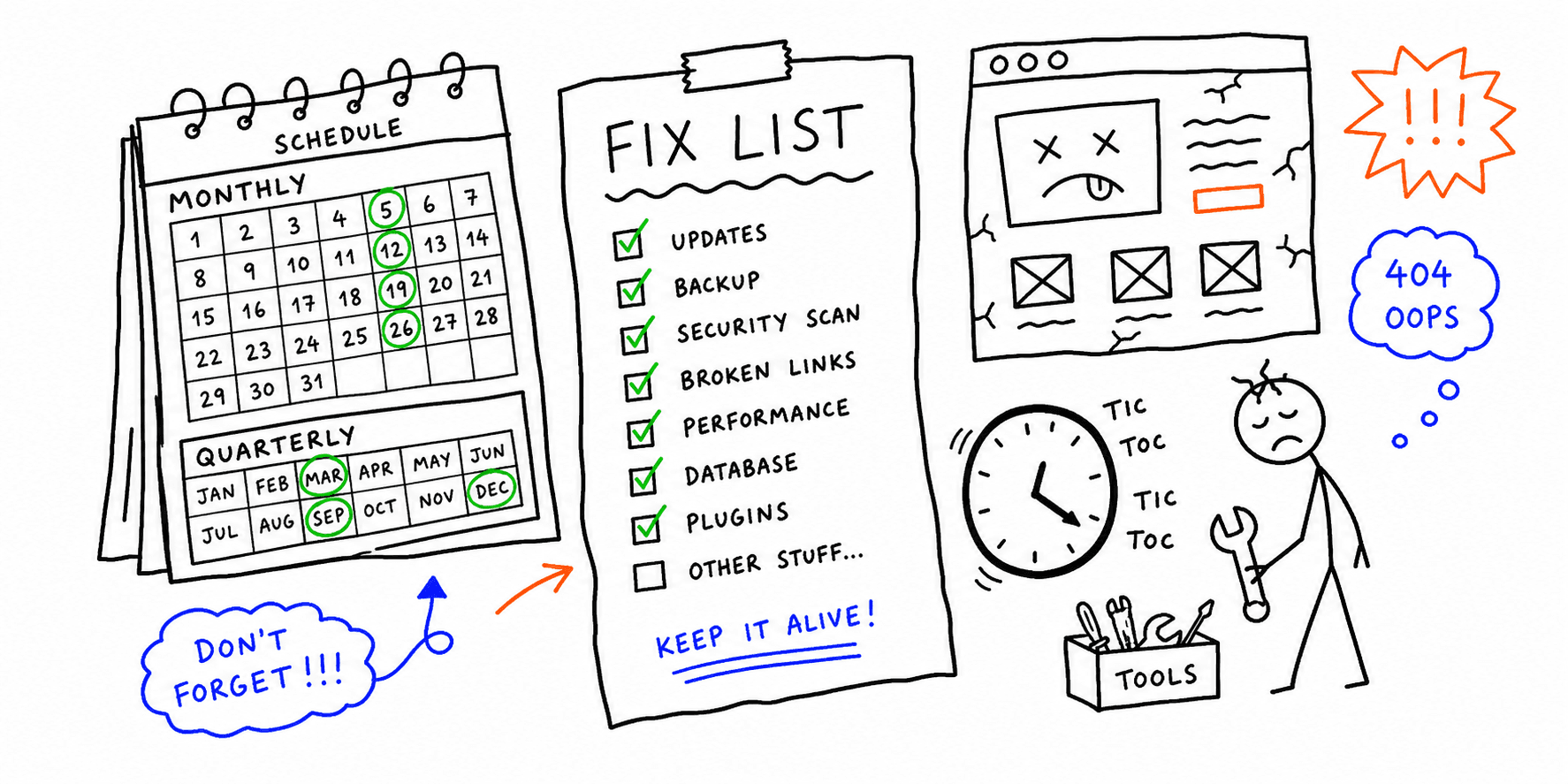

A website maintenance checklist helps you prevent broken pages, security issues, and slow performance. Use the template below if you need a repeatable monthly website maintenance checklist your team can run without guessing.
Need a fast baseline? Run the site health check, website checker, or technical website audit.
Website maintenance checklist template (copy/paste)
Use this template in Notion, Google Sheets, or your ticketing tool:
| Task area | Frequency | Owner | Pass criteria | Tool / report |
|---|---|---|---|---|
| Uptime and errors | Weekly | Developer | No unresolved 5xx/critical errors | Host monitor + error logs |
| Conversion path QA | Weekly | Growth / QA | Forms, checkout, signup, and demo flows all pass | Manual smoke test |
| Core updates | Monthly | Developer | CMS, plugin, and theme updates applied on schedule | Changelog + staging |
| Security checks | Monthly | Developer | Backup restore tested; no critical vuln left open | Security scanner + backup logs |
| SEO hygiene | Monthly | SEO | Broken links fixed; indexability issues triaged | SEO on-page analysis |
| Performance review | Monthly | Developer/SEO | Core pages meet speed targets | Core Web Vitals test |
| Tracking validation | Monthly | Analytics | Key events and conversions firing correctly | Tag manager + analytics |
| UX friction audit | Quarterly | Product/UX | Top journey blockers identified and prioritized | website UX audit |
| Content freshness review | Quarterly | Content owner | Outdated claims/screenshots updated on key pages | CMS + page inventory |
Monthly website maintenance checklist (execution order)
- Check uptime/error alerts and fix revenue-impacting issues first.
- Apply CMS/plugin/theme updates on staging, then production.
- Validate forms, checkout, and high-value CTAs on desktop and mobile.
- Run speed/CWV checks for top pages and assign fix owners.
- Crawl for broken links and indexability problems.
- Confirm tracking events and conversion goals are still firing.
- Refresh stale pricing, screenshots, and key offer copy.
This sequence helps you catch high-risk issues before polishing tasks.
Quarterly website maintenance checklist (deep checks)
- Re-audit top landing pages for conversion friction
- Review technical debt (unused plugins/scripts, old redirects)
- Re-test backup/restore path with a real restore drill
- Reassess competitor positioning and page messaging
- Review maintenance KPIs: incidents, MTTR, CWV trend, conversion trend
Checklist vs maintenance plan (avoid overlap)
Use this page for a practical task list and checklist template.
Use the website maintenance plan when you need SLAs, escalation paths, and governance.
If you also need budget and sourcing guidance, pair this with:
Related resources
- Website maintenance plan
- Website maintenance cost
- Website maintenance packages
- Website launch checklist
Final thoughts
A consistent website maintenance checklist template is the easiest way to prevent avoidable issues. Start with the monthly sequence, run the quarterly deep checks, and tighten ownership after each cycle.