Jera Value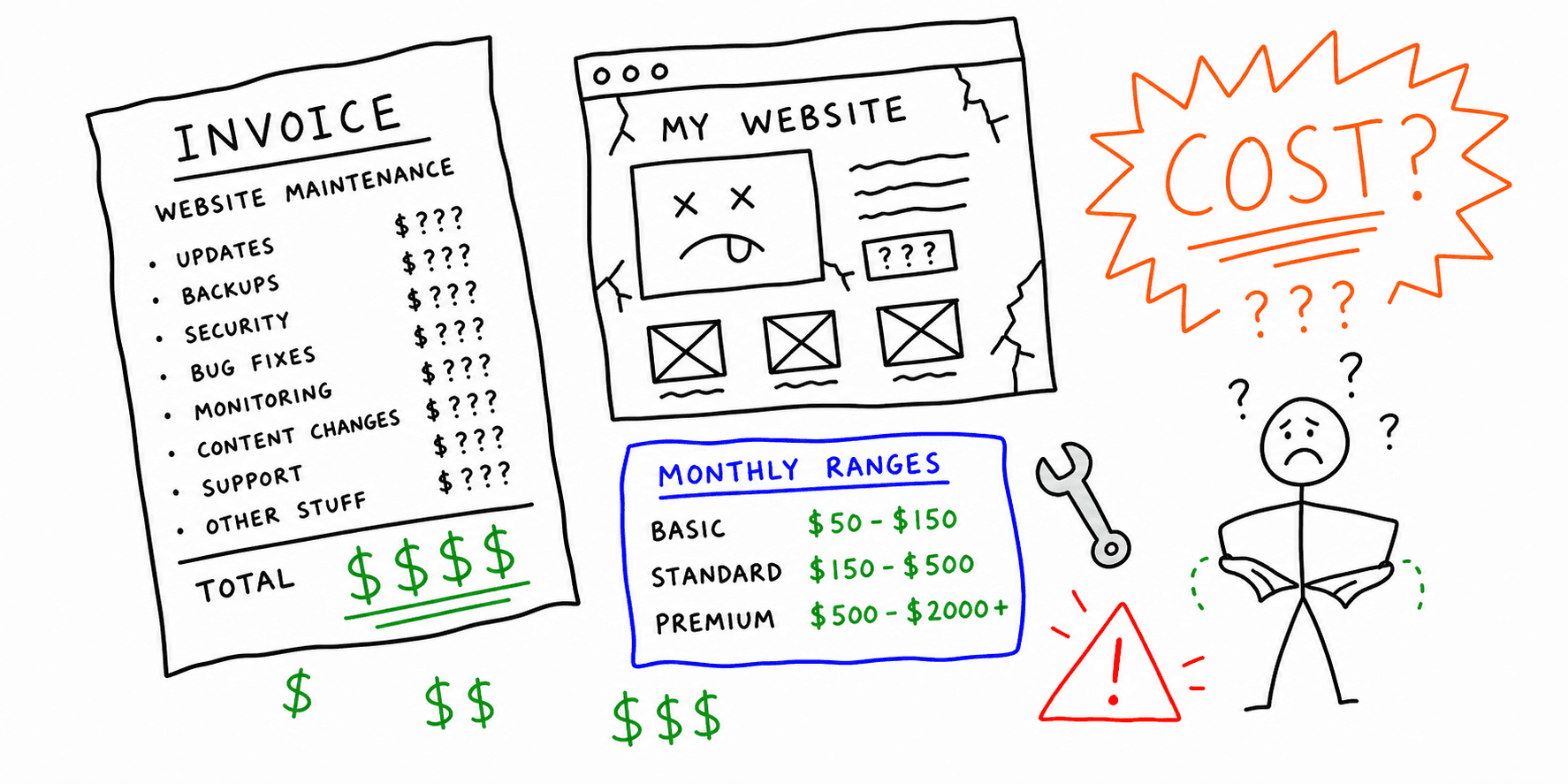

Website maintenance cost depends on site size, complexity, traffic, and risk. If your site drives revenue, maintenance is not optional. This guide breaks down typical website maintenance costs, what is included, and how to estimate a realistic monthly budget.
Need a quick baseline on what is broken today? Start with the website audit tool or a technical website audit.
What is included in website maintenance cost?
A real website maintenance plan usually covers:
- Security updates: CMS, plugins, themes, and patches
- Performance checks: speed, Core Web Vitals, image optimization
- Uptime monitoring: alerts for outages and errors
- Backups and recovery: daily or weekly snapshots
- SEO hygiene: broken links, redirects, metadata fixes
- Analytics checks: tracking health and conversion events
- Content updates: small edits or seasonal changes
Typical website maintenance cost ranges
These are common monthly ranges in USD. Actual costs vary by scope and support level.
| Site type | Typical monthly cost | Notes |
|---|---|---|
| Personal site | $25 to $100 | Basic updates and backups |
| Small business | $150 to $500 | Security, backups, light SEO |
| Ecommerce | $500 to $2,000+ | Catalog updates, performance, QA |
| SaaS or high traffic | $1,000 to $5,000+ | Monitoring, QA, release support |
If you need 24/7 monitoring or rapid response, expect costs at the higher end.
What drives website maintenance cost
- Site size: more pages means more QA and risk.
- Platform: custom stacks cost more than managed platforms.
- Traffic and revenue: higher stakes require stronger monitoring.
- Update frequency: weekly content or product changes increase costs.
- Compliance needs: accessibility or security requirements add scope.
DIY vs agency costs
DIY is fine for low-risk sites. But even one outage or SEO drop can cost more than a year of maintenance.
- DIY: $0 to $200 per month for tools and time
- Freelancer: $150 to $1,000 per month depending on scope
- Agency: $500 to $5,000+ per month for full coverage
How to estimate your website maintenance cost
Use this quick formula:
- List your monthly tasks (updates, backups, monitoring, content)
- Estimate hours by role (dev, designer, SEO, content)
- Apply hourly rates and add 10 to 20 percent buffer
If you want a faster estimate, run a site analysis and identify the fixes likely to repeat every month.
Website maintenance cost checklist
- Security updates scheduled
- Backups verified and tested
- Speed and Core Web Vitals reviewed
- SEO issues logged and prioritized
- Analytics and tracking verified
- Broken links and redirects checked
Related resources
Final thoughts
Website maintenance cost is best viewed as risk insurance and growth support. If your site is important, budget for ongoing maintenance and use a simple checklist to keep everything stable.