Jera Value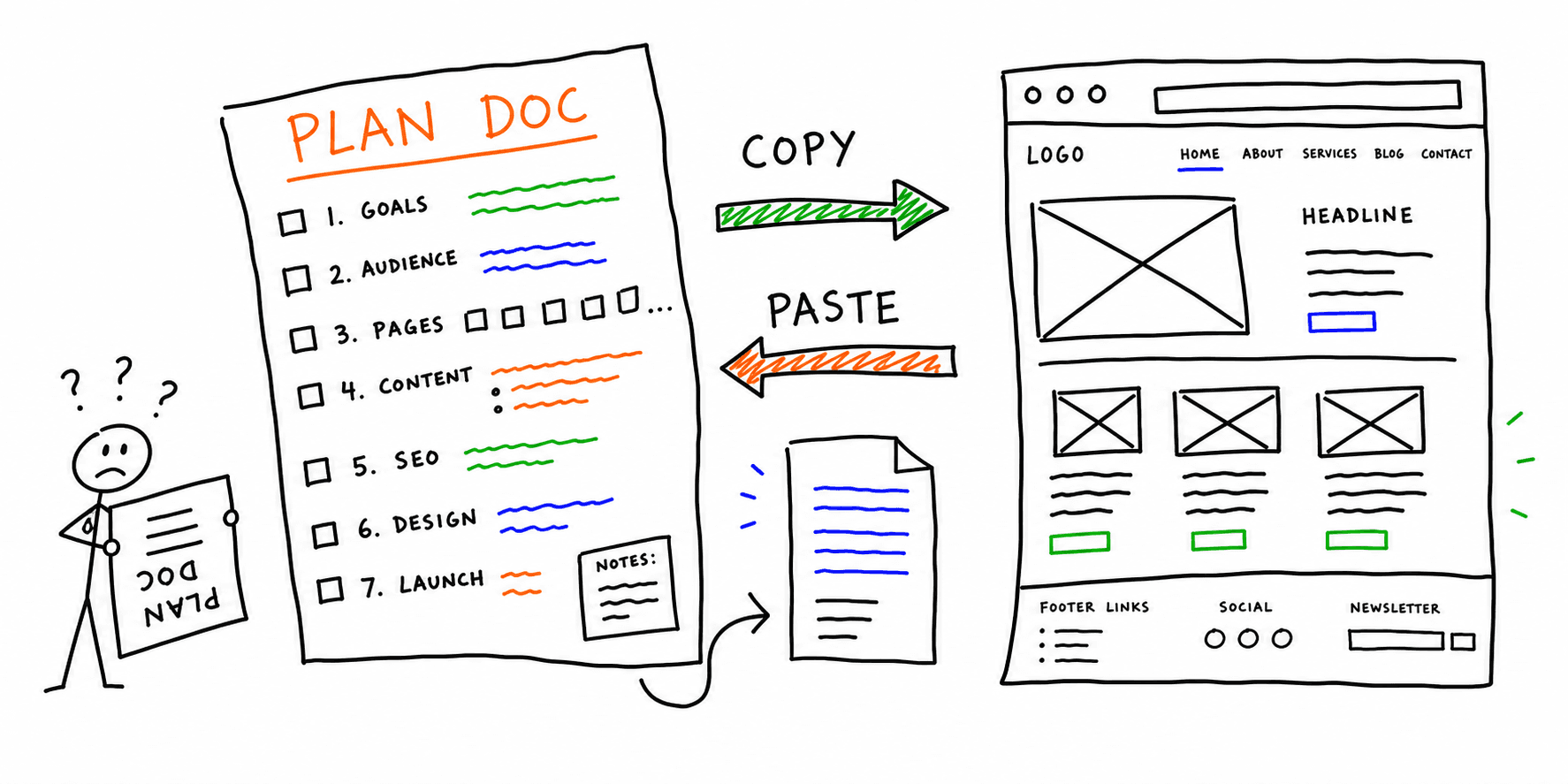

A practical website planning template gives your team one source of truth before design and development begin. It prevents missed pages, vague requirements, and late SEO fixes that slow launch.
This guide includes:
- A copy/paste website plan template
- A more detailed website project plan template section set
- A Word-friendly structure so non-technical stakeholders can collaborate
If you need a baseline before planning, run your current site through the Website Audit Tool and Website UX Audit.
When to use this website planning template
Use this template when you are:
- Building a brand-new marketing site
- Redesigning an existing site with new IA
- Replatforming and changing URL structure
- Launching a new product line or service area
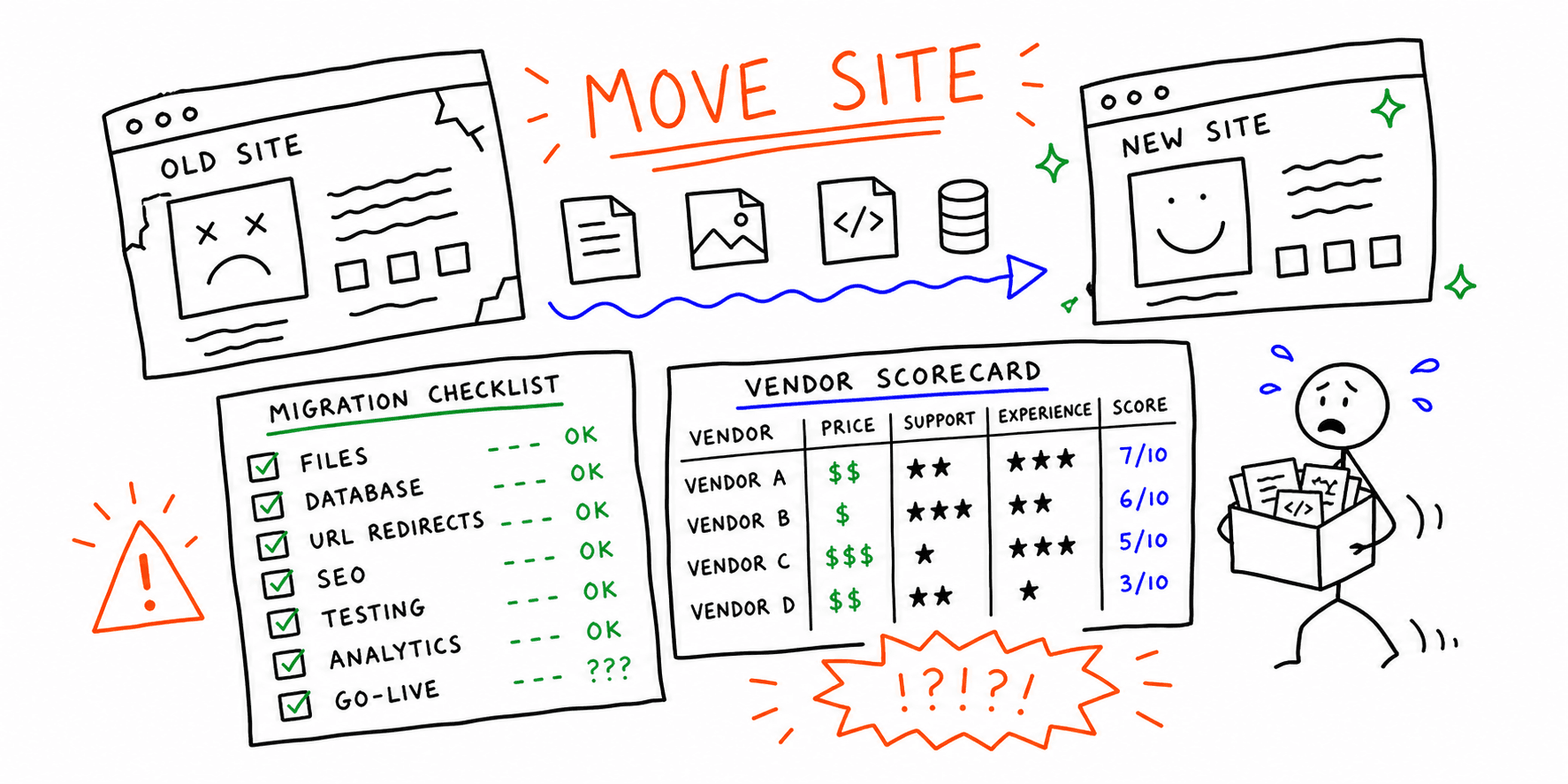
For migration-heavy projects, pair this guide with Website Migration Service: Guide, Checklist, and How to Choose so redirect and indexing workstreams are captured early.
How to use this template in 45 minutes
- Fill sections 1 to 4 with business context and success metrics.
- Draft section 5 (page plan) with URL intent and page owners.
- Add section 6 to 8 requirements (content, UX, technical).
- Confirm section 9 launch and QA responsibilities.
- Review weekly until launch.
If your team already has drafts, start with Website Redesign Requirements: Checklist + Planning Guide and map missing items into this plan.
Website Planning Template (Copy/Paste)
Copy the entire template below into Word, Google Docs, or Notion.
1) Project Overview
- Project name:
- Owner:
- Stakeholders:
- Planned launch date:
- Why this project exists:
2) Business Goals and KPIs
- Primary business goal (e.g., qualified demos, online sales, booked calls):
- Secondary goals (brand trust, support deflection, recruiter pipeline):
- KPI targets:
- Conversion rate target:
- Lead quality target:
- Organic traffic target:
- Core Web Vitals status target:
3) Audience and Messaging
- Primary audience segments:
- Top pains/jobs-to-be-done:
- Key objections to handle:
- Core value proposition:
- Proof assets needed (reviews, case studies, logos):
4) Scope and Constraints
- Included templates/pages:
- Out-of-scope requests:
- Budget range:
- Resourcing limits:
- Compliance or legal constraints:
5) Website Page Plan (URL + Intent)
| Page | Primary intent | Main CTA | Owner | Notes |
|---|---|---|---|---|
| Homepage | Commercial | Start audit / book demo | Marketing | Clarify category + proof |
| Core service page | Commercial | Request proposal | Growth | Match high-intent query cluster |
| Pricing page | Transactional | Start trial / contact sales | Sales | Include qualification criteria |
| Blog hub | Informational | Read guides | Content | Internal links to money pages |
| Contact page | Transactional | Submit form | Ops | Track source + campaign fields |
For better page structure decisions, use Website Wireframe Template: 7 Examples + Copy/Paste Framework.
6) Content Requirements
- Required page outlines:
- Required assets (screenshots, charts, videos):
- Tone and readability rules:
- Internal linking rules:
- Every core page links to one related blog guide.
- Every new blog post links to one relevant landing page.
- SEO on-page basics:
- Unique title and H1 per URL
- Intent-matched meta description
- One clear primary keyword per page
For content audit cleanup before launch, use Content Audit Template: Website Checklist + Spreadsheet.
7) UX and Design Requirements
- Navigation model approved:
- Mobile-first components confirmed:
- Accessibility requirements (WCAG 2.2 baseline):
- Form UX requirements:
- Trust element placement (social proof, guarantees, FAQs):
Use Website UX Checklist: 20 Checks for Clarity and Conversion when reviewing early mockups.
8) Technical Requirements
- Platform/CMS:
- Hosting/CDN:
- Analytics stack:
- Event tracking plan:
- Redirect rules:
- Sitemap and robots strategy:
- Performance guardrails:
- LCP target:
- INP target:
- CLS target:
Before development starts, run the Technical Website Audit and Core Web Vitals Test to set measurable baselines.
9) QA and Launch Readiness
- Pre-launch QA owner:
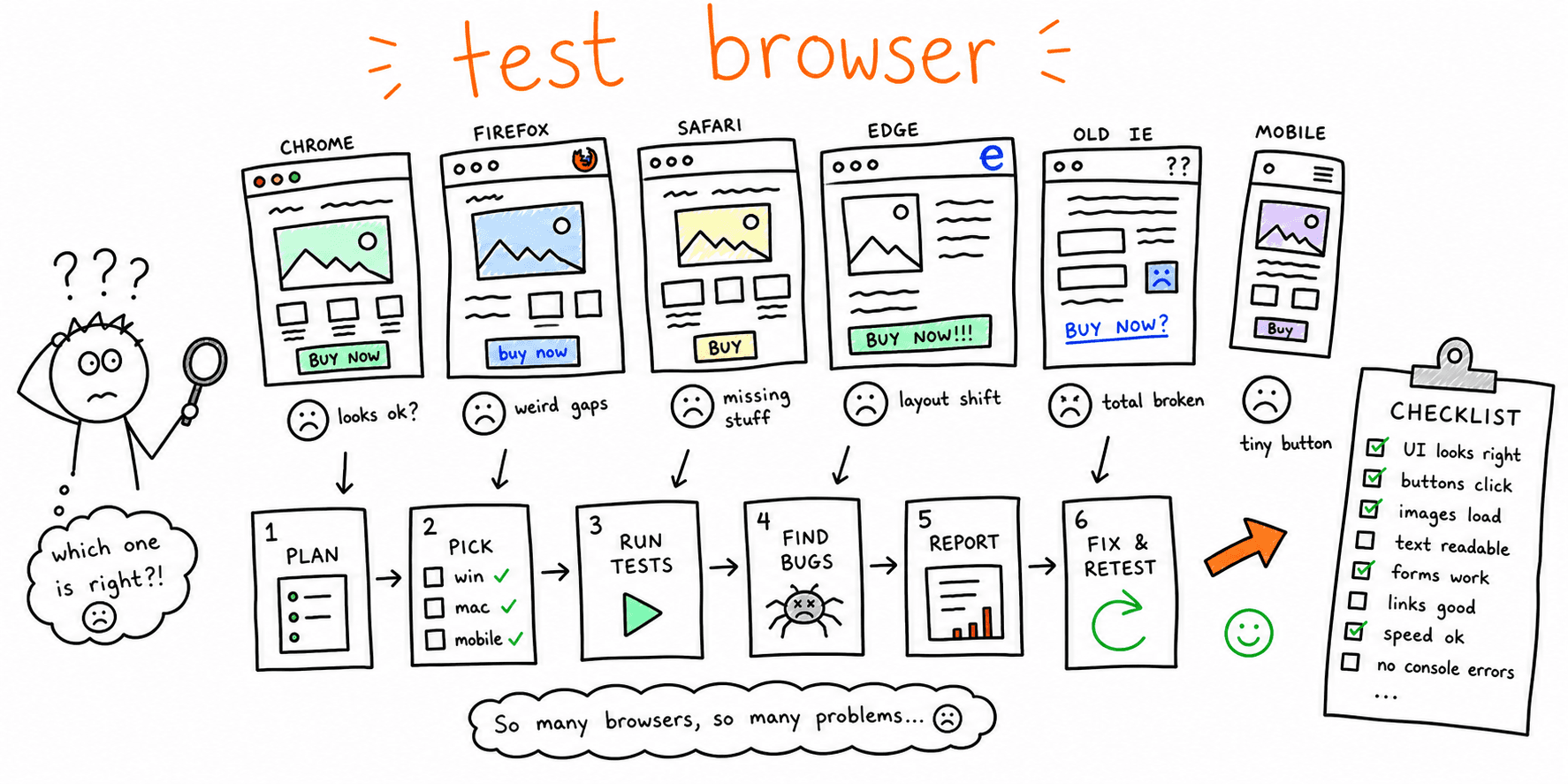
- Browser/device test matrix:
- Form submission and CRM routing tests:
- SEO QA checks:
- Indexability
- Canonicals
- Redirects
- Structured data
- Rollback plan:
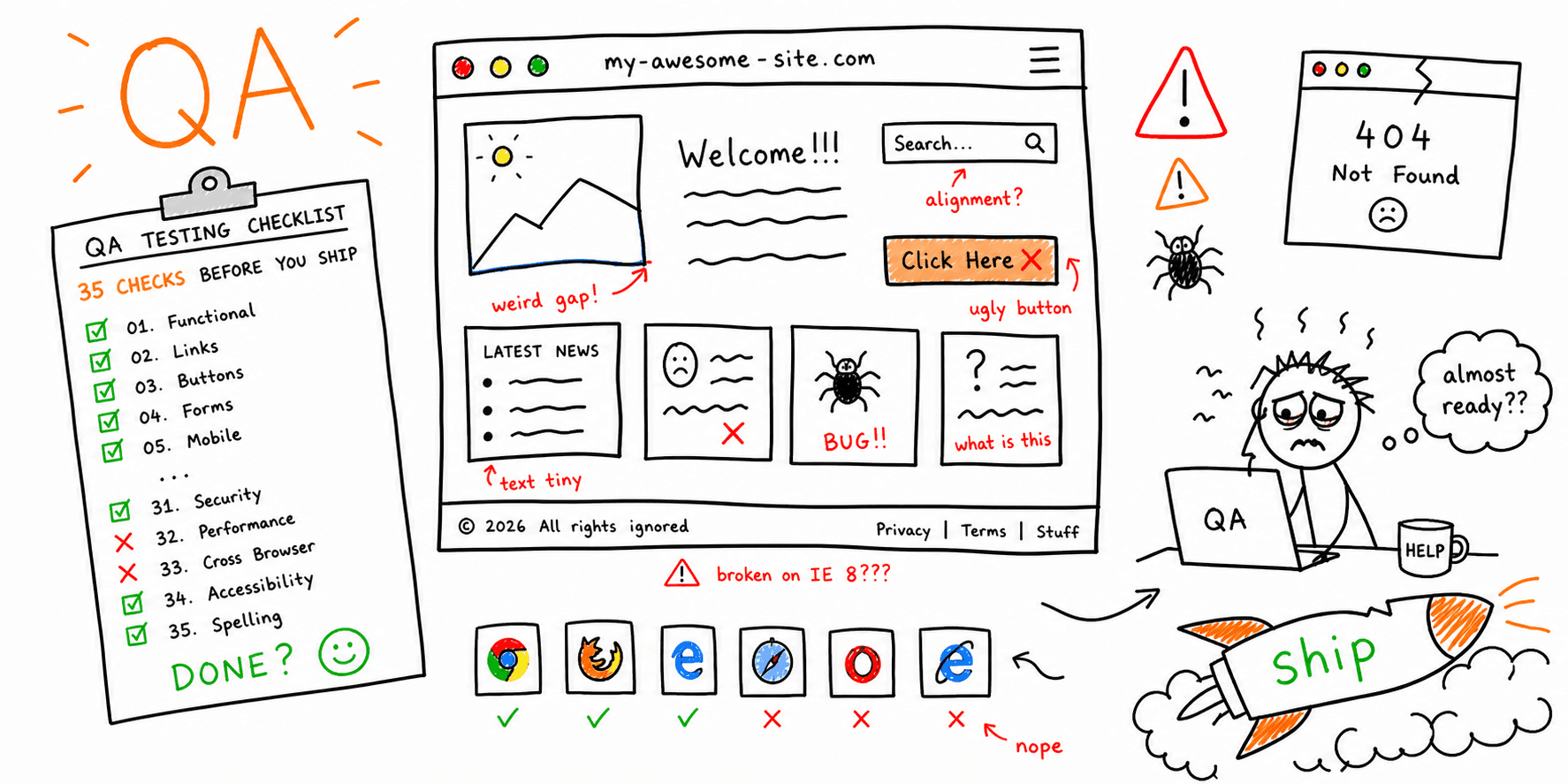
Need a complete QA process? Use Website Quality Assurance Testing Checklist: 35 Checks Before You Ship.
10) 30/60/90-Day Post-Launch Plan
- Day 30: Fix top friction points from analytics/session replays.
- Day 60: Expand internal links and refresh weak pages.
- Day 90: Re-score key templates and compare KPI deltas.
For this review loop, pair How to Do a Website Audit: Checklist + Template + PDF + Sample Report with Website Performance Test.
Website Planning Template for Word: formatting tips
If your team specifically needs a website planning template Word version:
- Use Heading 1 for each major section above.
- Use Heading 2 for sub-sections and checklists.
- Add one status column (
not started,in progress,blocked,done) next to each requirement. - Export a PDF for stakeholder sign-off before build begins.
This keeps the plan easy to review in meetings and easy to track between marketing, design, and engineering.
Common planning mistakes this template prevents
- Starting design before page intent is defined.
- Treating SEO as a post-launch task.
- Missing ownership for launch-critical checks.
- Leaving tracking requirements undocumented.
- Launching without a post-launch optimization window.
FAQ
Is a website planning template different from a website project plan template?
They are close. A website planning template usually focuses on strategy, scope, and page intent. A website project plan template often adds delivery details like timeline, owners, dependencies, and release gates. In practice, one document can include both layers.
Should I create separate templates for marketing and development?
Use one master template and role-specific views. Split docs often create version drift and missed handoffs.
How often should we update the plan?
Weekly during build and twice in the first month after launch.
Final thoughts
The best website planning template is one your team actually uses every week. Keep it simple, assign ownership, and connect it directly to launch QA and post-launch optimization.