Jera Value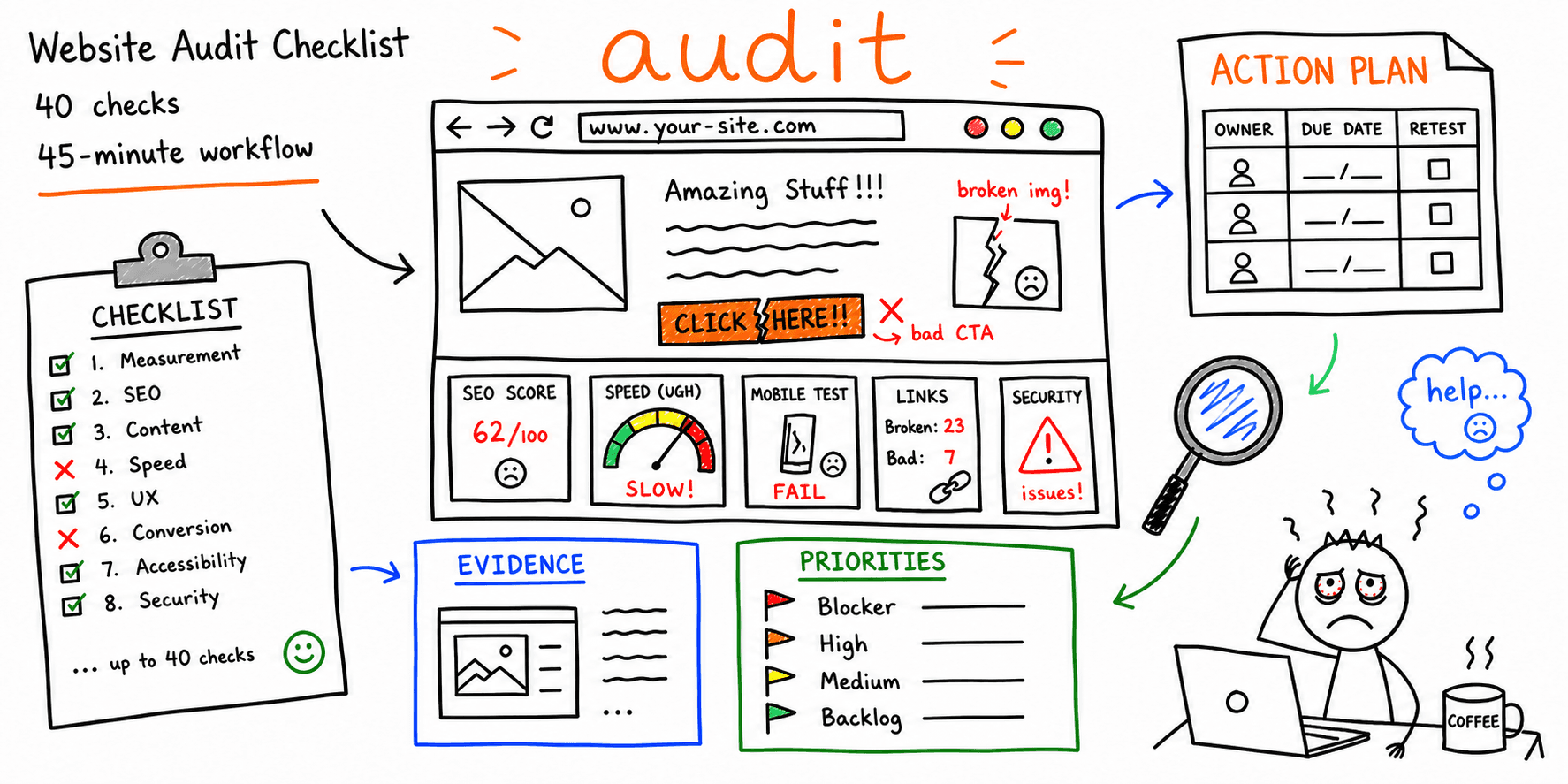

A bad website audit leaves behind a spreadsheet graveyard. It has scores, screenshots, and 83 issues, but nobody knows what to fix on Monday.
A useful audit ends with a much shorter list. Each finding has evidence, an owner, and a date to check the fix. This checklist helps you get there. It covers measurement, search eligibility, content, speed, usability, conversion, accessibility, security basics, and follow-through for a small business or marketing site.
One bias runs through the whole process. Follow the path that makes money first. An unindexable service page matters more than a slightly untidy blog archive.
The 45-minute website audit
Forty-five minutes is enough to find the direction of a problem. It is not enough to declare an entire site healthy. Use the time to inspect one journey and leave with decisions you can act on.
| Time | Review | Leave with |
|---|---|---|
| 0 to 5 minutes | Goal, audience, and scope | One conversion and a list of pages to inspect |
| 5 to 12 minutes | Tracking and search eligibility | Evidence that the pages can be measured, crawled, and indexed |
| 12 to 20 minutes | Message and content | The first unanswered question or unsupported claim |
| 20 to 28 minutes | Mobile UX and accessibility | The first blocked or confusing task |
| 28 to 35 minutes | Performance | Field data or a repeatable lab test |
| 35 to 40 minutes | Conversion and trust | The biggest reason to hesitate before acting |
| 40 to 45 minutes | Priorities | Three fixes with owners and retest dates |
Do not race through every URL. Pick one journey. A sensible first pass includes the homepage, the strongest organic landing page, a product or service page, the conversion page, and the confirmation page.
On a large site, this pass tells you where to spend real investigation time. It may point to a full crawl, an analytics review, an accessibility evaluation, or a security review.
Before you open a tool
Resist the urge to open Lighthouse or a crawler straight away. Write down four things first:
- The audience for this journey.
- The action the site should produce.
- The pages included in the audit.
- The evidence window for analytics and search data.
Vague scope produces useless findings. "Improve the UX" gives the next person nothing to work with. "Mobile visitors cannot see the checkout error because it appears above the viewport" names the visitor, the failure, and the place to reproduce it.
Create a working sheet with these columns:
| URL | Check | Result | Evidence | Priority | Owner | Due | Retest |
|---|---|---|---|---|---|---|---|
/pricing |
Main action works on mobile | Fail | Screen recording | High | Product | YYYY-MM-DD | YYYY-MM-DD |
Use Pass, Fail, Not checked, and Not applicable. Never leave the result blank. Blank cells have a habit of becoming facts when somebody reads the sheet a month later.
1. Goals and measurement
- The journey has one primary conversion.
- The conversion event fires once and carries the correct value.
- Internal visits, test orders, and duplicate events do not inflate the result.
- Organic landing pages can be connected to useful actions.
- The team can compare the current period with a similar earlier period.
Open the site in a clean browser session and complete the action yourself. Then find that exact action in the event record. A chart going up does not prove the event fires once, carries the right value, or belongs to a real customer.
Write down any break in attribution. If someone discovers the site on a phone and buys later on a laptop, you may not be able to join those visits. Say so. Do not credit a landing page with revenue you cannot trace.
2. Crawl and index eligibility
- Important public pages return
200without a login. robots.txtdoes not block pages or resources that search engines need.- Indexable pages do not carry a
noindexdirective. - Each page points to the intended canonical URL.
- The XML sitemap contains canonical, indexable URLs rather than redirects or errors.
Google Search Console shows how Google crawls, indexes, and serves the site. Inspect the key URLs there, then check the live response and rendered page yourself. Search Console can tell you what Google last saw. It cannot promise that today's release works.
Google treats redirects, canonical annotations, and sitemap inclusion as different canonical signals. Keep them consistent. Its canonical guidance also recommends linking internally to the canonical URL.
3. Search result and on-page content
- The title and description match the searcher's job.
- One visible H1 states what the page helps the visitor do.
- The first screen answers the query or makes the next action obvious.
- Claims have a source, example, screenshot, or clear limitation.
- Internal links use descriptive language and point to the correct owner.
Hide the navigation and read the page. Can you tell who it is for, what it offers, and what to do next? If the logo and menu have to explain the page, the page is not doing its job.
Now read the current search results for the main query. Look at the page types that rank, the questions they answer, and the proof they provide. A guide dropped into a result page full of tools may have the wrong format. Copying the winners will not fix that. Meet the searcher's job, then give them a reason to choose your page.
4. Performance
- The page has field data for mobile and desktop when enough traffic exists.
- The largest above-the-fold image is compressed and correctly sized.
- Page content does not jump while images, fonts, or banners load.
- The main interaction responds without a long freeze.
- Third-party scripts have an owner and a reason to remain.
The current Core Web Vitals are LCP, INP, and CLS. The official Web Vitals reference sets the recommended thresholds at 2.5 seconds for LCP, 200 milliseconds for INP, and 0.1 for CLS at the 75th percentile.
Field data tells you what visitors experienced. A lab test gives you a controlled way to reproduce a problem. Keep both. Also, do not rerun Lighthouse until you get a green score and paste only the lucky run into the audit.
5. Mobile UX and accessibility
- The page works at 320 and 390 CSS pixels without horizontal scrolling.
- A keyboard can reach every interactive control in a sensible order.
- Focus remains visible, including inside menus and dialogs.
- Form controls have labels, instructions, and useful error messages.
- Images, headings, color contrast, zoom, captions, and page language have been checked.
Do one mobile pass with your thumb. Do one desktop pass without a mouse. Automated tools catch missing labels, contrast failures, and other detectable defects. They cannot tell you whether the form makes sense or whether the error message helps someone recover.
The W3C's Easy Checks cover page titles, heading structure, contrast, keyboard focus, zoom, captions, and form labels. A quick check is not a WCAG conformance audit. Use the WCAG 2 reference when conformance matters.
6. Conversion and trust
- The primary action is visible before a long explanation.
- The visitor knows what happens after clicking.
- Price, scope, timing, and important limits agree across the page and checkout.
- Testimonials and numbers name a source or enough context to judge them.
- Support identity, company identity, policies, and contact routes agree.
Watch for countdown timers that reset, guarantees with no terms, and testimonials that never say what changed. More trust badges will not rescue a confusing offer.
Run the form or checkout. Submit valid data, submit bad data, click twice, and use the back button. Record what appears on screen. The intended code path does not count as evidence.
7. Security and operating basics
- HTTPS works without certificate warnings or mixed content.
- Forms and account actions use the expected authentication and authorization.
- Dependencies, plugins, and the hosting platform have an update owner.
- Backups exist and someone has tested a restore.
- Security headers, exposed secrets, abuse controls, and logging have a technical review path.
Treat these checks as triage. They do not amount to a penetration test, privacy review, or compliance opinion. A site that stores sensitive data, processes payments, or exposes account actions needs qualified security review. The OWASP Developer Guide points to the Application Security Verification Standard as a technical starting point.
8. Priorities and retesting
- Every failed check has evidence.
- Each accepted fix has one owner.
- Priority reflects user or business impact, not personal preference.
- The team records a baseline before changing important pages.
- Every shipped fix has a retest date and result.
Use four priorities:
| Priority | Meaning | Example |
|---|---|---|
| Blocker | The main journey is broken or unsafe | Checkout fails or a money page is not indexable |
| High | A common visitor cannot understand or complete the task | Mobile form errors are hidden |
| Medium | The task works, but measurable friction remains | Slow hero image on a high-traffic page |
| Backlog | The evidence does not justify immediate work | Cosmetic inconsistency with no observed effect |
Five findings with evidence and owners beat 50 guesses copied from a generic checklist. Every time.
A worked finding
Weak finding:
The homepage CTA needs improvement.
Useful finding:
| Field | Record |
|---|---|
| URL | / |
| Check | Visitor can identify the primary action |
| Result | Fail on mobile |
| Evidence | Two competing buttons appear before the product explanation |
| Expected effect | More visitors reach the intended action |
| Fix | Keep one primary button and move the secondary route below the explanation |
| Owner | Marketing |
| Retest | Compare button reach and completed actions after release |
The second version gives the team something it can challenge, assign, change, and check. The first is an opinion wearing a task's clothes.
What this checklist does not cover
A general website audit will not replace:
- a full technical crawl of a large site;
- accessibility conformance testing;
- penetration testing or a privacy review;
- legal advice;
- customer research;
- analytics implementation work;
- a controlled conversion experiment.
Use the checklist to spot where the general review runs out of evidence. Stop there. Bring in a specialist or talk to real users instead of dressing a guess up as a completed audit.
Turn the findings into a report
Keep the checklist as the working record. Turn it into a report when somebody else needs to understand the decision, evidence, and next step without sitting through the audit.
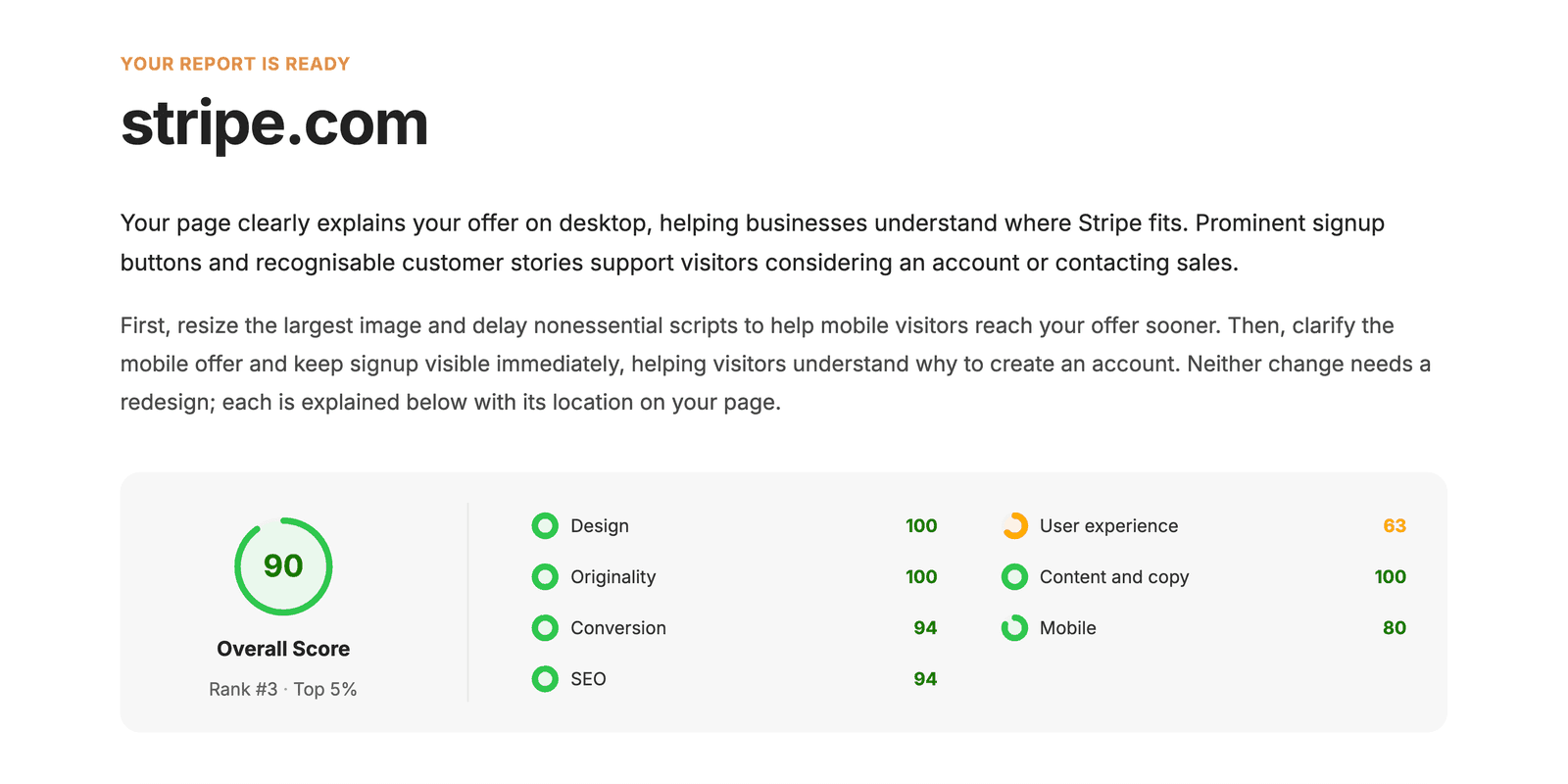
The website audit report template includes printable PDF, workbook, Markdown, and CSV formats. The sample website audit report shows how a finished report can present scope, findings, priorities, and limitations.
If you want an automated first pass, run the website audit tool. It reviews one public page at a time. It does not crawl a whole site or replace analytics, accessibility, security, or customer research.
Common questions
What is a website audit?
A website audit checks whether a site supports a specific visitor task and business goal. It records what the auditor tested, what happened, and what evidence supports each finding. Search, performance, behavior, and conversion data make the findings stronger when those sources exist.
How often should I audit a website?
Audit the affected journey after a redesign, migration, tracking change, checkout change, or sudden search visibility problem. For routine checks, follow the pace of the site. A publisher shipping every day needs more frequent checks than a five-page site that changes twice a year.
Can I audit my own website?
Yes. You can catch broken paths, unclear messages, missing evidence, and measurement gaps yourself. Ask users or specialists for help when the answer depends on customer behavior, accessibility conformance, security, privacy, or legal interpretation.
What is the difference between a checklist and a report?
The checklist records each check, result, piece of evidence, owner, and retest. The report explains the few findings that matter to a decision. You work in the checklist. You share the report.
Should I audit one page or the whole site?
Start with the journey tied to the most valuable action and review every page the visitor must cross. Move to a whole-site crawl when the problem sits in shared templates, indexation, or the content inventory.