Jera Value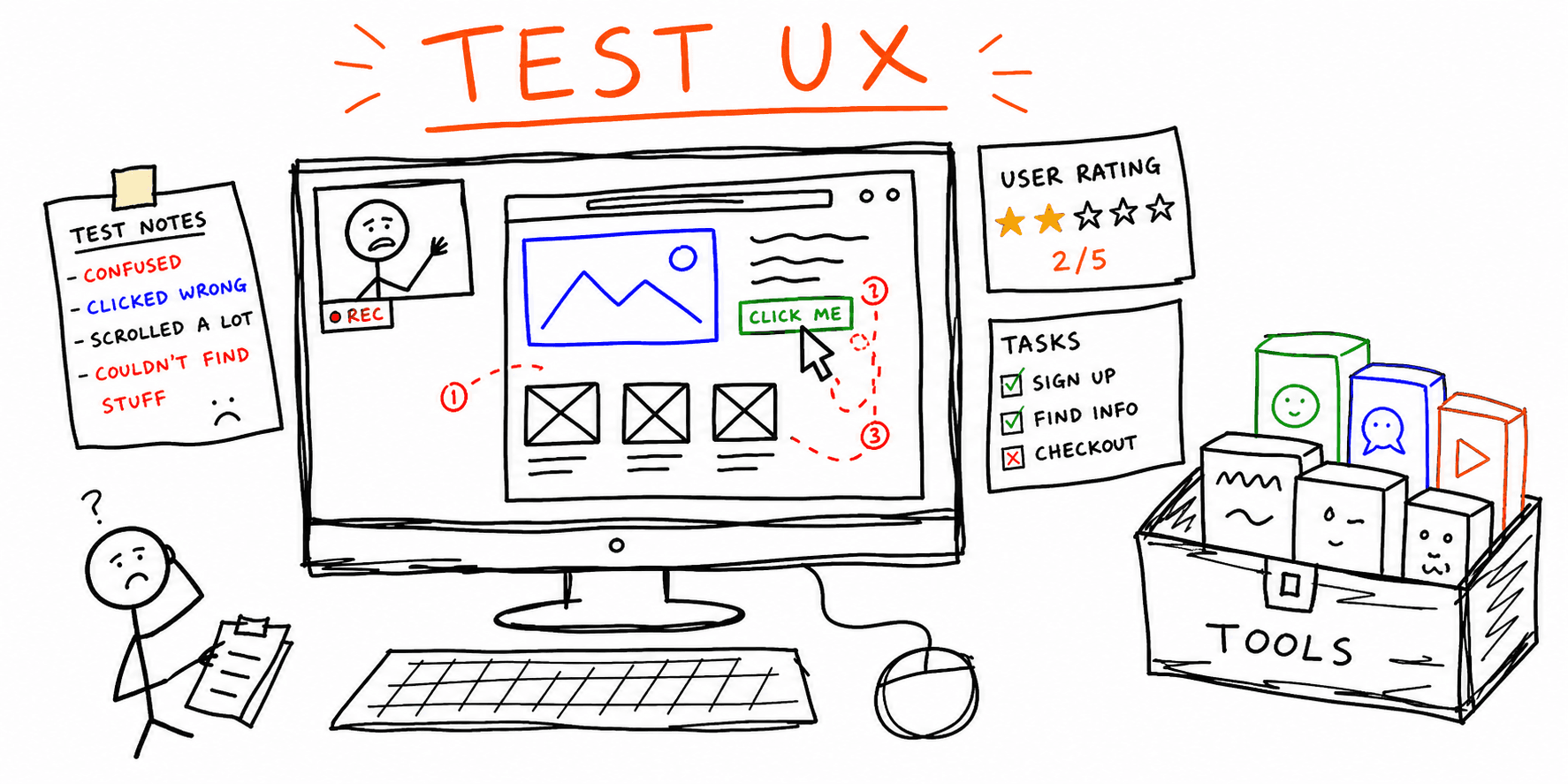

User Testing Tools: 8 Best Usability Testing Software Options for Website UX in 2026
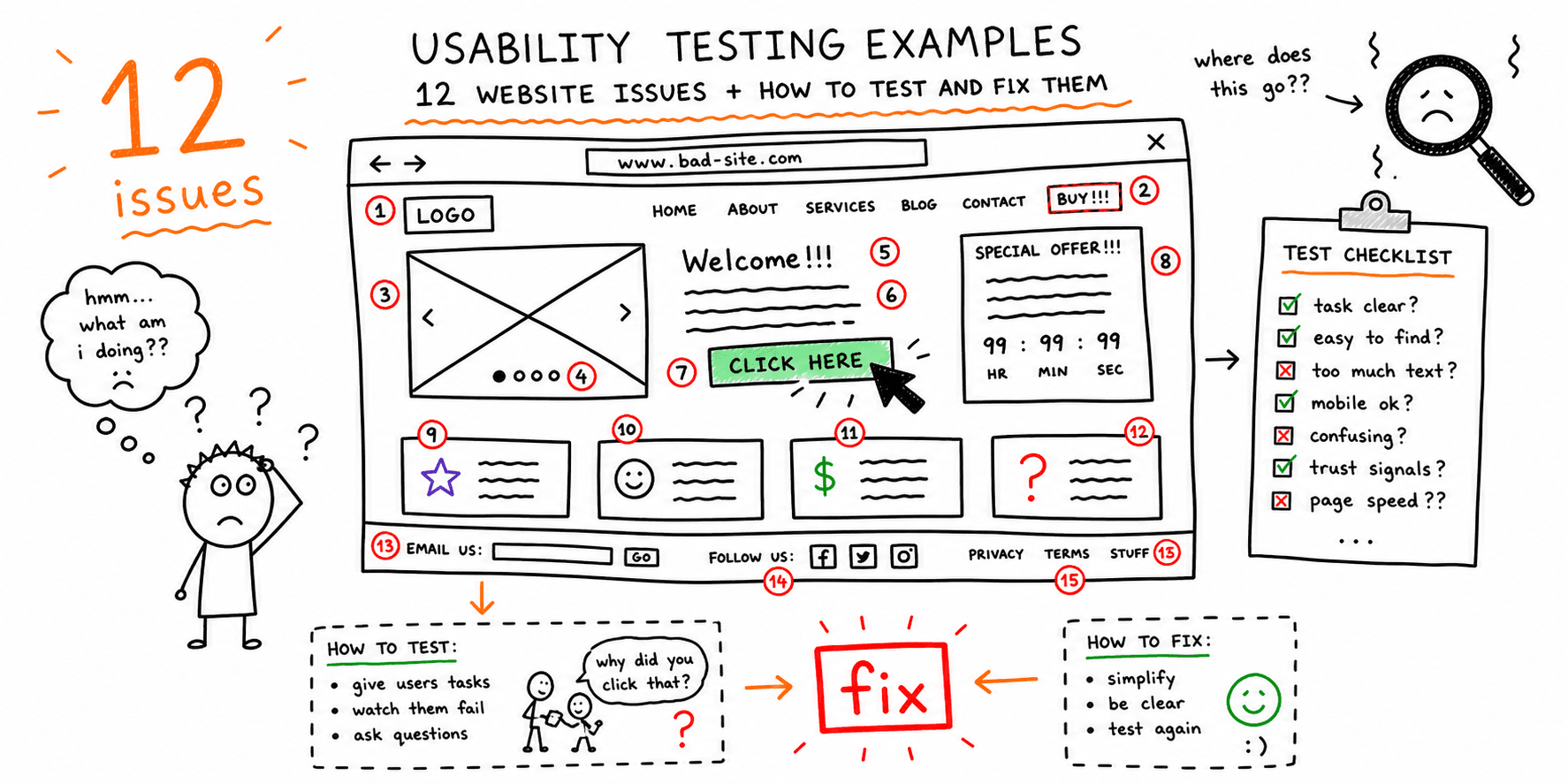
If you are comparing user testing tools, you usually need one thing: clear tradeoffs, not feature lists.
This guide compares the most practical user testing software, broader remote user testing tools, and lighter usability testing platforms for website teams, with selection criteria, pricing signals, and implementation advice so you can choose quickly.
Need process templates first? Pair this with the usability testing template and how to conduct usability testing.
Need broader remote QA beyond usability interviews (browser/device/performance)? Use the remote test website guide. If you want an immediate page-level baseline first, run a website usability test.
User testing tools vs usability testing software (and when to use each term)
In practice, people use user testing tools and usability testing software to mean the same buying category. The SERP intent is mostly commercial: teams want to compare platforms and choose a stack.
For this guide, treat the terms this way:
- User testing tools: usually list-style comparison intent.
- User testing software: usually vendor/commercial evaluation intent.
- Remote user testing: often method intent (how to run sessions remotely).
If your team is still building process foundations, start with How to Conduct Usability Testing, then use this tool shortlist. If you need wider QA coverage beyond interviews, use Remote Test Website. For a page-level baseline before recruiting participants, run Website Usability Test and Website Checker.
Usability testing software: what to score before you buy
Before comparing vendors, score each tool for remote-execution constraints:
- Participant sourcing quality for your ICP (not just panel size).
- Moderated workflow quality (live notes, observer mode, timestamping).
- Unmoderated reliability (instruction clarity, drop-off handling, replay quality).
- Collaboration speed (clips, highlights, and evidence export for design/dev handoff).
- Total operating cost at your expected monthly test volume.
If your team skips this step, "best usability testing tools" lists become procurement noise and you still cannot run a repeatable remote research cadence.
Quick comparison table
| Tool | Best for | Main strength | Main limitation | Pricing signal* |
|---|---|---|---|---|
| Roast My Web | Page-level UX audits and fast recommendations | AI-generated, client-ready audits | Not a replacement for live moderated interviews | Usage-based plans |
| UserTesting | Enterprise research teams | Large participant panel + moderated sessions | Expensive at scale | Starts around per-test/per-seat pricing |
| Hotjar | Live site behavior insights | Heatmaps, recordings, on-site surveys | Less depth than dedicated moderated research | Free tier + paid plans |
| Maze | Fast unmoderated prototype testing | Strong Figma workflow + quick metrics | Limited depth for exploratory interviews | Free tier + team plans |
| Lookback | Moderated qualitative research | Strong live interview workflow | Requires your own participant sourcing strategy in many cases | Paid plans |
| Optimal Workshop | Information architecture testing | Best-in-class card sorting/tree testing | Narrower scope than full UX suites | Paid plans |
| FullStory | Product analytics + session replay | Deep technical telemetry + replay | Can be heavy and expensive for small teams | Enterprise-leaning pricing |
| Crazy Egg | Lightweight CRO and usability checks | Easy heatmaps and click analysis | Less robust for full research programs | Lower-cost paid plans |
*Pricing changes frequently. Validate current pricing on vendor sites before buying.
How to choose usability testing software platforms
Score each tool across five dimensions before procurement:
- Recruitment fit: Can you test with your exact audience segment?
- Method fit: Moderated, unmoderated, or both?
- Analysis fit: Can your team turn outputs into prioritized fixes fast?
- Workflow fit: Integrations with your design, analytics, and PM stack.
- Cost fit: Real monthly cost at your expected test volume.
If you skip this scoring step, teams over-buy enterprise software and under-use it.
1) Roast My Web
Best for: teams that need immediate website UX, conversion, and clarity feedback without running full interview studies.
Why it stands out:
- Fast page-level analysis for UX and conversion friction.
- Useful for audits before moderated sessions.
- Clear action lists you can ship into sprint planning.
Limits:
- AI audit outputs are directional and should be validated with real users on critical flows.
Use this when you need a baseline fast, then follow with live testing using website usability checklist tasks.
2) UserTesting
Best for: organizations that need broad participant access and repeatable moderated/unmoderated programs.
Strengths:
- Large panel and targeting controls.
- Mature workflow for moderated sessions.
- Strong library and stakeholder reporting options.
Limits:
- Cost can rise quickly with frequent studies.
Choose this when research cadence is high and dedicated budget exists.
3) Hotjar
Best for: teams improving live conversion flows with behavior data.
Strengths:
- Heatmaps and session recordings are easy to deploy.
- Great for finding friction on forms, pricing pages, and checkouts.
- On-site polls provide lightweight qualitative context.
Limits:
- Better for diagnosing behavior than running full scripted usability studies.
Pair Hotjar findings with scripted validation from usability testing script template.
4) Maze
Best for: product/design teams validating prototypes quickly.
Strengths:
- Fast setup for unmoderated tasks.
- Good quant metrics for completion, misclicks, and pathing.
- Smooth design-tool integrations.
Limits:
- Less depth for probing participant reasoning.
Use Maze for rapid concept selection; confirm with moderated sessions before major launches.
5) Lookback
Best for: qualitative teams running live interviews and usability sessions.
Strengths:
- Solid moderated workflow.
- Easy collaboration and replay review.
- Good for uncovering why users fail tasks.
Limits:
- Requires disciplined moderation and synthesis process to create action.
This is a good fit for teams with a dedicated researcher or PM-led research motion.
6) Optimal Workshop
Best for: navigation and information architecture projects.
Strengths:
- Excellent for tree testing and card sorting.
- Strong when restructuring content-heavy sites.
- Clear IA-specific reporting.
Limits:
- Not a full replacement for end-to-end website usability testing.
Use it alongside tree testing template and card sorting template.
7) FullStory
Best for: teams combining UX research with engineering telemetry.
Strengths:
- Detailed session replay at scale.
- Strong error and friction signal detection.
- Useful for prioritizing high-impact technical UX issues.
Limits:
- Heavier implementation and governance needs.
Best suited to mid-size and enterprise product teams.
8) Crazy Egg
Best for: marketing teams that need fast usability insights for conversion pages.
Strengths:
- Easy heatmap setup.
- Useful click/scroll insights for CRO iterations.
- Lower learning curve for non-research teams.
Limits:
- More limited for deep qualitative research workflows.
Good for lightweight optimization loops and quick page experiments.
15-minute selection framework
Use this flow when choosing a usability testing tool:
- If you need deep user reasoning, prioritize moderated platforms first.
- If you need quick directional data at scale, prioritize unmoderated + behavior analytics.
- If your problem is navigation and IA, prioritize specialized IA tools.
- If your main problem is conversion friction on live pages, start with replay/heatmap tools.
- If your team is small and execution speed matters most, start with one tool and expand only after proving usage.
What to measure after tool adoption
Track these four metrics for the first two months:
- Time-to-insight (days from test launch to prioritized findings)
- Task completion rate on target flows
- Fix adoption rate (percentage of findings shipped)
- Re-test delta (improvement after shipping fixes)
For a practical template, use website UX checklist and website feedback survey template.
Common buying mistakes
- Buying a tool before agreeing on testing cadence.
- Running tests without clear task success criteria.
- Treating session replay as a full substitute for interviews.
- Tracking only comments and skipping measurable outcomes.
If your team needs a starting point, run a quick website usability test, then escalate high-risk flows into moderated sessions.
FAQ
What is the difference between usability testing software, tools, and platforms?
In practice, people use these terms interchangeably. "Usability testing software" is the umbrella term, "platforms" usually implies broader workflow support (recruiting, analysis, collaboration), and "tools" may refer to narrower capabilities like heatmaps or session replay.
Are user testing tools different from usability testing tools?
Usually no. Most teams use both phrases to describe the same category of products. The better differentiator is method fit: moderated interviews, unmoderated tasks, behavior analytics, or a combination.
Is website usability testing software enough without user interviews?
Usually no. Software can show where users struggle. Interviews explain why. The best teams combine both.
How many tools should a small team use?
Start with one primary tool and one supporting method. Most small teams can run effective programs with that setup.
Related resources
- How to conduct usability testing
- Usability testing template
- Usability testing script template
- Website usability checklist
- Website UX checklist
- Website usability test landing page
- Website UX audit landing page
Need a faster baseline before live sessions? Run a page-level roast and prioritize what to test first with Roast My Web.