Jera Value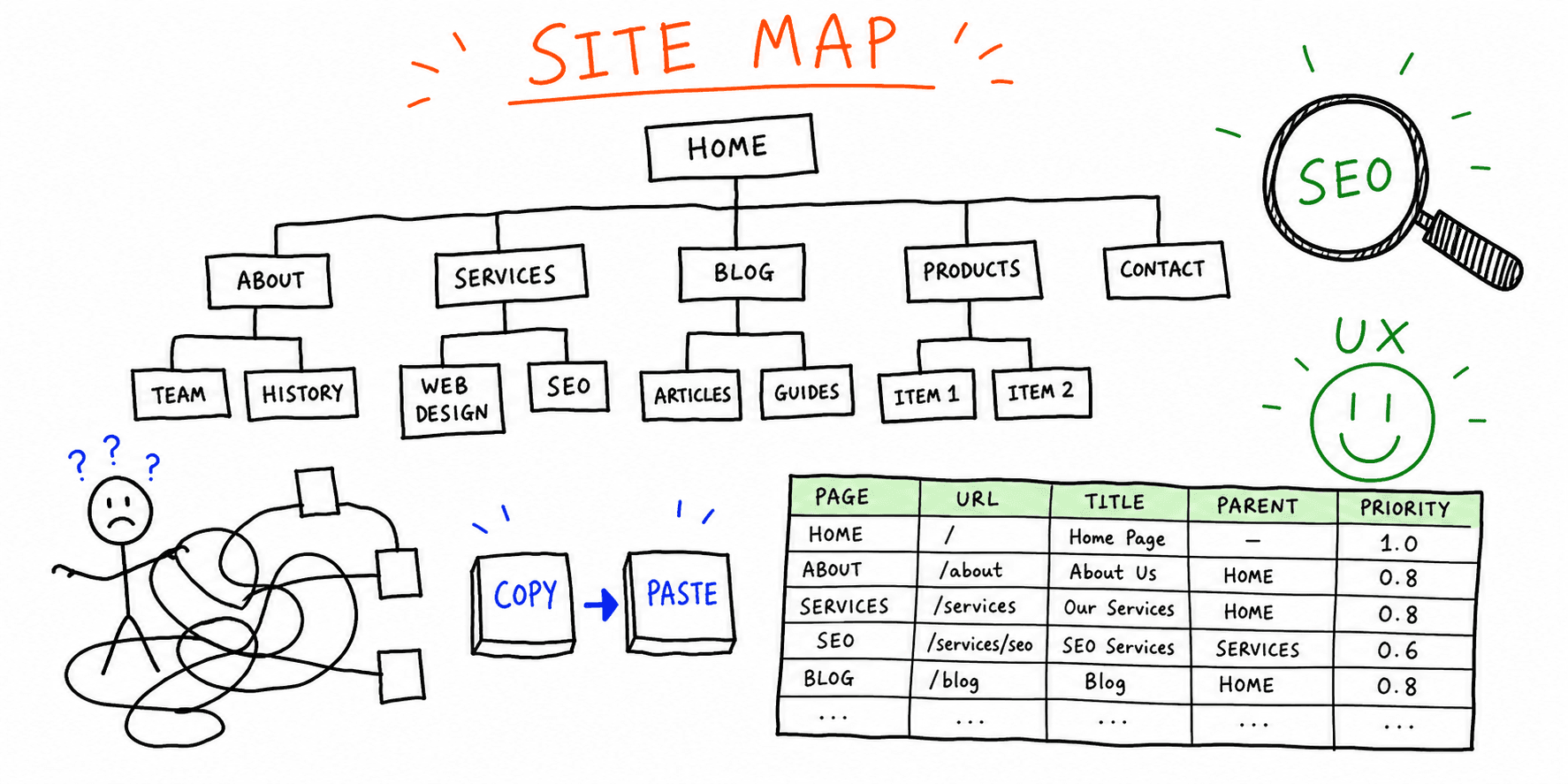

A clear website sitemap template helps you decide page hierarchy before visual design, copy, and development create rework. If your team has ever argued about what pages are needed, what lives in nav, or how SEO pages connect, a sitemap solves that early.
This guide gives you:
- A copy/paste sitemap template for website projects
- A practical Excel-friendly structure for teams
- A QA checklist so your sitemap is launch-ready
If your scope is still fuzzy, start with this website planning template first.
What a website sitemap template should include
Most sitemap docs fail because they only list page names. A high-utility template should also include intent, ownership, and SEO-critical fields.
Include these columns at minimum:
- URL slug
- Page name
- Parent page
- Page type (money page, support page, blog, utility)
- Search intent
- Primary keyword
- Primary CTA
- Status
- Owner
For structure rules and hierarchy logic, pair this post with information architecture principles and website navigation best practices.
Website sitemap template (copy/paste)
Copy this table into Notion, Sheets, Airtable, or your PM tool.
| Level | URL slug | Page name | Parent | Intent | Primary keyword | CTA | Status | Owner |
|---|---|---|---|---|---|---|---|---|
| 1 | / | Homepage | - | commercial | website audit tool | Start website audit | planned | |
| 1 | /services | Services | - | commercial | website audit company | Book consultation | planned | |
| 2 | /services/ux-audit | UX Audit | /services | commercial | website ux audit | Request UX review | planned | |
| 2 | /services/seo-audit | SEO Audit | /services | commercial | seo audit tool | Start SEO audit | planned | |
| 1 | /resources | Resources | - | informational | website audit checklist | Read guides | planned | |
| 2 | /resources/sitemap | Sitemap Guide | /resources | informational | website sitemap template | Download template | draft | |
| 2 | /resources/launch | Launch Checklist | /resources | informational | website launch checklist | Use checklist | planned | |
| 1 | /contact | Contact | - | transactional | contact website audit | Submit form | planned | |
| 1 | /privacy-policy | Privacy Policy | - | legal | privacy policy | - | required | |
| 1 | /terms | Terms | - | legal | terms and conditions | - | required |
How to build your sitemap in 45 minutes
1. Start from goals, not pages
List top business outcomes first (demos, leads, checkouts, applications). Then map only pages needed to support those outcomes. This prevents bloated navigation.
2. Group by intent cluster
Group pages by commercial, transactional, and informational intent. Do not mix all intents on one URL.
If your content strategy is audit-led, align with:
3. Define parent-child relationships
Each level-2 page should clearly belong to one level-1 node. If a page fits in multiple sections, choose one canonical home and link contextually from others.
4. Add conversion ownership
Every page should have one primary CTA and one owner. Sitemaps that skip ownership often stall during production.
5. Validate with UX and SEO checks
Before handoff, run a quick quality pass with website UX checklist and website quality assurance testing checklist.
Website sitemap template Excel setup
If your team prefers spreadsheets, this website sitemap template excel setup works well:
- Tab 1: URL map (the main table above)
- Tab 2: Redirect plan (
old URL,new URL,redirect type,owner,status) - Tab 3: Metadata tracker (
URL,title,H1,meta description,canonical) - Tab 4: Launch QA (
URL,indexable,status code,analytics event,notes)
Recommended formulas:
- Duplicate URL check:
COUNTIF(URL_column, this_URL) - Orphan page check: filter rows where
Parentis blank butLevel> 1 - Launch readiness score: completed checks / total checks
For migration-heavy projects, combine this with website migration service checklist before launch.
Example sitemap structures
Example A: Lead generation services site
Best when your primary goal is qualified leads.
- Level 1: Home, Services, Industries, Resources, Contact
- Level 2 under Services: UX audit, SEO audit, conversion audit
- Level 2 under Resources: audit checklist, report template, case studies
Example B: SaaS marketing + product docs
Best when you have both acquisition and activation goals.
- Level 1: Product, Solutions, Pricing, Docs, Blog, Company
- Level 2 under Product: core features by use case
- Level 2 under Docs: setup, integrations, troubleshooting
Example C: Ecommerce category architecture
Best when inventory breadth creates nav complexity.
- Level 1: Primary categories only
- Level 2: high-volume subcategories
- Level 3: filtered landing pages only if unique intent exists
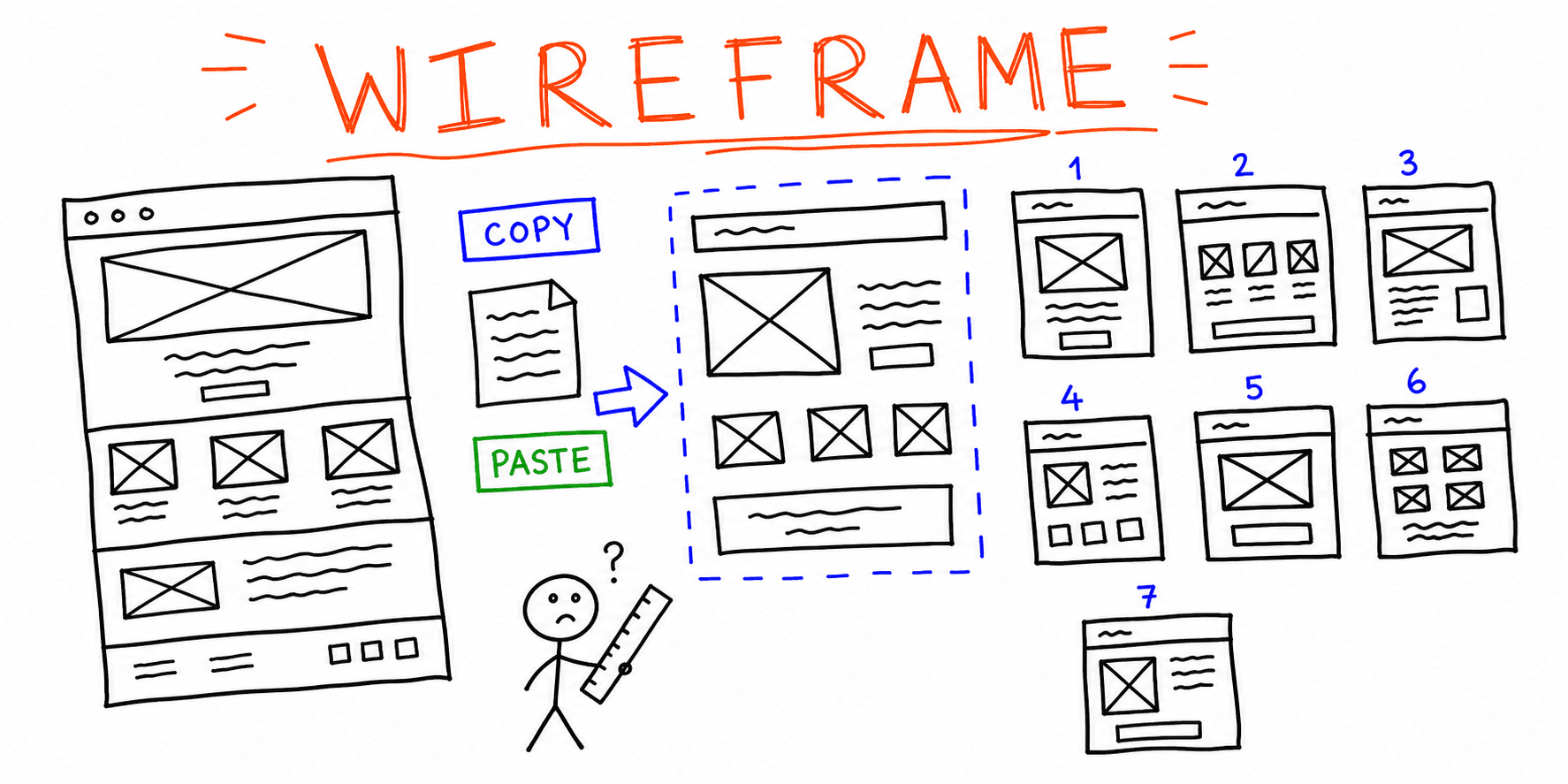
If the structure is unclear, draft layouts first with website wireframe template, then finalize your sitemap.
Pre-launch sitemap QA checklist
- Every URL has one clear intent and one owner
- No duplicate slugs or duplicate page purposes
- Parent-child hierarchy matches navigation labels
- Priority pages are within 1-2 clicks from home
- Canonical target is set for overlapping templates
- Redirect plan exists for replaced URLs
- XML sitemap generation is included in launch checklist
Need a deeper QA pass? Use website launch checklist and run a technical website audit.
Common sitemap mistakes (and fixes)
-
Designing before structure is approved. Fix: lock sitemap and ownership first, then start UI.
-
Creating pages without intent. Fix: assign one primary keyword and one job-to-be-done per URL.
-
Ignoring internal link paths. Fix: define which supporting pages must link to each money page.
-
Overloading top nav. Fix: keep level-1 navigation focused; use contextual links for depth.
-
Forgetting post-launch governance. Fix: add quarterly sitemap review owners and update cadence.
FAQ
Is a website sitemap template different from an XML sitemap?
Yes. A website sitemap template is a planning artifact used by humans. An XML sitemap is a machine-readable file for search engines. You usually create the planning sitemap first, then generate XML from final URLs.
How detailed should a sitemap be before design starts?
Detailed enough to define hierarchy, page intent, and CTA ownership. You do not need final copy, but you do need page purpose clarity.
Should blog URLs be in the same template as core pages?
Yes. Keep one master sitemap so internal linking and crawl depth are visible across commercial pages and content pages.
Final takeaway
A good sitemap template for website projects reduces redesign churn, prevents SEO gaps, and speeds up launch decisions. Build structure first, then move to wireframes, copy, and development.
When your draft is ready, run it through the website audit tool and website UX audit to prioritize what should ship first.