Jera Value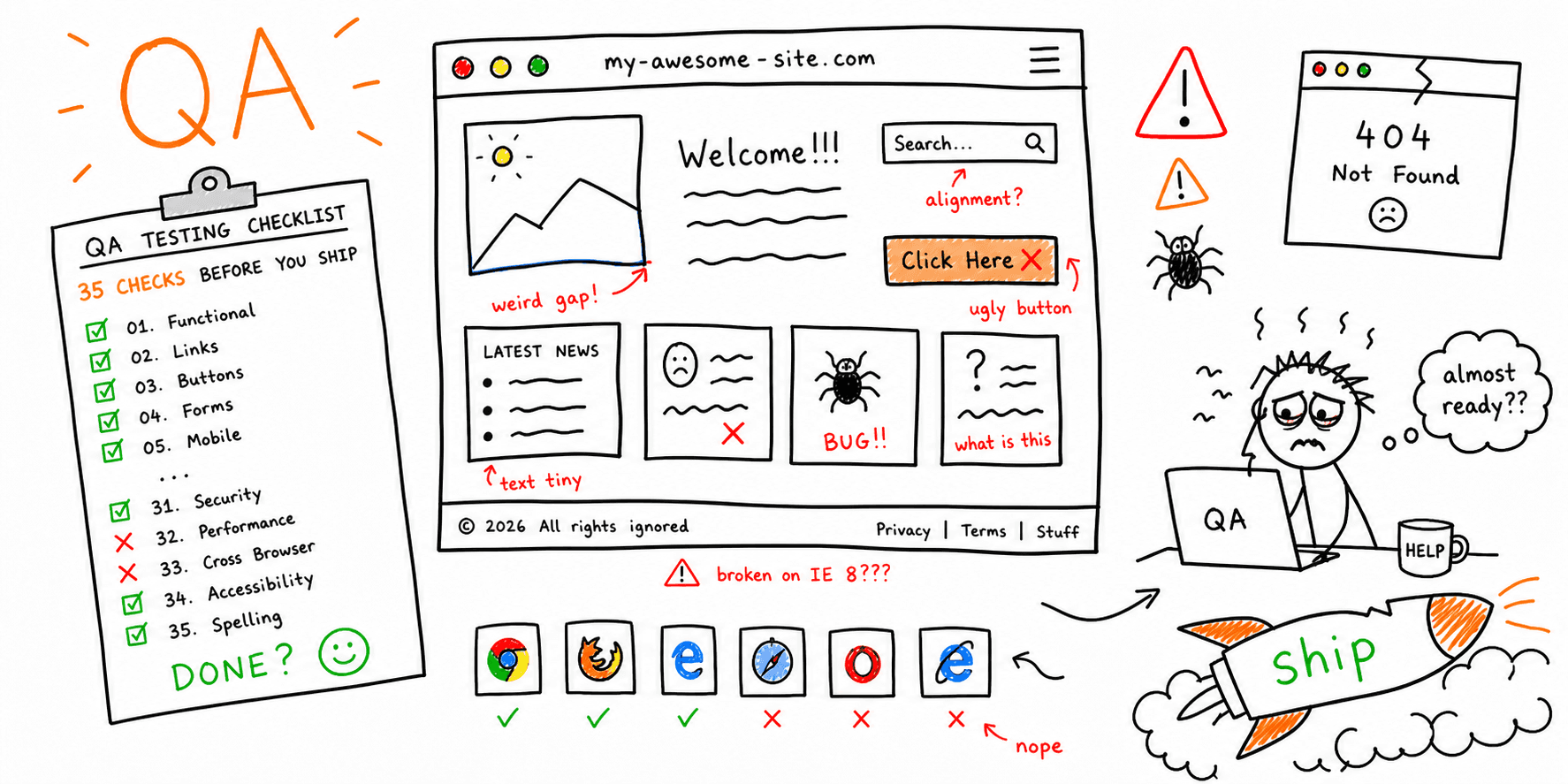

A generic launch checklist is not enough if you want a stable, high-converting website. You need practical website quality assurance testing that covers what breaks real launches: forms, checkout, mobile layouts, Core Web Vitals, accessibility, and indexability.
This guide gives you a copy/paste website quality assurance checklist you can run before release, during release, and 48 hours after launch.
If you want broader planning docs, pair this with the Website Launch Checklist and Website Audit Checklist.
How to Use This Website QA Checklist
Before you start testing, define three things:
- Critical user journeys: homepage -> product/service page -> CTA -> form/checkout.
- Severity model:
P0blocks launch,P1ships with known risk,P2backlog. - Evidence rule: every pass/fail needs a screenshot, URL, and device/browser noted.
That keeps your website QA testing process from becoming subjective.
Website Quality Assurance Testing Workflow (30 Minutes)
Use this fast loop before your full checklist run:
- Run an automated pass with Website Checker and Website Quality Check to flag obvious breakpoints.
- Manually test your top 3 conversion journeys on desktop + mobile with the Website Usability Test lens.
- Validate technical blockers using Core Web Vitals Test and SEO On-Page Analysis.
- Move every issue into P0/P1/P2 and assign an owner before sign-off.
This lightweight website quality assurance testing workflow helps teams catch release blockers quickly, then move into deeper validation with the full checklist below.
QA Checklist for Website Teams (Owner-Based)
If your team is specifically searching for a qa checklist for website releases, assign checks by owner before you start. That makes this quality assurance website checklist usable in real launch standups, not just in documentation.
| Owner | First checks to run | Suggested tool/page |
|---|---|---|
| QA / Product | Top conversion path, forms, and CTA completion on desktop + mobile | Website Usability Test, Website Launch Checklist |
| Engineering | CWV blockers, JS regressions, redirects, and status codes | Core Web Vitals Test, Site Performance Audit |
| SEO / Content | Indexability, metadata, internal linking, and canonical setup | Website SEO Audit Checklist, SEO On-Page Analysis |
| Accessibility | Keyboard paths, focus states, contrast, and semantic structure | Website Accessibility Checklist, Website Accessibility Checker |
Use this owner split as your fast checklist for website testing before running the full 35-point checklist below.
Website Acceptance Testing Checklist (UAT Gate)
Use this mini gate when stakeholders ask for website acceptance testing before release. This check is narrower than full QA: it confirms business requirements are met on the exact journeys that matter to launch.
Treat this as your practical website UAT checklist:
- Map each critical journey to a written acceptance criterion.
- Confirm expected outputs with a business owner before testing starts.
- Run criteria against staging on desktop and mobile.
- Validate integrations (CRM, payments, notifications, analytics events).
- Mark failures as P0/P1/P2 and assign owners immediately.
- Block release until every P0 acceptance defect is closed.
If your team needs a reusable website user acceptance testing template, copy/paste this grid into your QA sheet.
| Journey | Acceptance criterion | Stakeholder owner | Pass/Fail | Evidence |
|---|---|---|---|---|
Pair this gate with your Website Launch Checklist and publish a final sign-off snapshot in your Site Audit Report.
Website QA Checklist (35 Checks)
Use these as pass/fail checks, not suggestions.
1) Core Functionality (8 checks)
- Navigation works end-to-end: header, footer, and in-page anchors all resolve correctly.
- Primary CTAs work on every key template: homepage, landing page, pricing, and blog post pages.
- Forms submit successfully: success message, email routing, CRM/webhook capture, and error states verified.
- Checkout or booking flow completes: no broken steps, no dead ends, no cart/session loss.
- Authentication/account flows work: sign-up, sign-in, password reset, and session expiry behavior.
- Search and filters return valid results: no empty states caused by query bugs.
- 404 and error pages are intentional: custom page exists with a useful next step.
- Consent banner logic works: analytics/marketing scripts respect consent settings.
2) UX and Content Quality (7 checks)
- Page purpose is obvious in 5 seconds: headline + primary CTA are clear above the fold.
- Readability is consistent: headings, line length, spacing, and contrast are usable on mobile.
- Microcopy reduces friction: error states explain what to fix and how.
- Key pages avoid duplicate intent: each page has a distinct job in the funnel.
- Visual hierarchy supports scanning: users can find trust signals, proof, and next actions quickly.
- Interactive states are visible: hover, focus, and disabled states are clear.
- Media supports conversion: no oversized hero files or decorative assets that hurt performance.
For deeper UX QA, use the Website Usability Checklist and UX Writing Checklist.
3) Browser and Device Compatibility (5 checks)
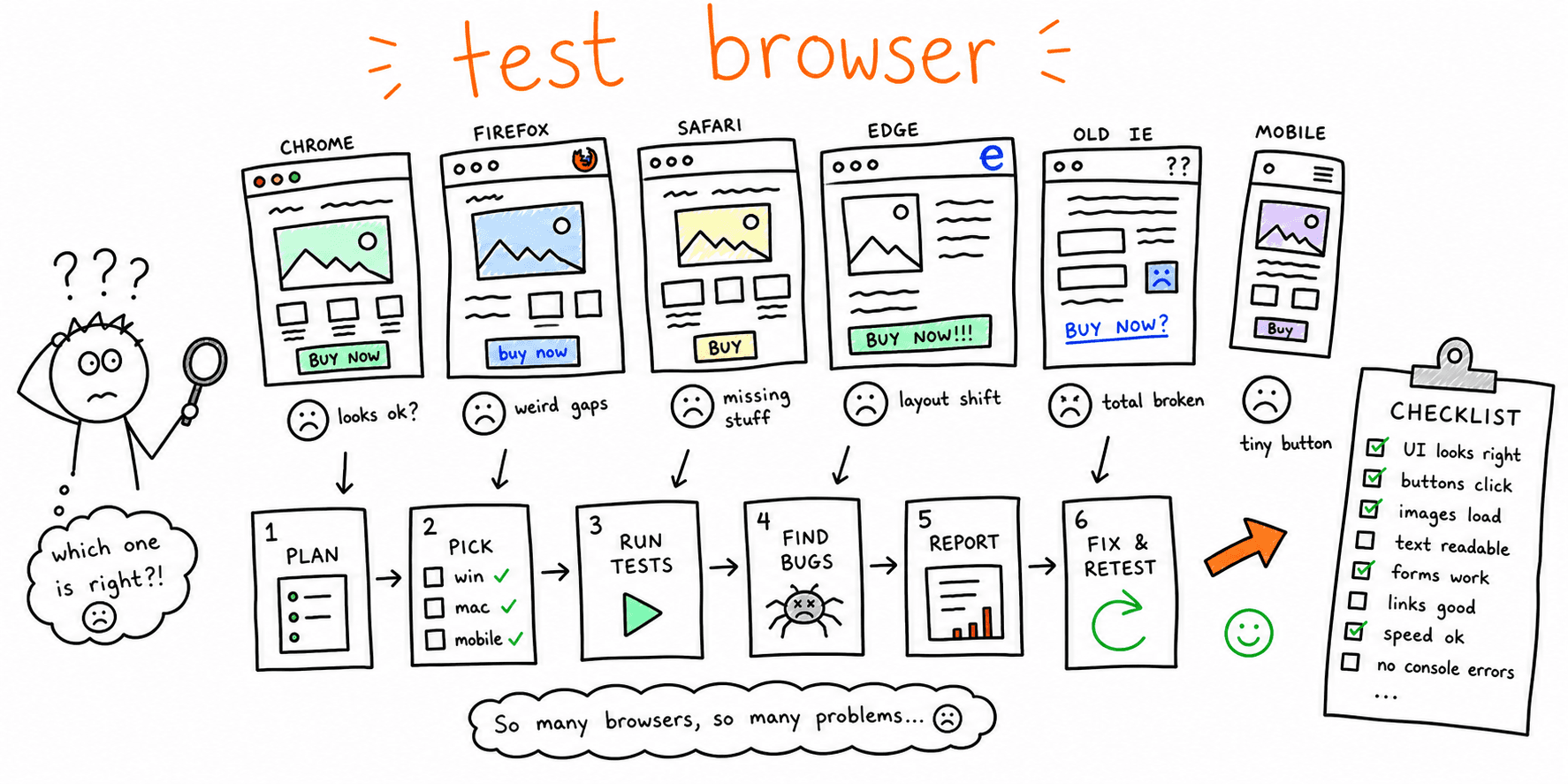
- Test modern browser matrix: Chrome, Safari, Firefox, and Edge on recent versions.
- Test mobile breakpoints: at minimum 360px, 390px, 768px, 1024px, and 1440px.
- Touch targets are usable: tap areas are large enough and not overlapping.
- Input behavior is stable on mobile: keyboard type, autofill, and field masking are correct.
- No layout shift from lazy assets: components reserve space before media loads.
Use the Cross Browser Testing Tools guide, the check website on different browsers workflow, a web browser test online pass, and the Mobile Website Testing guide to standardize this step.
4) Performance and Stability (6 checks)
- Core Web Vitals are in range on key templates: homepage, top landing page, and primary conversion page.
- Largest Contentful Paint (LCP) issues are fixed: heavy hero images/scripts optimized.
- Interaction to Next Paint (INP) remains responsive: no long main-thread blocking tasks.
- Cumulative Layout Shift (CLS) is controlled: dimensions set for images/embeds.
- Third-party scripts are audited: remove or defer non-critical tags.
- Caching/compression/CDN settings are verified: repeat visits materially faster than first load.
Related resources: Website Performance Test, Core Web Vitals Test, and Site Performance Audit.
5) Accessibility and Compliance (5 checks)
- Keyboard navigation works: all critical flows are reachable without a mouse.
- Focus states are visible and logical: no focus traps in modal or nav components.
- Images have meaningful alt text: decorative images use empty alt attributes.
- Form accessibility is complete: labels, helper text, and errors are announced correctly.
- Contrast and semantic structure pass checks: heading order and color contrast meet WCAG expectations.
Use the Website Accessibility Checklist and Website Accessibility Checker for detailed validation.
6) SEO and Discoverability (4 checks)
- Indexability is correct: no accidental
noindex, blocked critical pages, or broken canonicals. - Metadata is unique on priority pages: title/H1 alignment, meta description, and OG tags.
- Internal linking supports intent: key pages receive contextual links from relevant posts/pages.
- Structured technical basics are healthy: sitemap, robots.txt, redirects, and status codes.
For deeper coverage, run the Website SEO Audit Checklist and SEO On-Page Analysis.
Website QA Checklist Template (Copy/Paste + Sample)
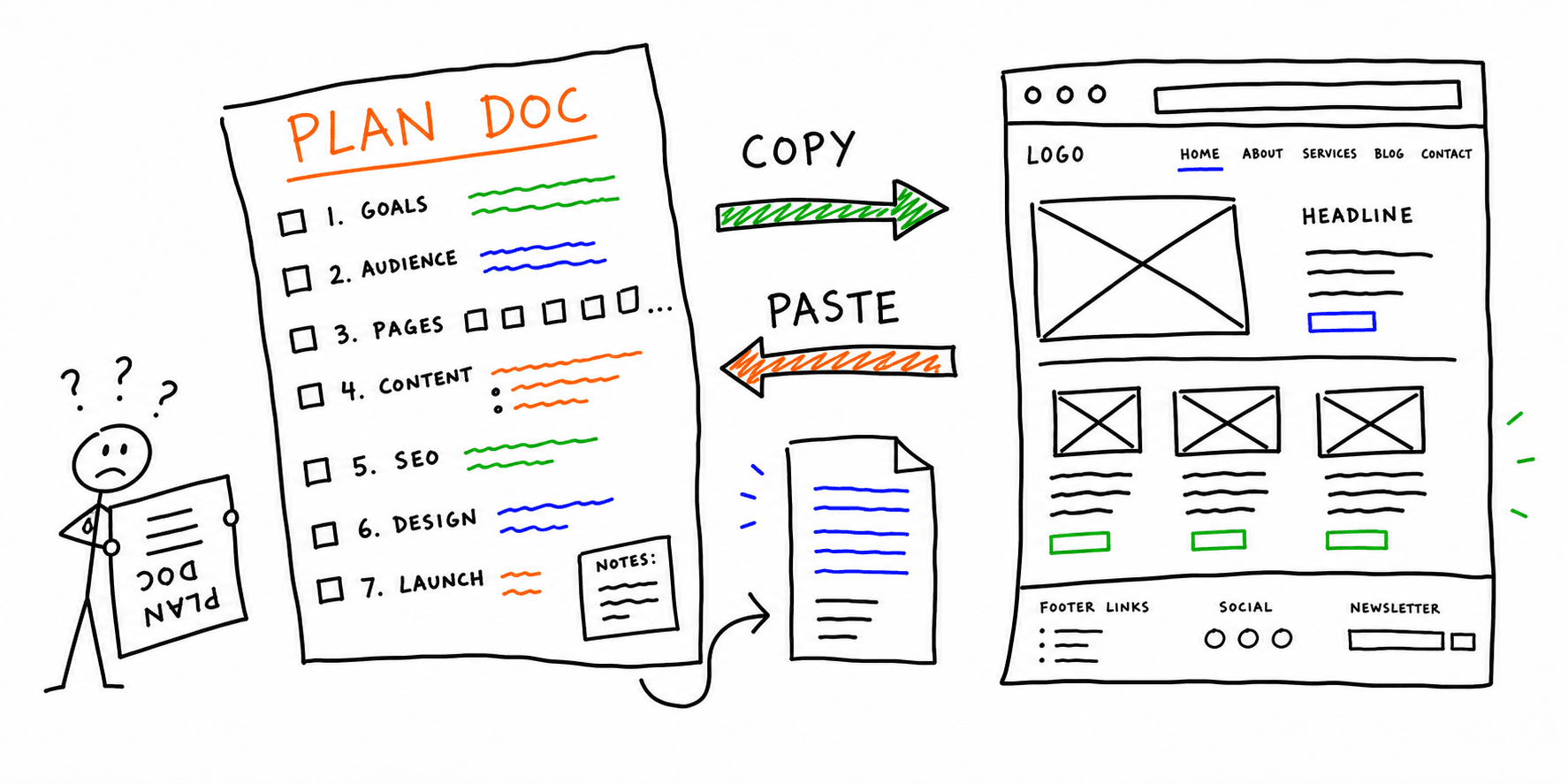
If your team keeps asking for a reusable website QA checklist template, use this structure in Google Sheets, Notion, Airtable, or Jira.
Copy/Paste Template
| Page/Flow | Check Category | Test Step | Device/Browser | Pass/Fail | Severity (P0/P1/P2) | Evidence Link | Owner | Due Date | Status |
|---|---|---|---|---|---|---|---|---|---|
Website QA Checklist Sample (Filled)
| Page/Flow | Check Category | Test Step | Device/Browser | Pass/Fail | Severity (P0/P1/P2) | Evidence Link | Owner | Due Date | Status |
|---|---|---|---|---|---|---|---|---|---|
/pricing |
Functionality | Submit primary CTA form | iPhone 14 / Safari | Fail | P0 | Loom + screenshot set | Product Ops | 2026-02-24 | In progress |
/checkout |
UX | Complete checkout with promo code | Chrome 122 / desktop | Pass | P1 | QA run #42 | QA Lead | 2026-02-24 | Complete |
/landing/main-offer |
Performance | Verify LCP and INP on hero + CTA block | Pixel 8 / Chrome | Fail | P1 | CWV report + waterfall | Frontend | 2026-02-25 | Open |
/contact |
Accessibility | Keyboard-only tab flow + error states | Firefox / desktop | Pass | P1 | Keyboard test recording | Design QA | 2026-02-24 | Complete |
/blog/post-slug |
SEO | Validate canonical + indexability | Screaming Frog + GSC | Pass | P2 | Crawl export + GSC filter | SEO | 2026-02-26 | Complete |
When you finalize this website QA checklist sample, convert open P0/P1 items into a stakeholder report using the Website Audit Report Template, then share delivery-ready output through Site Audit Report. For release-day sequencing, run it with the Website Launch Checklist.
QA Sign-Off Matrix (Copy/Paste)
Use this table in your release doc to avoid fuzzy approvals.
| Area | Owner | Tool/Method | Pass Threshold |
|---|---|---|---|
| Functional QA | QA or Product | Manual scripts + analytics events | 0 open P0 issues |
| UX QA | Product + Design | Task walkthrough on top journeys | No blockers in primary flow |
| Compatibility QA | QA | Device/browser matrix | 0 broken layouts on priority devices |
| Performance QA | Dev | CWV + synthetic checks | CWV trending to green on key pages |
| Accessibility QA | QA + Design | Keyboard + contrast + screen reader smoke test | No critical WCAG blockers |
| SEO QA | SEO/Content | Crawl + metadata + internal links | No indexation blockers |
If you want a faster first pass, run your pages through Website Checker, Site Health Check, and Website Usability Test, then prioritize manual verification on the highest-risk pages.
Launch-Blocking Issues You Should Treat as P0
If any of these fail, pause launch:
- Primary conversion path cannot be completed on mobile.
- Revenue events are not tracked correctly after consent choices.
- Critical templates fail in one major browser.
noindex/canonical errors affect money pages.- Accessibility issues block keyboard-only use of forms or nav.
48-Hour Post-Launch Regression Checks
Your website quality assurance checklist should not end at publish time. Run this mini loop after launch:
- Re-test top 5 conversion pages on mobile + desktop.
- Re-check form submissions and downstream integrations.
- Review 404s, redirect chains, and crawl errors.
- Compare real-user speed data vs pre-launch baseline.
- Validate that new internal links are live and crawlable.
FAQ
Is website acceptance testing different from QA testing?
Yes. Website acceptance testing checks whether agreed business outcomes are met for release sign-off. Broader QA includes that step plus compatibility, accessibility, performance, and SEO validation.
What is the difference between a website testing checklist and a website QA checklist?
A website testing checklist usually focuses on test execution. A website QA checklist is broader: it includes testing plus release gates, severity rules, and sign-off criteria across product, engineering, design, and SEO.
How often should teams run website QA testing?
Run lightweight QA weekly on high-traffic pages, full QA before every major release, and post-release regression within 48 hours.
Is this the same as a usability checklist?
No. Usability is one part of QA. You still need compatibility, performance, accessibility, and technical SEO checks to reduce launch risk.
Next Step
If you want an AI-assisted first pass before manual QA, start with Roast My Web's Website Checker. Then use this checklist to verify fixes and sign off with confidence.