Jera Value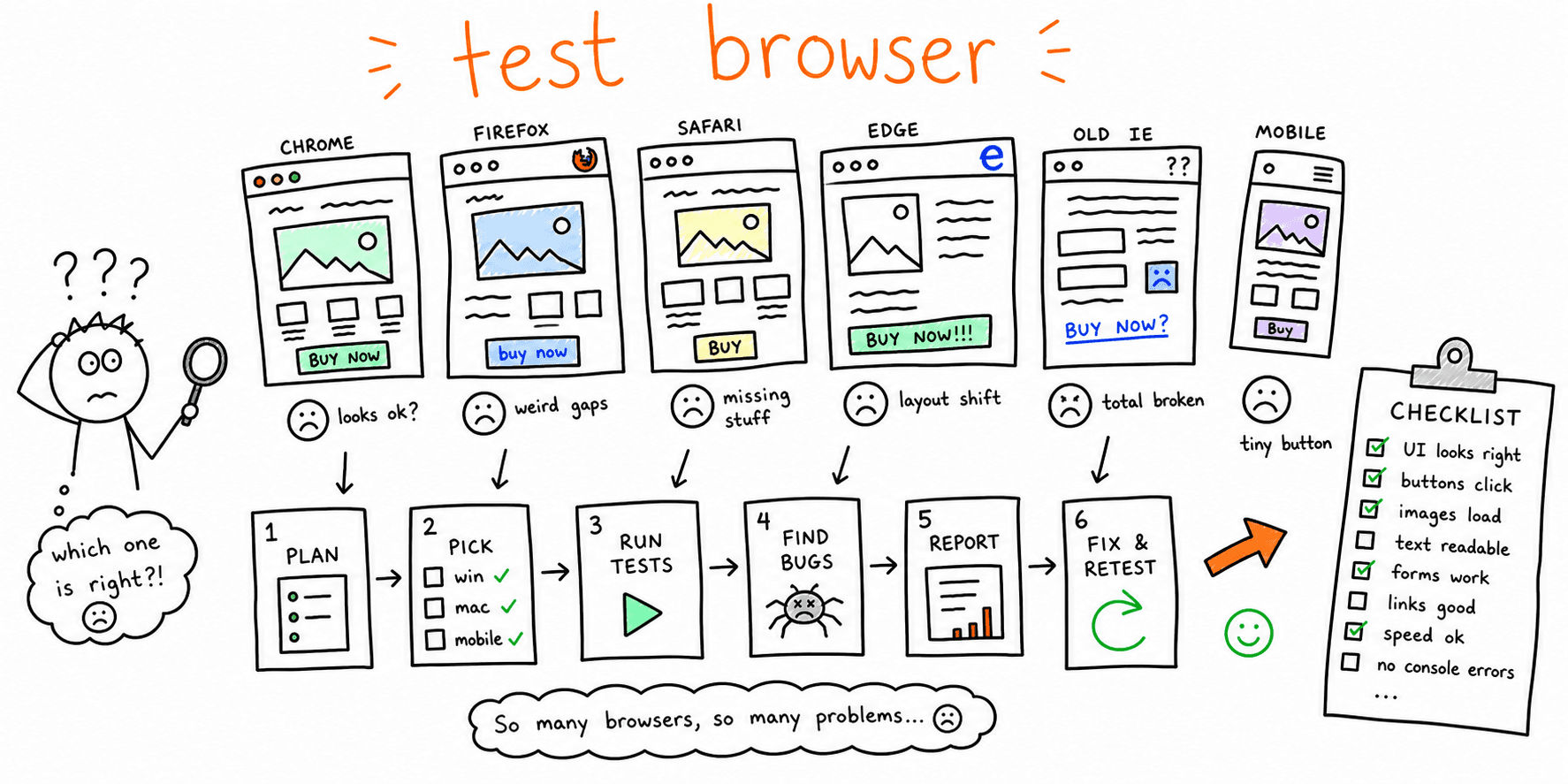

Cross browser testing is the process of validating that key user journeys work consistently across the browsers and devices your audience actually uses.
Most teams discover browser bugs too late: right before launch, after ad spend starts, or after conversion drops in one browser segment. This guide gives you a practical workflow you can run weekly and before every release when you need to check your website in different browsers or test a webpage on different browsers before shipping.
If you are deciding between vendors, use our tools-focused comparison: Cross Browser Testing Tools. This page is about execution.
Fast way to check your website in different browsers
If you only have 20-30 minutes, check your website on different browsers in this order:
- Open the highest-traffic landing page in Chrome, Safari, Firefox, and Edge.
- Repeat the same page on iOS Safari and Android Chrome.
- Test the primary CTA, form, navigation menu, and one dynamic interaction.
- Resize around your common breakpoints: mobile, tablet, laptop, and wide desktop.
- Record any failure with browser, operating system, viewport width, screenshot, and URL.
This quick pass is not a replacement for full cross browser compatibility testing, but it catches the defects most likely to affect users who search for "test my website on different browsers" or "check my website in different browsers" because something already looks broken.
What Cross Browser Testing Should Cover
A useful cross browser testing plan checks more than visual rendering.
You should validate:
- Core journeys: navigation -> key page -> CTA -> form/checkout.
- Functional behavior: forms, filters, account actions, and tracking events.
- Layout and responsive behavior at real breakpoints.
- Accessibility states: keyboard path, focus visibility, and form feedback.
- Performance and stability on slower devices and networks.
For a broader release process, pair this with Website Quality Assurance Testing Checklist and Website Launch Checklist.
Step 1: Build a Browser/Device Matrix From Real Traffic
Before testing, pull the last 90 days of browser and device data from analytics.
Use this priority model:
- Tier 1: browsers/devices responsible for ~70% of sessions or revenue.
- Tier 2: the next ~20% where key journeys still matter.
- Tier 3: long-tail coverage for lower-risk experiences.
This keeps cross browser compatibility testing tied to business impact instead of random browser lists.
If mobile is a large share, run this workflow with Mobile Website Testing and Check Website on Different Devices.
Step 2: Define Critical Journeys and Pass/Fail Criteria
Document 3-5 critical flows per release. Example:
- Homepage -> pricing -> sign-up
- Landing page -> lead form submit
- Product page -> cart -> checkout complete
For each flow, define:
- Success event (for example, thank-you page load + analytics event).
- Acceptable latency (for example, interaction response under 200ms).
- Blocking conditions (for example, broken CTA, hidden form field, failed payment).
If your team needs conversion-oriented checks, see Conversion Rate Optimization Checklist and How to Improve Website Conversion Rate.
Step 3: Run a 20-Minute Smoke Pass Before Deep Testing
Use a short smoke pass to catch obvious defects early:
- Validate top CTA and top form on desktop and mobile.
- Validate primary nav, footer nav, and one internal search/filter action.
- Validate one high-value conversion event end-to-end.
- Validate page rendering on one browser from each engine family.
For an AI-assisted first pass, run Website Checker and Website Usability Test before manual verification.
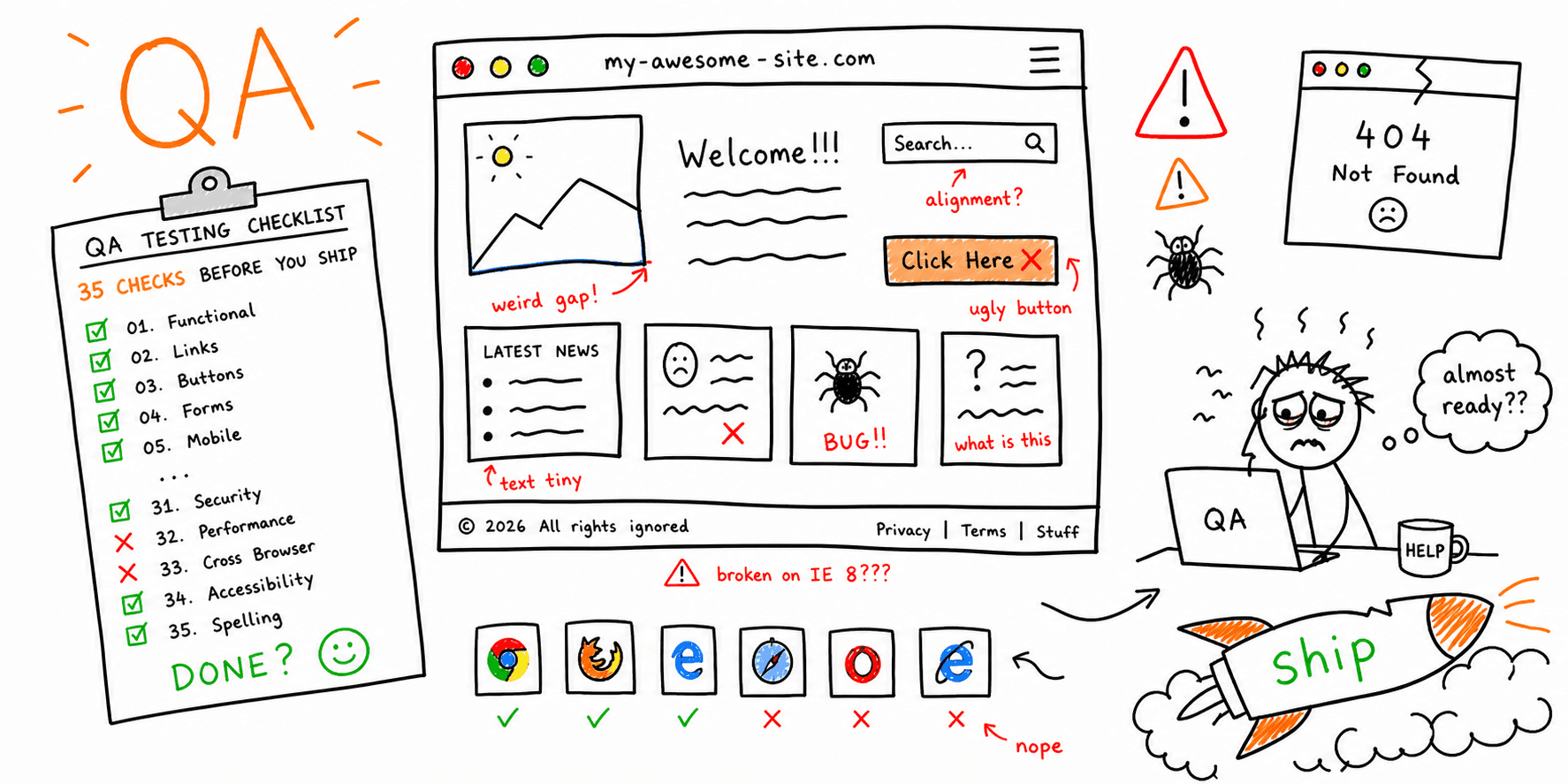
Step 4: Execute the Full Cross Browser Testing Checklist
Use this cross browser testing checklist for release readiness.
Online browser session setup
When you use a cloud browser session, keep setup consistent so defects are reproducible:
- Select the exact browser, operating system, and device from your matrix.
- Open the production, staging, or localhost URL through the provider session.
- Confirm viewport width, orientation, cookies, consent state, and login state.
- Capture an initial screenshot before interacting with the page.
- Run the same critical journey you use in local QA.
- Save screenshots, console logs, network details, and session video for every failure.
Use Web Browser Test Online for the lightweight version of this pass when you only need a quick cloud-browser check.
Functional checks
- Primary CTA works on all priority templates.
- Forms submit successfully, including errors and success states.
- Authentication/reset flows are stable (if applicable).
- Checkout/booking path completes without dead ends.
- Analytics events fire correctly after consent choices.
UI and interaction checks
- No overlap, clipping, or broken spacing at key breakpoints.
- Sticky headers/modals/dropdowns layer correctly.
- Hover/focus/active states are visible and consistent.
- Touch targets are usable on mobile.
- Dynamic UI states (loading/empty/error) render correctly.
Accessibility and content checks
- Keyboard-only navigation reaches all primary actions.
- Focus order is logical and visible.
- Form labels, helper text, and errors are clear.
- Heading structure and page semantics remain intact.
Use Website Accessibility Checklist for deeper WCAG-oriented validation.
Technical and performance checks
- No critical console errors on priority pages.
- Core Web Vitals remain in acceptable range for key templates.
- Redirects/canonicals/index directives are correct on tested pages.
- Render-blocking regressions are not introduced.
Browser-specific issues to include
- Safari/WebKit layout, input, and media behavior is acceptable.
- Firefox/Gecko does not expose CSS grid, flexbox, or font-rendering defects.
- Edge/Chromium behaves correctly under Windows display scaling.
- iOS Safari handles sticky elements, safe areas, keyboard opening, and touch targets.
- Android Chrome handles slower devices, network variance, and viewport changes.
Pair this with Website Performance Test, Core Web Vitals Test, and Website SEO Audit Checklist.
Step 5: Triage Defects With a Simple Severity Model
Use one model across QA, engineering, and product:
P0: blocks core journey or causes direct revenue loss.P1: significant friction, workaround exists.P2: low-risk issue, schedule for backlog.
Score each issue with:
Priority score = Impact x Frequency x Detectability
This helps teams fix the right browser defects first instead of debating edge cases.
Step 6: Track Evidence in One Shared Bug Template
Use one template for every cross-browser defect:
| Field | Example |
|---|---|
| Page/flow | /checkout payment step |
| Browser + version | Safari 17.6 |
| OS/device | iPhone 15 iOS 18 |
| Repro steps | Open cart -> apply coupon -> submit payment |
| Expected | Payment confirmation view appears |
| Actual | Spinner hangs, no confirmation |
| Severity | P0 |
| Evidence | Video + console logs + HAR |
A consistent template cuts back-and-forth and speeds verification after fixes.
Step 7: Add Regression Gates to CI/CD
After manual baselines are stable, automate the highest-risk paths:
- Smoke tests on every pull request.
- Broader regression suite before release.
- Nightly compatibility jobs for critical templates.
Keep automation scoped to high-impact journeys first. This gives you faster feedback without creating fragile test suites.
If your release process already includes SEO/performance checks, connect this with Site Performance Audit and SEO On-Page Analysis.
Practical Weekly Cadence
Use this cadence to prevent drift:
- Weekly: 20-minute smoke pass on top journeys.
- Pre-release: full checklist across Tier 1/Tier 2 matrix.
- Post-release (24-48h): quick regression pass on conversion pages.
For additional QA structure, combine with Website QA Checklist and Website Usability Checklist.
FAQ
Is cross browser testing different from responsive testing?
Yes. Responsive testing checks layout across screen sizes. Cross browser testing also checks browser engine differences in functionality, rendering, and script behavior.
What browsers should we test first?
Start with the browsers and devices responsible for most revenue and conversions, not just most sessions.
How is this different from a tools comparison?
This guide explains how to run cross browser testing. For vendor selection and pricing tradeoffs, use Cross Browser Testing Tools.
How often should teams test website on different browsers?
Run lightweight smoke tests weekly and full compatibility testing before significant releases.
Final Take
Strong cross browser testing is a repeatable operating process, not a one-time launch task. Build your matrix from real traffic, validate critical journeys first, and use consistent severity + evidence rules.
If you do that, you will ship faster with fewer regressions and a more reliable experience across the browsers your customers actually use.