Jera Value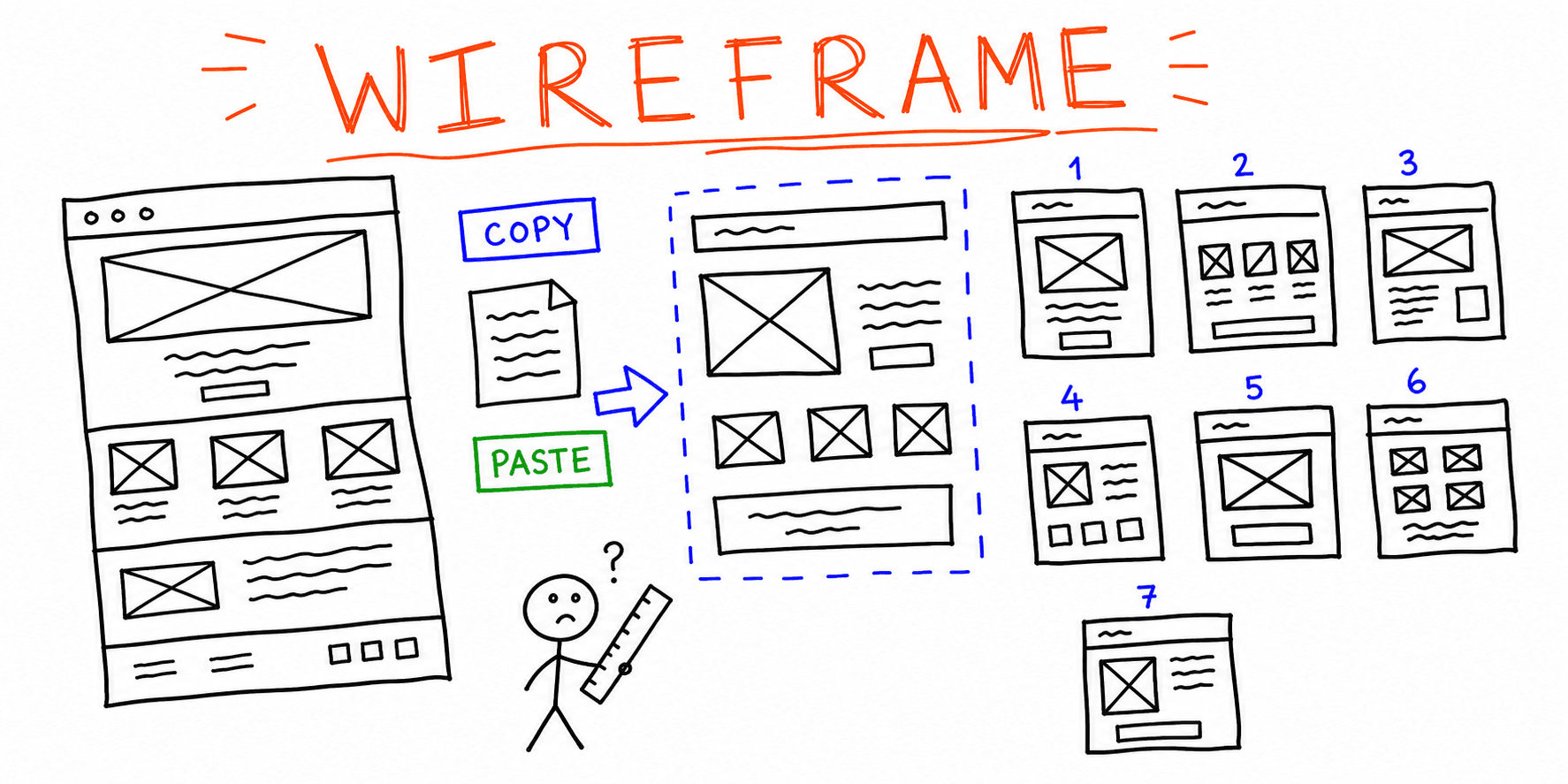

A good wireframe keeps your team aligned before design polish and development start. This guide gives you a practical website wireframe template, plus seven examples you can adapt page by page.
What you will get in this guide:
- A copy/paste website wireframe template
- Section-level guidance for homepage, pricing, and lead-gen pages
- A quick QA checklist you can run before design handoff
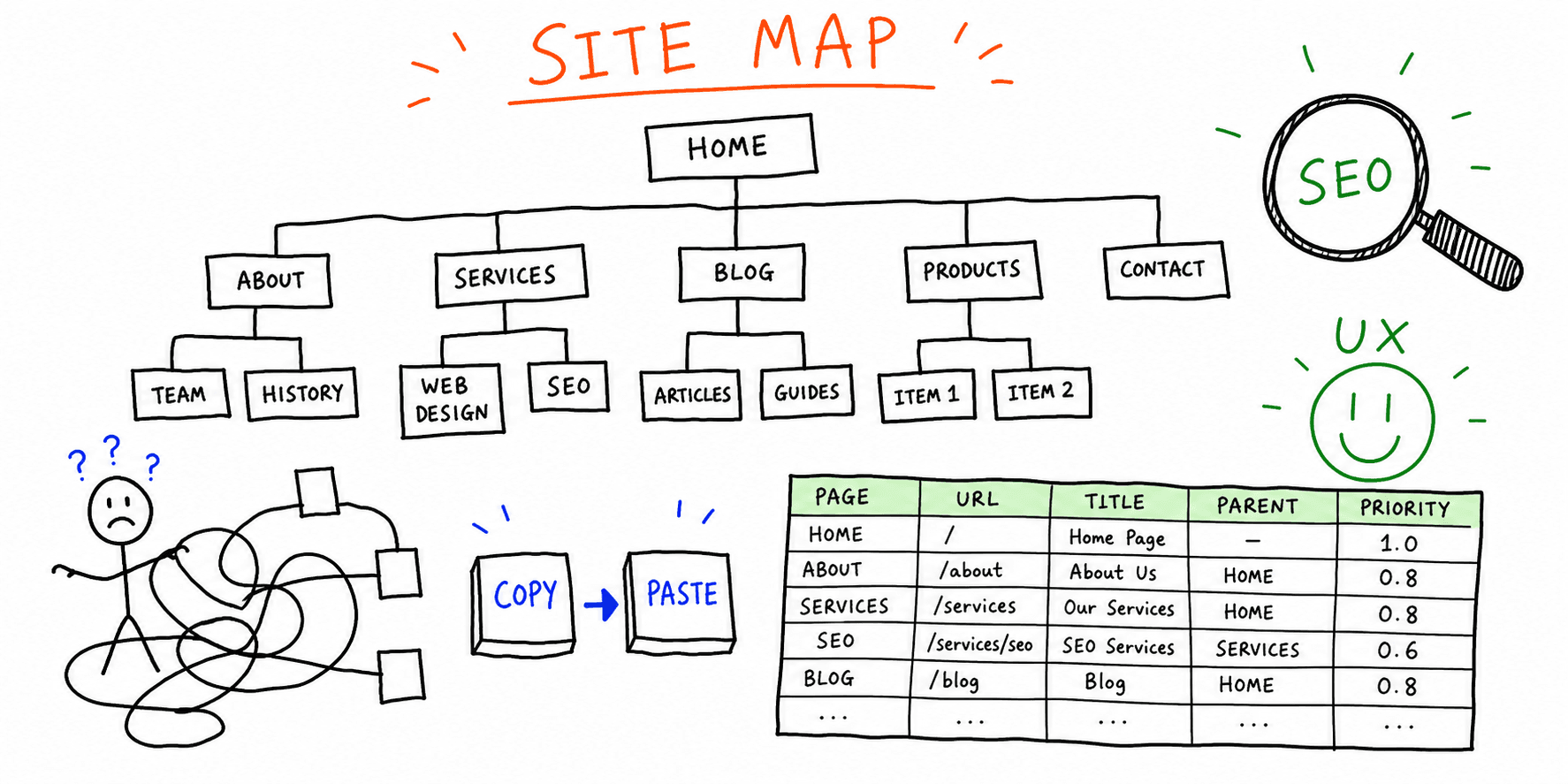
If you are still defining goals and scope, start with this website planning template first.
What is a website wireframe?
A website wireframe is a low-fidelity page blueprint. It maps structure, hierarchy, and core user paths without final visual design.
Use wireframes to decide:
- What goes above the fold
- Which sections support your primary conversion goal
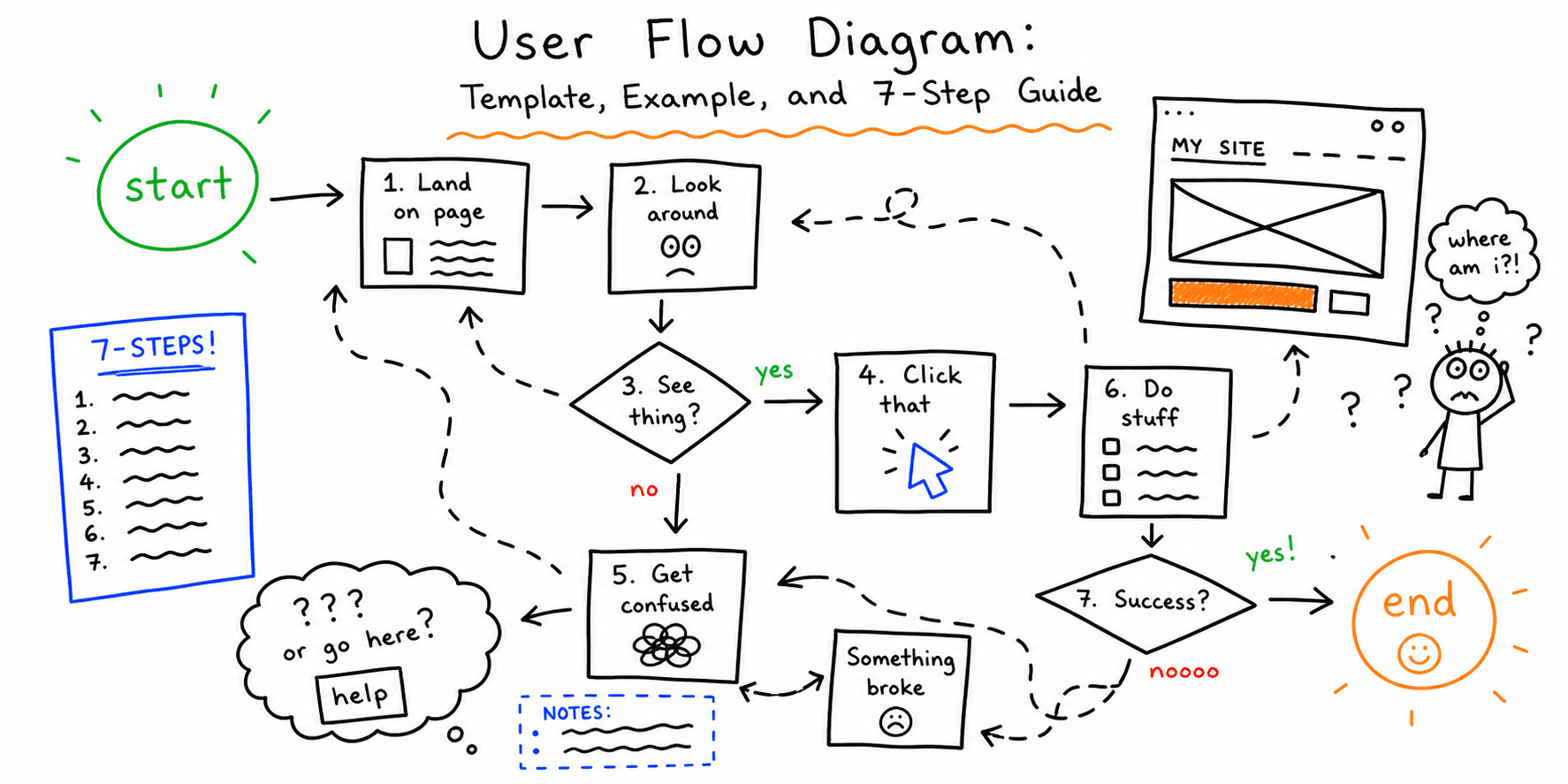
- How users move from first scan to first action
Wireframes are not moodboards and not polished UI comps. They are decision tools.
When to use a wireframe template
Use a wireframe template when you need speed and consistency across pages:
- New website projects with unclear page hierarchy
- Landing page experiments before writing final copy
- Website redesigns where teams disagree on layout priorities
- SEO and UX refreshes where content must be restructured
Related:
Website wireframe template (copy/paste)
Use this template for each page type.
1. Page goal
- Primary conversion action:
- Secondary conversion action:
- Business KPI this page supports:
2. Audience and stage
- Audience segment:
- Awareness stage (cold/warm/hot):
- Top objections to resolve:
3. Information hierarchy
- One-sentence value proposition:
- Top three proof points:
- Primary CTA label:
- Backup CTA label:
4. Section plan
| Order | Section | Purpose | Owner |
|---|---|---|---|
| 1 | Hero | Clarify value + first CTA | |
| 2 | Problem / pain | Build relevance | |
| 3 | Solution overview | Explain approach | |
| 4 | Features or deliverables | Reduce uncertainty | |
| 5 | Social proof | Add trust | |
| 6 | FAQ | Handle objections | |
| 7 | Final CTA | Drive next action |
5. Content and UX constraints
- Max hero headline length:
- Required trust elements (reviews, logos, certifications):
- Must-keep legal/compliance copy:
- Mobile-first layout notes:
6. Measurement plan
- Event to track primary CTA:
- Scroll depth threshold:
- Success metric after launch:
Free website wireframe template (homepage + landing page)
If you searched for a free website wireframe template, copy these blocks and adapt them in a doc, spreadsheet, or whiteboard.
Homepage wireframe (copy/paste)
| Section | What to include | Copy prompt |
|---|---|---|
| Hero | One clear outcome + one CTA | "Help [audience] achieve [outcome] without [pain]." |
| Credibility | Logos, certifications, review snippet | "Trusted by [segment] teams in [industry]." |
| Problem framing | 3 pain points users already feel | "Still struggling with [pain 1], [pain 2], [pain 3]?" |
| Solution | 3-step process or feature pillars | "How it works: [step 1], [step 2], [step 3]." |
| Proof | Case-study metric + testimonial | "Result: [metric] in [timeframe]." |
| Objection handling | FAQ for price, risk, and fit | "Is this right for [persona]?" |
| Final CTA | Repeated primary action | "Start [trial/demo/audit]." |
Landing page wireframe (copy/paste)
| Section | Goal | Guardrail |
|---|---|---|
| Offer headline | Clarify one offer fast | Avoid generic claims |
| Benefit bullets | Show concrete outcomes | Keep to 3 to 5 bullets |
| Form/CTA block | Capture action | Ask only essential fields |
| Proof strip | Reduce risk | Add named testimonials/logos |
| Objection FAQ | Remove blockers | Answer pricing + timing + fit |
Use this alongside landing page anatomy and landing page copywriting so structure and message stay aligned.
7 website wireframe examples
1. SaaS homepage wireframe
Best for: product-led companies with a trial CTA.
Typical structure:
- Value proposition + product screenshot
- Social proof logos
- "How it works" in three steps
- Feature blocks tied to outcomes
- FAQ + trial CTA
2. Service business homepage wireframe
Best for: agencies, consultants, local service providers.
Typical structure:
- Problem-based headline
- Service categories with short outcomes
- Case-study proof block
- Process section (3 to 5 steps)
- Consultation CTA
3. Pricing page wireframe
Best for: subscription or package businesses.
Typical structure:
- Plan cards with clear differences
- Billing toggle and annual savings
- Feature comparison table
- FAQ about contracts and refunds
- Checkout CTA
4. Lead generation landing page wireframe
Best for: paid traffic with one offer.
Typical structure:
- Single offer headline
- Benefit bullets
- Form block with minimal fields
- Proof (testimonials + logos)
- Objection FAQ + submit CTA
5. Ecommerce category page wireframe
Best for: stores improving findability and conversion.
Typical structure:
- Category value intro
- Faceted filters + sort controls
- Product grid with key badges
- Buying guide teaser
- Sticky add-to-cart behavior on mobile
6. Blog article page wireframe
Best for: SEO pages with conversion assist goals.
Typical structure:
- Intent-matching intro
- Jump links / table of contents
- Content sections with examples
- Inline CTA for related tool/service
- Related posts block
7. Contact page wireframe
Best for: service sales and demo requests.
Typical structure:
- Who this is for / not for
- Form and alternative contact options
- SLA expectations
- Trust and compliance notes
- Confirmation expectations after submit
Mobile wireframe checklist
Before handoff, validate these points:
- Primary CTA appears without excessive scrolling
- Form fields are minimal and thumb-friendly
- No critical section depends on hover behavior
- Heading hierarchy is scannable on small screens
- Key trust signals appear before the final CTA
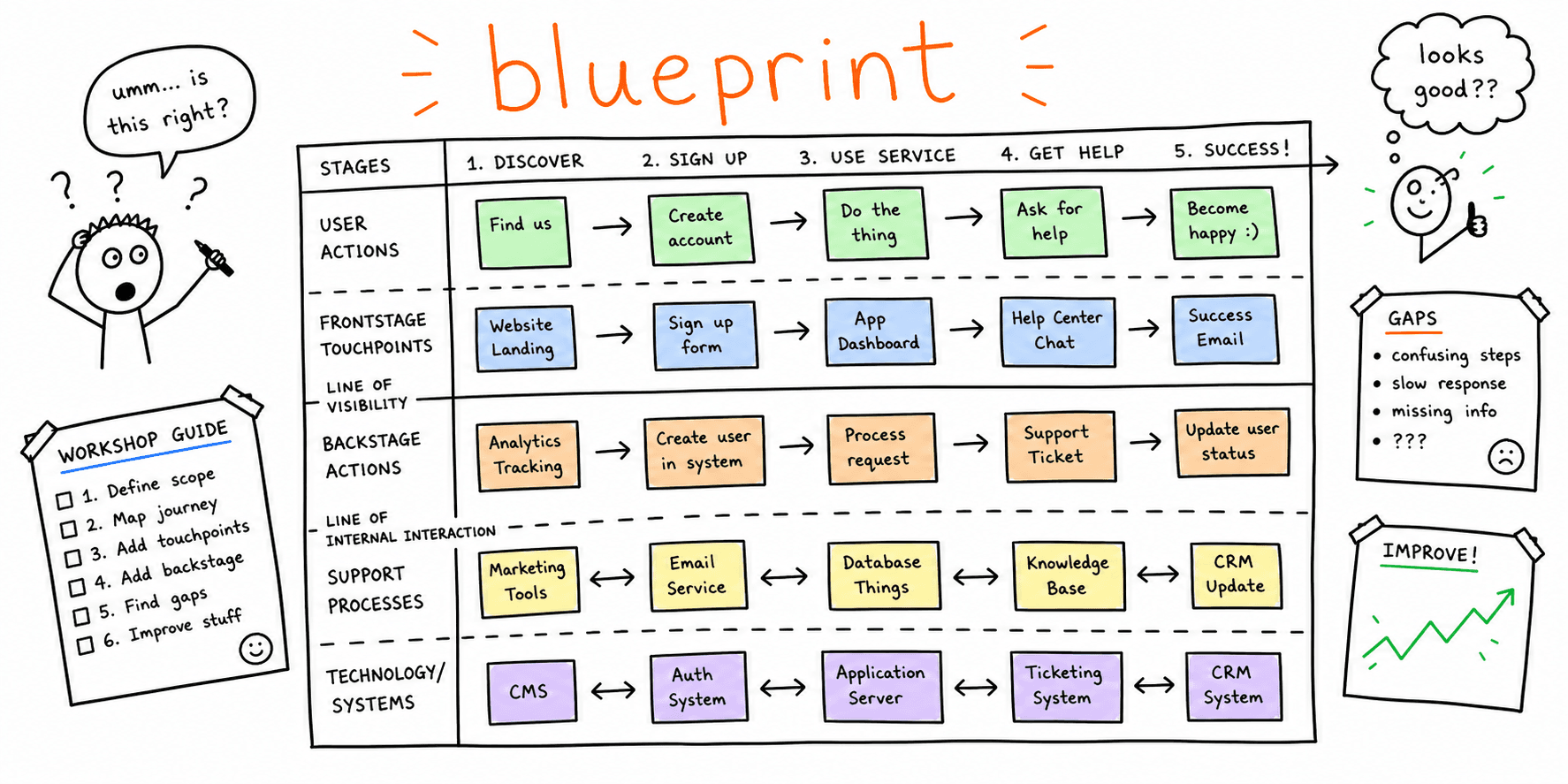
If you need a broader QA pass, use website quality assurance checklist and website usability checklist.
For a fast page-level review before handoff, run landing page analyzer, website design audit, and website UX audit.
Common wireframe mistakes (and fixes)
Mistake 1: Designing sections before defining conversion goals
Fix: lock goal, audience, and CTA logic first.
Mistake 2: Copying competitor layouts without matching your offer
Fix: borrow pattern logic, not exact blocks. Validate with your own user journey.
Mistake 3: Treating all pages with one structure
Fix: create separate templates for homepage, landing, and pricing pages.
Mistake 4: Skipping SEO and content constraints
Fix: reserve slots for intent-matching headings, internal links, and FAQ.
For SEO structure ideas, see website content audit template and website SEO audit checklist.
FAQ
What should be included in a website wireframe template?
Include the page goal, audience stage, section order, CTA logic, and a measurement plan. Without these, a wireframe is only a sketch.
How detailed should a wireframe be?
Detailed enough to make layout and hierarchy decisions, but not detailed enough to lock visual design too early.
Is a landing page wireframe different from a homepage wireframe?
Yes. A landing page wireframe should focus on one offer and one main CTA, while homepage wireframes usually support multiple journeys.
Related resources
- Landing page best practices
- Landing page copywriting
- Website navigation best practices
- Information architecture principles
Need feedback on a live page before you commit to a full redesign? Run a fast check with: