Jera Value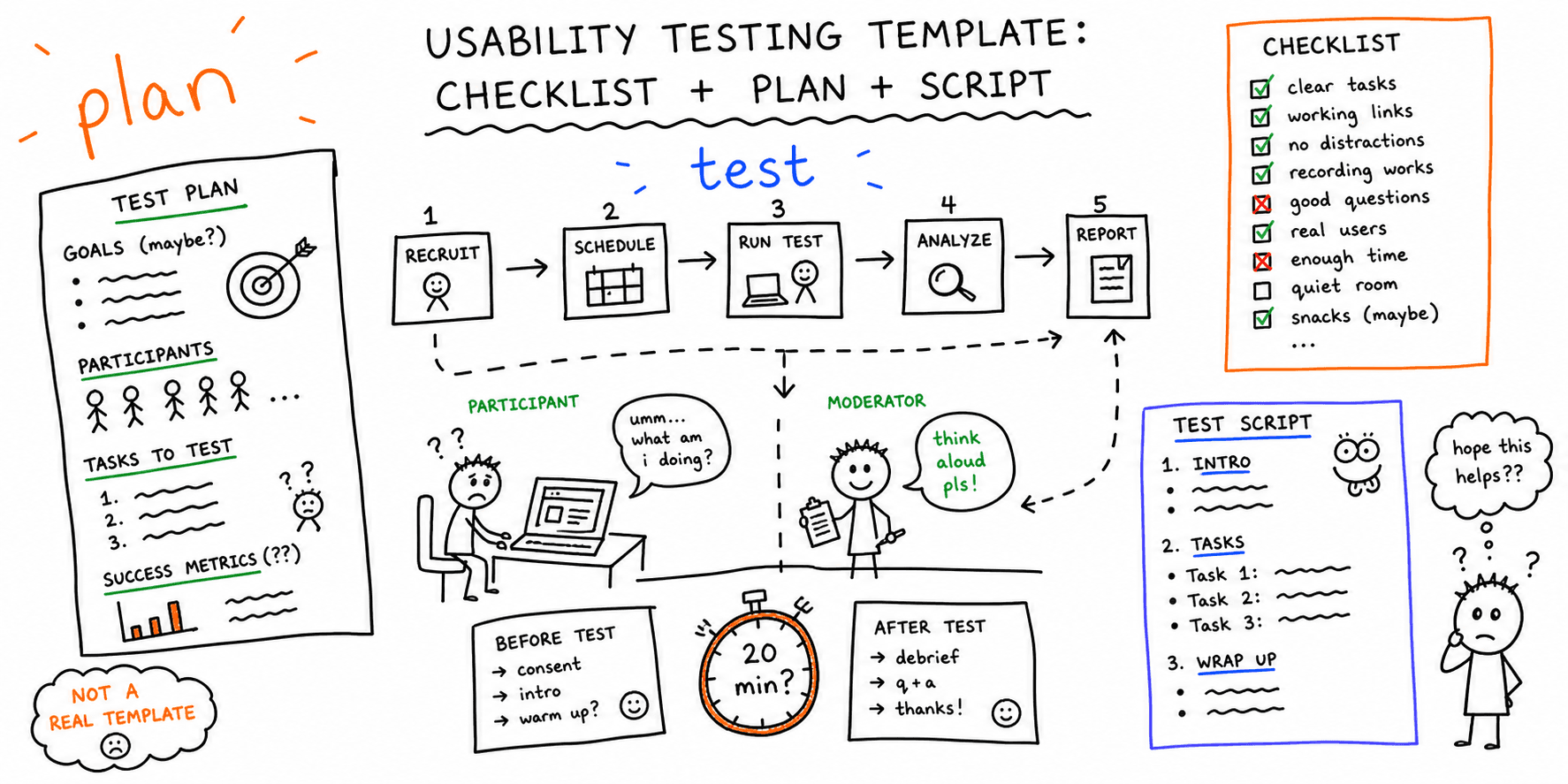

Usability testing uncovers where real users struggle. This template helps you plan the study, run sessions, and synthesize findings.
What you'll get:
- A usability testing checklist
- A test plan template
- A task-writing template
- A moderator script template
- A note-taking template
- A report template
Use the sections below as building blocks; keep what you need and delete the rest.
Use this with the usability testing script template.
References for this guide are listed at the end.
What is usability testing?
Usability testing evaluates how easily people can complete tasks in a product. It focuses on whether users can achieve their goals effectively, efficiently, and with satisfaction.
Why use a usability testing template?
Templates make tests faster to plan and more consistent to run. They also reduce missed steps and improve the quality of your findings.
Usability testing checklist (quick)
Use this to sanity-check your setup before every study.
- Define objectives and hypotheses
- Choose participants and sample size
- Write realistic tasks and scenarios
- Decide where to place questionnaires (before, after each task, end)
- Prepare a script and note-taking format
- Run a dry test
- Plan how you will report results
Usability test plan template
Use this plan to align goals, participants, methods, and reporting.
Test plan (copy/paste)
| Section | Details |
|---|---|
| Study goal | What decisions will this test inform? |
| Target users | Who are we testing and why? |
| Method | Moderated or unmoderated? Remote or in-person? |
| Tasks | 3 to 7 tasks that map to real user goals |
| Success criteria | What does "success" look like for each task? |
| Metrics (optional) | Time on task, task success, SEQ, SUS |
| Logistics | Date, tools, incentives, recording |
| Output | What format will we deliver to stakeholders? |
Usability testing task template
This task template is adapted from UserTesting guidance for task writing.
Task template (copy/paste)
| Field | Description |
|---|---|
| Task # and name | Short label and number |
| Research question | What will this task answer? |
| Scenario | Realistic context for the task |
| Inputs | Any info the user needs (logins, data) |
| Expected steps | What you expect users to do |
| Success criteria | How you know they completed it |
| Notes | What to watch for or ask after |
Usability testing script template
Digital.gov provides a usability testing script in their starter kit. Use it as the base for your moderator guide.
Moderator script (copy/paste)
Intro Thanks for joining. We are testing the product, not you. You can stop at any time. We will record the session to take notes.
Warm-up
- What is your role?
- How often do you use products like this?
Task instructions I will give you a scenario. Please say what you are thinking as you go. If you get stuck, tell me what you are trying to do.
Wrap-up
- What felt easy?
- What felt confusing?
- If you could change one thing, what would it be?
Usability testing note-taking template
Use this to capture observations consistently across sessions.
Notes template (copy/paste)
| Participant | Task | Outcome (pass/struggle/fail) | Time | Observations | Quotes | Issues | Severity |
|---|---|---|---|---|---|---|---|
| P1 | Task 2 | Struggle | 3:42 | Looked for filters in header | "I expected filters here" | Filter location unclear | 2 |
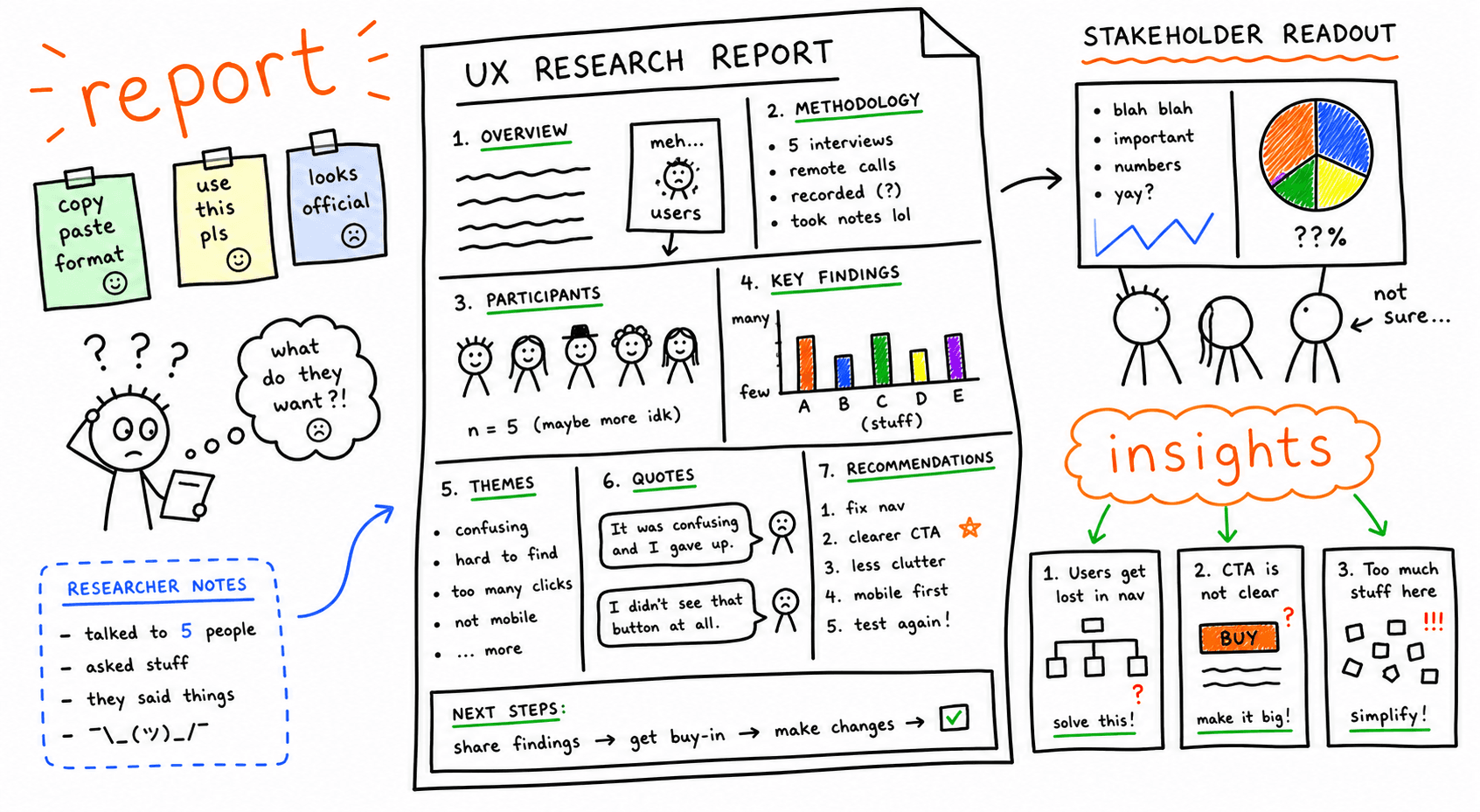
Usability testing report template
Digital.gov provides report templates in its usability starter kit. Use this outline to keep reports fast and consistent.
Report outline (copy/paste)
- Summary
- Test goals
- Participants
- Method and tasks
- Findings (ranked by severity)
- Evidence (quotes, screenshots)
- Recommendations
- Next steps
Metrics you can track (optional)
Usability is often measured by effectiveness, efficiency, and satisfaction. You can add metrics if you want a more quantitative view.
Examples:
- Task success rate (effectiveness)
- Time on task (efficiency)
- SEQ or SUS scores (satisfaction)
FAQ
How many tasks should I include?
Keep it short. Many teams test 3 to 7 tasks in a single session.
Do I need templates if I only run one test?
Yes. Templates prevent missed steps and make results easier to communicate.
References
- Maze — Template
- UserTesting — Usability Testing Templates And Checklists
- Digital.gov — Digitalgov User Experience Program Usability Starter Kit
- Nielsen Norman Group — Free UX Templates
- dscout — Usability Testing Guide
Related resources
- How to conduct usability testing
- Website usability checklist
- Website UX checklist
- Website audit checklist
- Website UX best practices
If you want a fast UX audit for a specific page, start here: Website UX Audit
Want client-ready UX findings in minutes? Roast My Web generates branded PDF audit reports with prioritized UX, conversion, and SEO fixes.