Jera Value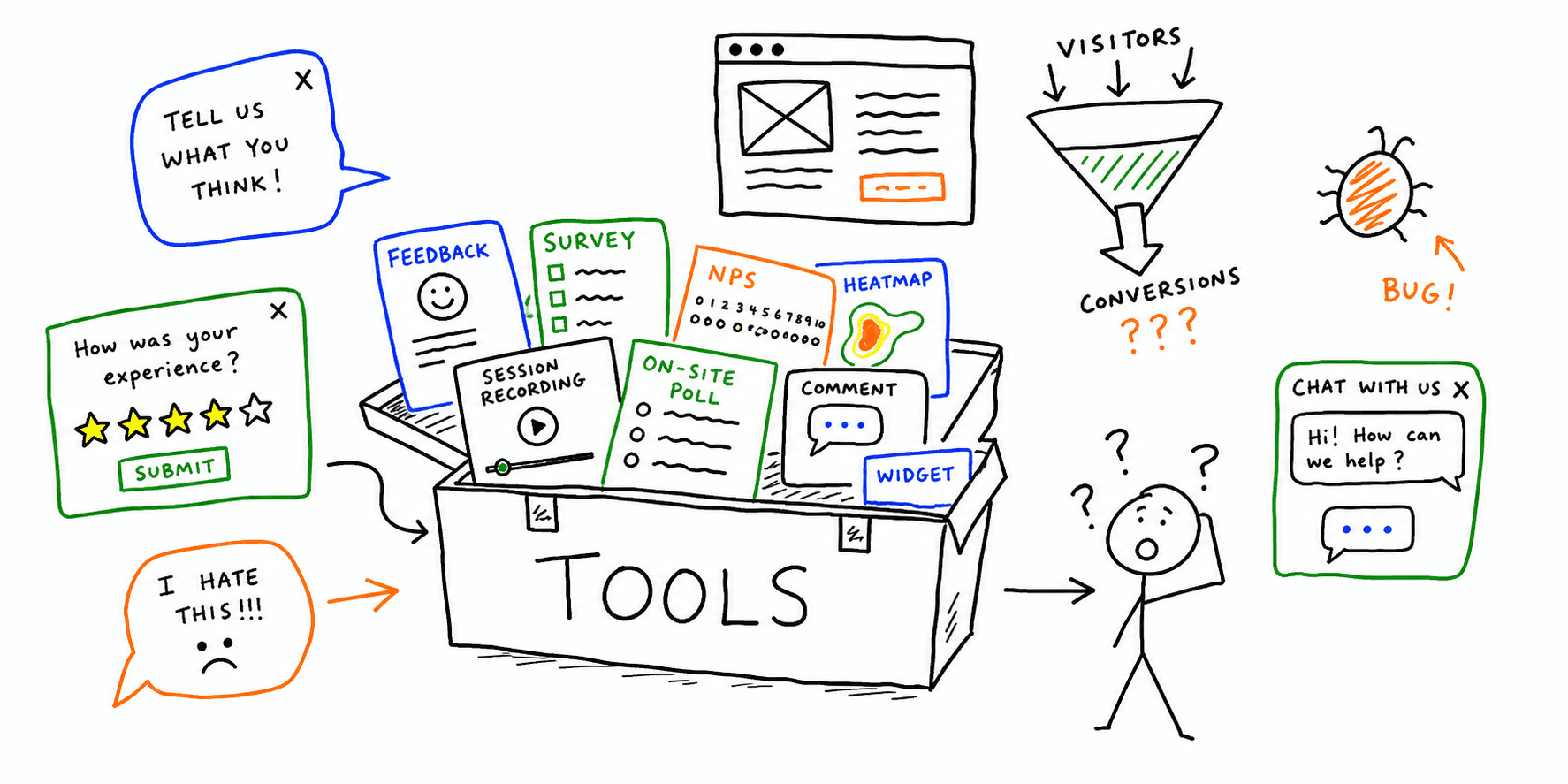

If you need one website feedback tool that fits your stack, skip the generic "top 10" lists and map tools to the feedback signal you need:
- Behavioral signal: clicks, rage clicks, dead clicks, scroll depth
- Voice-of-customer signal: short surveys, NPS, feedback form answers
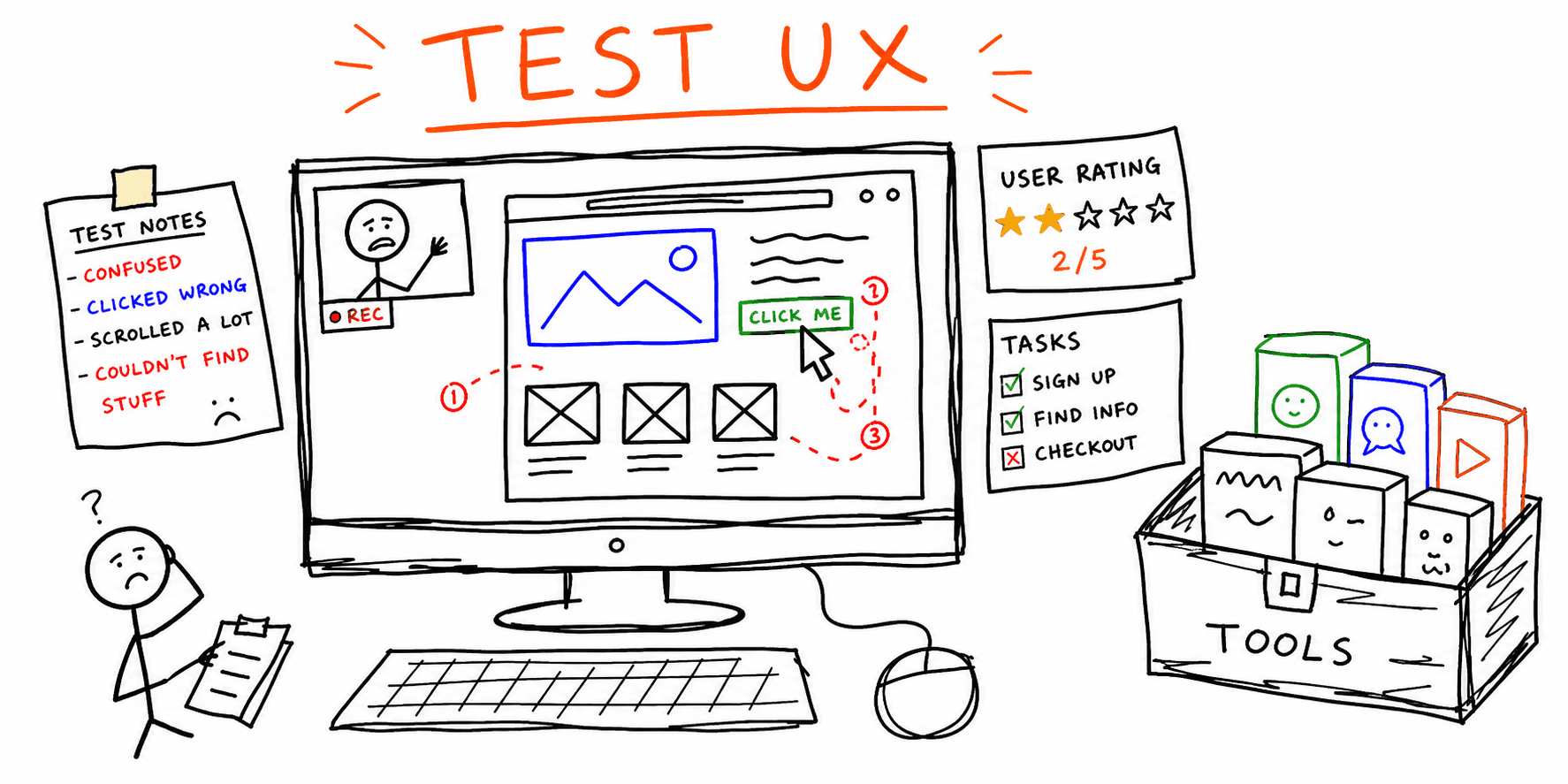
- Observational signal: moderated or unmoderated usability tests
- Prioritization signal: issue severity and impact by page or funnel stage
If you are searching for a feedback tool for website teams, use the same decision flow: pick your primary signal first, then shortlist tools that can turn signal into a fix backlog.
This guide gives you a practical shortlist, plus a rollout plan you can use this week.
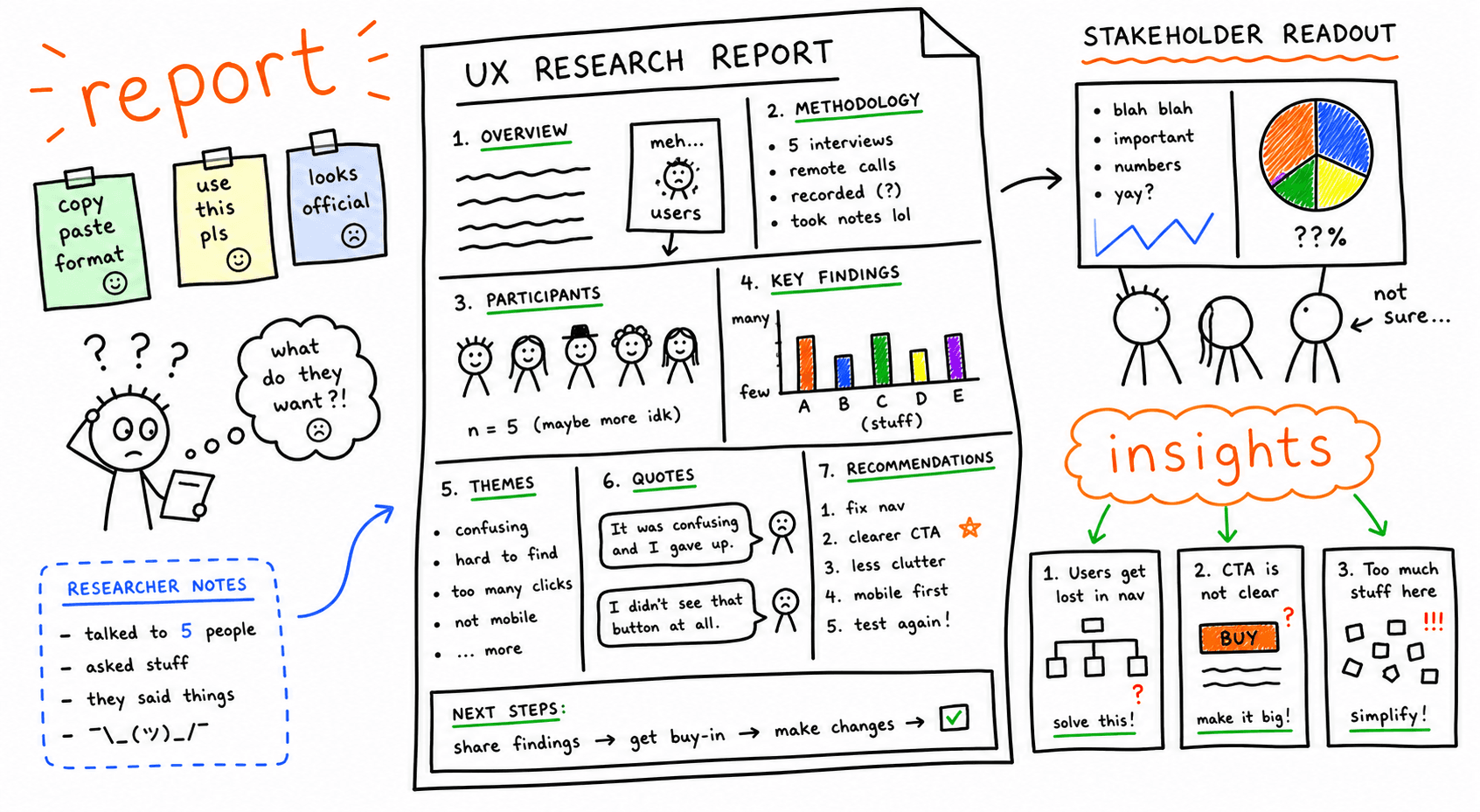
Need feedback translated into a prioritized fix list with page-level recommendations? Use Feedback for a Website or run a full Website Checker.
If you are evaluating a design feedback tool specifically, prioritize annotation depth, handoff quality, and issue triage speed over generic analytics dashboards.
Quick comparison: best website feedback tools by use case
| Tool | Best for | Primary signal | Good fit | Watch-out |
|---|---|---|---|---|
| Roast My Web | Fast audit + action plan | UX/CRO/SEO issue prioritization | Agencies, consultants, startup teams | Less useful for logged-in product flows |
| Hotjar | Broad UX diagnostics | Heatmaps, recordings, onsite surveys | Marketing + UX teams | Sampling and setup discipline are required |
| Microsoft Clarity | Low-cost behavior analytics | Recordings, rage/dead clicks | Teams needing free baseline visibility | Less advanced survey workflows |
| UserTesting | Deep qualitative insight | Recorded moderated/unmoderated tests | Product and UX research teams | Higher cost per study |
| Maze | Rapid prototype and task testing | Path completion and task outcomes | Product teams iterating fast | Requires clear research design |
| FullStory | Session intelligence at scale | Event replay + struggle signals | Mid-market/enterprise analytics | Can be expensive at volume |
| Survicate | Always-on feedback programs | NPS, CES, CSAT, trigger surveys | SaaS lifecycle programs | Survey fatigue if overused |
| Qualaroo | Contextual microsurveys | In-page question targeting | Conversion and onboarding teams | Limited replay diagnostics |
| Usersnap | Visual bug and design feedback | Annotated screenshots | QA, design, engineering triage | Not a full behavior analytics platform |
| Google Forms (+ analytics) | Lightweight feedback collection | Open-text and scoring responses | Early-stage teams | Manual analysis and weak targeting |
Design feedback tool checklist (for UI and visual QA)
A strong design feedback tool should shorten review cycles, not just collect comments.
Use this quick filter before buying:
- In-context annotation on live pages, prototypes, or screenshots
- Clear issue metadata (severity, owner, effort, expected impact)
- Native handoff to delivery tools (Jira, Linear, ClickUp) and design files (for example, Figma links)
- Shared audit trail for decisions so comments do not get lost in chat threads
- Weekly reporting that helps PM, design, and engineering agree on what ships first
For a fast baseline before tool rollout, run a Website Design Audit, then pair it with this UI Audit Checklist and Design Critique Template.
1. Roast My Web
Roast My Web is best when you need to move from "we got feedback" to "here is what to fix first." It audits pages for UX, conversion, content clarity, and SEO issues, then outputs a prioritized report you can share with clients or stakeholders.
Use it when:
- You need a client-ready report, not raw events
- You want one workflow across design, UX, and conversion issues
- You need quick comparisons across multiple pages or competitor pages
Start here:
2. Hotjar
Hotjar is a strong all-round website feedback tool for combining behavioral analytics (heatmaps + recordings) with short in-product surveys.
Use it when:
- You want to validate where visitors hesitate before conversion
- You need one platform for both behavior and direct feedback
Watch-out:
- Track key templates first (homepage, pricing, checkout), not every page at once.
3. Microsoft Clarity
Clarity is a high-value starting point for behavior diagnostics, especially when budget is tight.
Use it when:
- You need fast visibility into rage clicks, dead clicks, and scroll behavior
- You want session replays before purchasing a premium stack
Watch-out:
- Pair it with a survey or a website feedback form template to capture the "why."
4. UserTesting
UserTesting is built for qualitative research depth. It is ideal when recordings from your own traffic are not enough and you need targeted participants.
Use it when:
- You are validating high-risk journeys (signup, checkout, onboarding)
- You need spoken reasoning, not inferred behavior
Watch-out:
- Plan tasks and success criteria before inviting participants.
5. Maze
Maze helps you validate flows quickly with task-based tests and prototype research.
Use it when:
- You are still in design or pre-release stages
- You need directional decisions quickly between variants
Watch-out:
- Treat it as a decision input, not the only truth source.
6. FullStory
FullStory provides detailed replay and journey analytics for teams with large traffic and complex funnels.
Use it when:
- You need advanced struggle detection at scale
- You have engineering support for instrumentation and governance
Watch-out:
- Define retention and privacy policies up front.
7. Survicate
Survicate is strong for continuous voice-of-customer collection (NPS/CES/CSAT + contextual surveys).
Use it when:
- You need recurring pulse feedback by segment
- You want to connect survey responses to lifecycle stages
Watch-out:
- Limit survey frequency to avoid response drop-off.
8. Qualaroo
Qualaroo focuses on lightweight targeted questions that appear in context.
Use it when:
- You want intent-based microsurveys on high-impact pages
- You need quick message testing for content and UX
Watch-out:
- Keep forms short and route open-text answers into a clear tagging workflow.
9. Usersnap
Usersnap is optimized for visual feedback and bug capture with annotations.
Use it when:
- Product, design, and engineering teams need shared issue context
- You run frequent QA cycles
Watch-out:
- Pair with behavioral data for funnel-level decisions.
10. Google Forms + analytics events
This combo works when you need a no-friction first step and can manually review responses.
Use it when:
- You are early stage and need directional feedback quickly
- You only need one or two feedback loops per month
Watch-out:
- Manual tagging becomes a bottleneck once response volume grows.
How to choose the right website feedback tool
Use this 5-question filter before picking:
- What decision should the tool help you make in the next 30 days?
- Do you need behavioral data, direct survey data, or both?
- Will this be used by marketing only, or also by product/design/engineering?
- How much weekly time do you have for analysis and follow-up?
- Do you need stakeholder-ready reporting out of the box?
If your team mainly needs prioritization and reporting, start with Roast My Web. If you mainly need behavior and survey capture, pair Hotjar or Clarity with a survey program.
Feedback tool for website: 30-minute scoring model
When stakeholders ask for a new feedback tool, decision speed usually drops because teams compare features instead of outcomes. Use this weighted scorecard to pick faster.
| Criterion | Weight | What to verify quickly |
|---|---|---|
| Signal coverage | 30% | Can it capture both behavior signals and direct feedback for your core funnel? |
| Time to first insight | 25% | Can the team ship setup and collect usable findings in under 7 days? |
| Workflow fit | 20% | Can product, design, marketing, and engineering all use the same output? |
| Prioritization quality | 15% | Does it help rank issues by conversion impact, not only volume? |
| Reporting clarity | 10% | Can you share findings in stakeholder-ready format without extra tooling? |
Run this in one meeting:
- Score your top three tools from 1 to 5 on each criterion.
- Multiply each score by the weight and total the result.
- Pick the highest score, then run a 14-day pilot before full rollout.
For stronger pilot inputs, pair this with How to Conduct Usability Testing, Website UX Audit, and Website feedback examples.
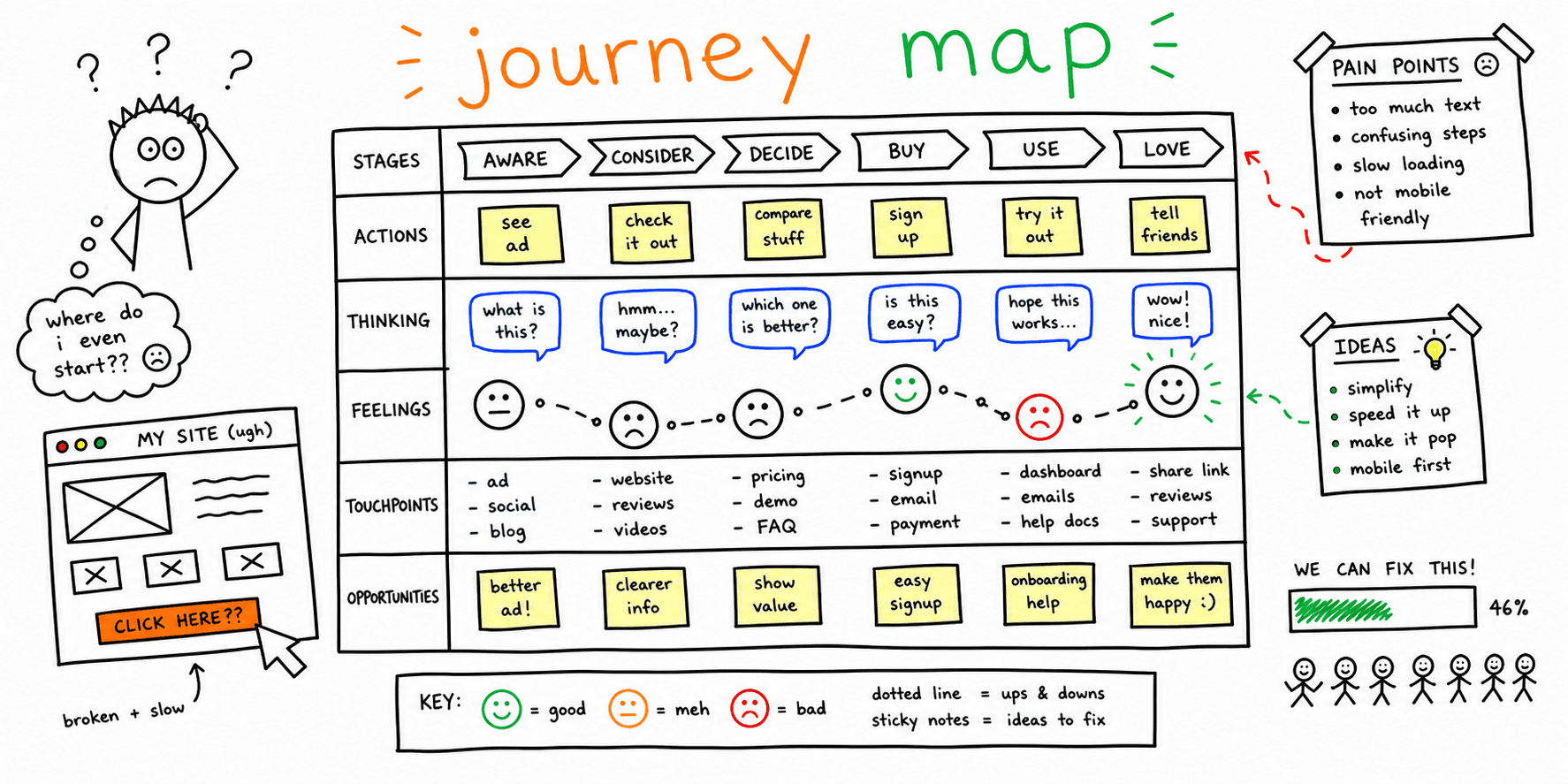
14-day implementation plan
Days 1-2: define scope
- Pick one conversion-critical flow (for example: pricing to signup).
- Define 2-3 success metrics (completion rate, error rate, time to complete).
Days 3-5: instrument collection
- Add your selected website feedback tool on critical templates.
- Launch one short feedback form with 3-5 questions max.
Days 6-9: collect and classify
- Review replays and responses daily.
- Tag issues by severity (high/medium/low) and type (clarity, UX, trust, performance).
Days 10-14: ship fixes and re-check
- Implement top 3 high-severity fixes.
- Re-measure metrics and compare pre/post snapshots.
Use these companion resources:
- Website feedback survey template
- Website feedback examples
- Website usability checklist
- Usability testing template
Common mistakes to avoid
- Installing multiple tools before defining decisions they should inform
- Asking broad feedback questions that cannot be actioned
- Reviewing data without issue tagging and ownership
- Treating all feedback equally instead of prioritizing by funnel impact
FAQ
What is the best website feedback tool for most small teams?
For many small teams, the best path is one tool for behavior diagnostics plus one lightweight survey workflow. If you also need ready-to-share audit output, use Website Audit Report.
Is there a difference between "website feedback tool" and "website feedback tools" intent?
They usually map to the same commercial comparison intent, but singular queries often indicate users are closer to choosing one product. Your page should address both.
Is a "design feedback tool" different from a website feedback tool?
Usually it is a narrower subset. A design feedback tool focuses on visual annotation, component-level comments, and handoff clarity, while broader website feedback tools may focus more on behavior analytics and surveys.
Is "feedback tool for website" a separate keyword from "website feedback tool"?
Not really. They map to the same tool-comparison intent cluster, so one strong page should cover both variants to avoid cannibalization.
Do I need a separate website feedback form page?
Not always. You can start with an embedded form and a template from this guide, then expand into dedicated survey workflows if response volume justifies it.