Jera Value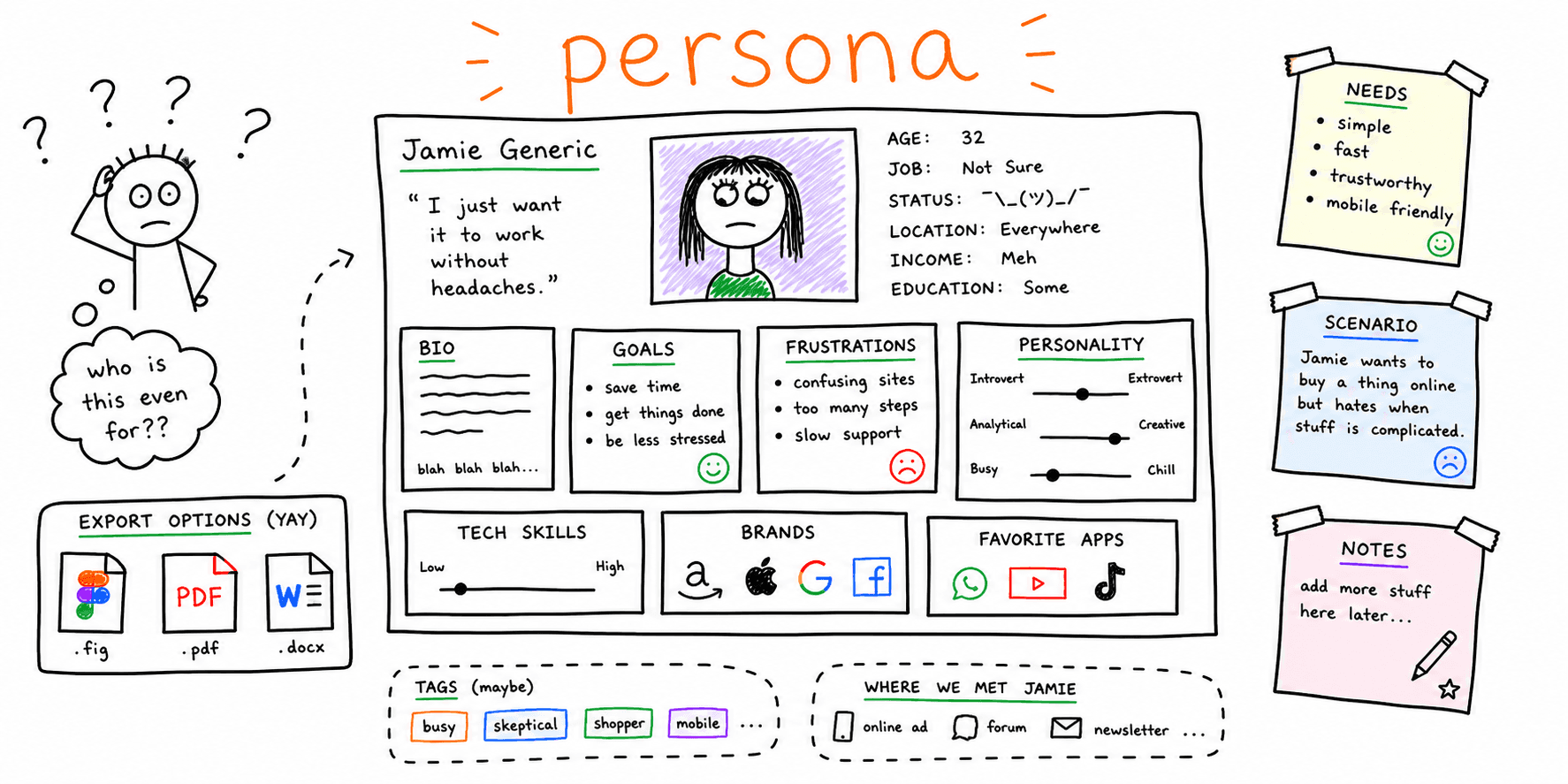

Personas turn research into a shared picture of who you are designing for. This template helps you capture behaviors, goals, and constraints without fluff.
What you'll get:
- A copy/paste user persona template
- A quick checklist for quality control
- A filled user persona example you can adapt
- A practical format guide for Figma, PDF, and Word handoff
Use the sections below as building blocks; keep what you need and delete the rest.
Personas are strongest when grounded in research, so pair this with the user interview template.
References for this guide are listed at the end.
What is a user persona?
A user persona is a fictional profile that represents a real segment of your user base. It summarizes goals, pain points, behaviors, and context so teams design with real users in mind.
Why use a user persona template?
Personas help teams make consistent decisions and align on who they are building for.
Benefits include:
- Synthesizing research in a clear, shareable format
- Highlighting goals and pain points at a glance
- Keeping teams aligned across design, product, and marketing
- Making personas easier to compare by using consistent layouts
What to include in a user persona template
Most personas include:
- Name and photo
- Role and background
- Goals and motivations
- Pain points and frustrations
- Behaviors, habits, and context of use
- Quotes or key insights
Justinmind notes that personas typically include a fictional name and picture plus a short bio and key details. Mural and Maze emphasize goals, motivations, and frustrations as core sections.
User persona template (copy/paste)
Use this template in a doc, spreadsheet, or whiteboard.
Snapshot
- Persona name:
- Role or segment:
- Short bio:
- Quote:
Goals and motivations
- Primary goal:
- Secondary goals:
- Motivations:
Pain points and frustrations
- Key problems:
- Obstacles:
- Triggers that cause drop-off:
Behaviors and context
- Typical tasks:
- How they research or decide:
- Tools they use:
- Preferred channels:
Environment
- Devices:
- Constraints:
- Accessibility needs (if relevant):
Evidence and sources
- Research inputs:
- Data links:
Free user persona template formats (Figma, PDF, Word)
If your team needs a free user persona template in multiple formats, use one source of truth and export into the format each stakeholder needs.
Figma workflow (for design teams)
- Create a persona frame with sections from the template above
- Use shared text styles for headings and labels
- Keep one component for "goal", "pain point", and "evidence" rows
- Duplicate per persona and keep naming consistent
PDF workflow (for stakeholder sharing)
- Keep personas to one page each
- Remove low-signal fields before export
- Add a "last updated" date and research source links
Word workflow (for collaborative editing)
- Use a table layout for each section
- Track changes while teams review assumptions
- Convert approved versions to PDF for distribution
This prevents version drift and makes the same persona template usable across product, design, and marketing.
User persona checklist
- Persona is based on research, not assumptions
- Goals and pain points are clearly defined
- Behaviors and context are documented
- The layout is consistent across personas
- The persona is shared and easy to find
User persona example (filled)
Use this user persona example as a baseline and replace assumptions with your own research.
| Field | Example |
|---|---|
| Persona name | Alex, Busy Team Lead |
| Role/segment | SaaS team admin at a 20-person startup |
| Core goal | Set up projects quickly and reduce onboarding time |
| Secondary goals | Keep permission setup simple, avoid support tickets |
| Top pain points | Confusing setup steps, unclear role permissions, hard-to-find help docs |
| Behaviors | Skims documentation, prefers short videos/checklists, asks peers before support |
| Context | Works on laptop during meetings; checks status on mobile between calls |
| Tools used | Slack, Notion, Jira |
| Quote | "I need to get the team productive in a day, not a week." |
| Evidence source | 7 onboarding interviews + support ticket review |
Turn this into a decision aid by attaching one action per pain point (copy fix, UI change, onboarding flow update, etc.).
Common mistakes to avoid
- Creating personas without research
- Overloading personas with unnecessary demographic details
- Treating personas as static documents
Maze and UXPressia stress research-driven personas and keeping them flexible over time.
How to apply personas to website decisions
A persona is only useful if it changes what you ship. After completing your template:
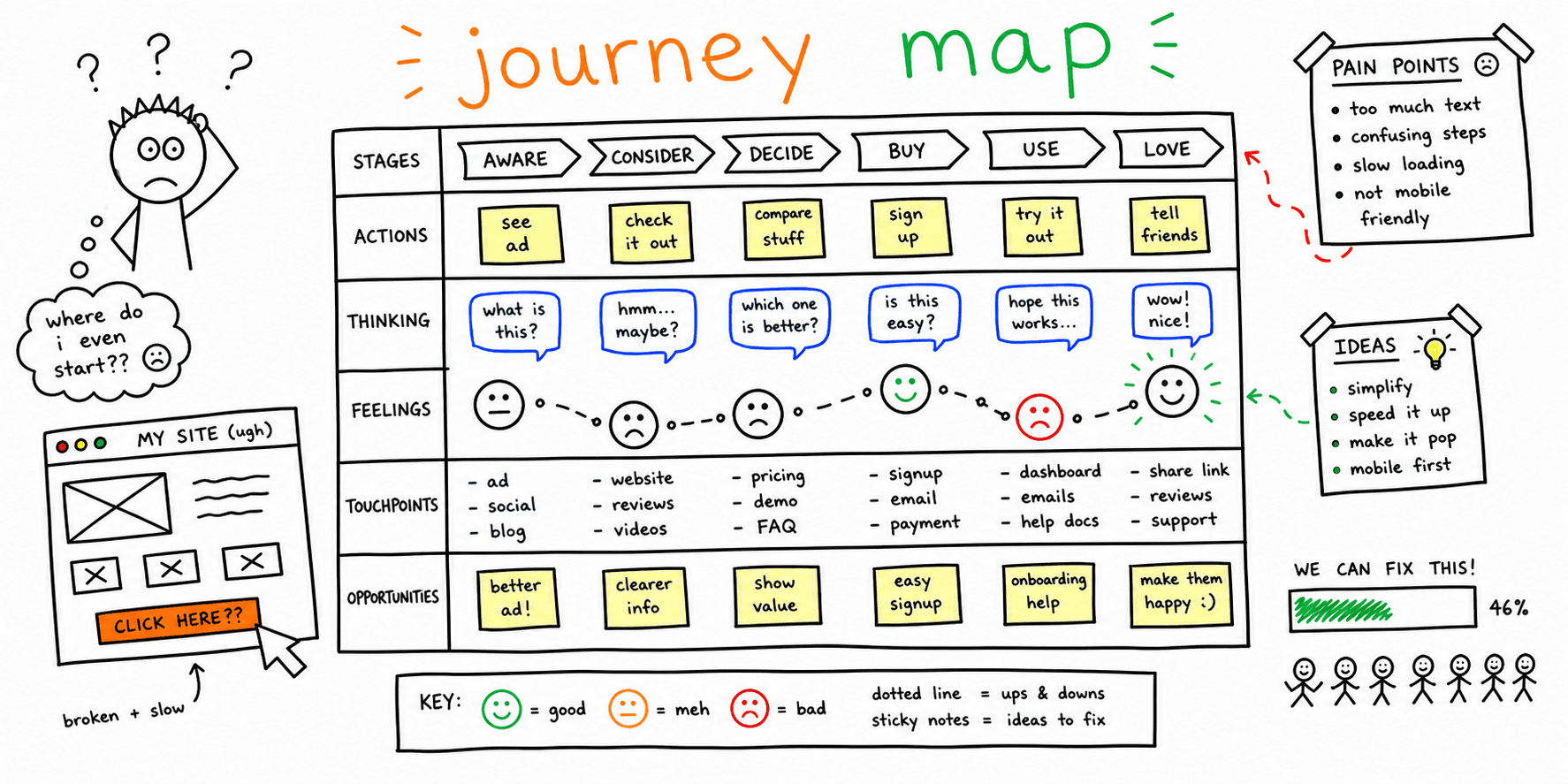
- Map each persona goal to a key journey step using this user journey mapping template
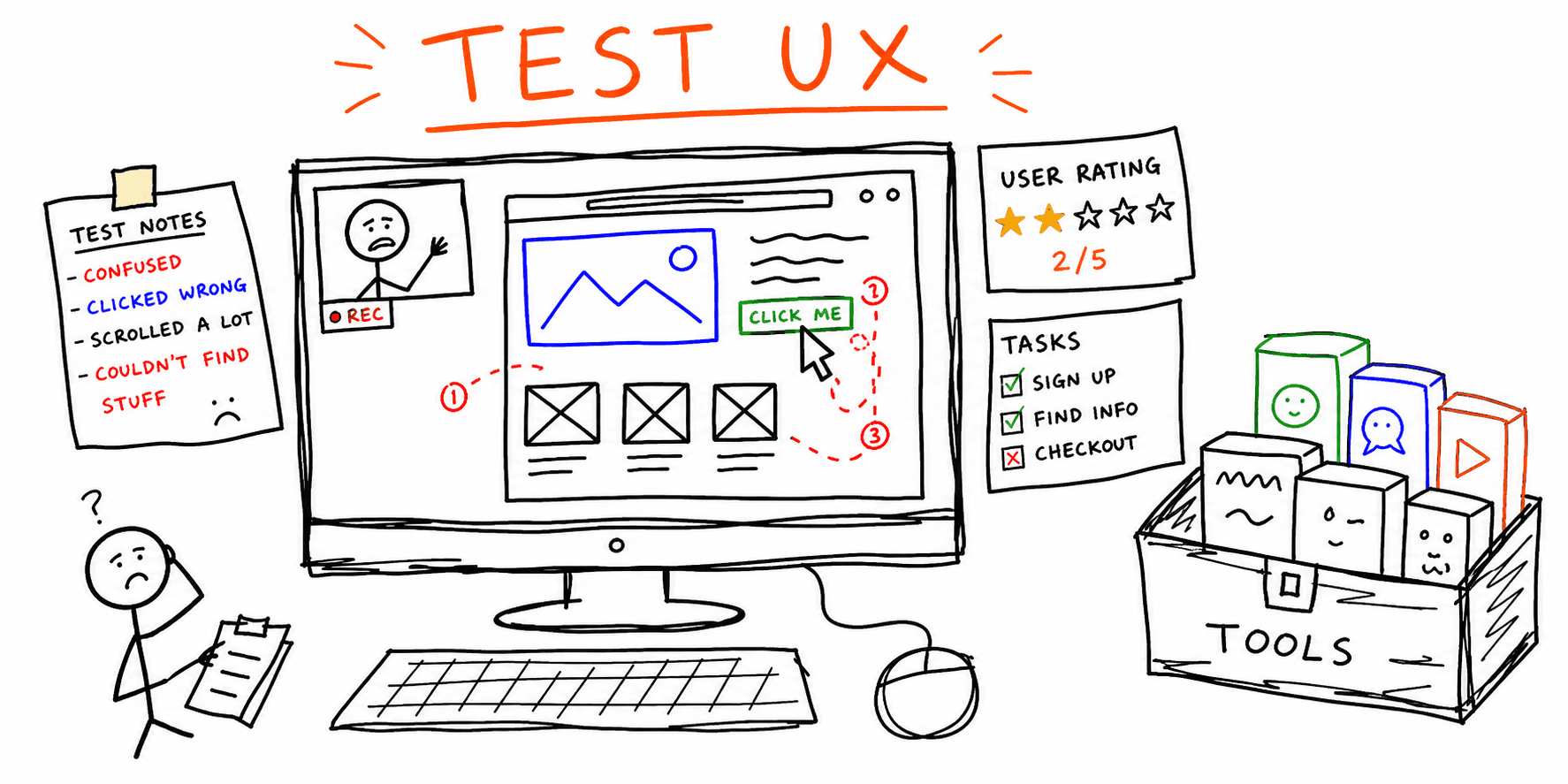
- Turn pain points into test scenarios with this usability testing template
- Validate page hierarchy and CTA flow using this website wireframe template
- Prioritize fixes with a page-level website UX audit
- Check message clarity and SEO alignment with website content analysis
FAQ
Do you need demographics in every persona?
Not always. Maze notes that demographics are not required unless they are directly relevant to the research goals.
How many personas should you create?
Keep it focused on the main user segments so the team can remember and use them.
Should personas be updated?
Yes. Mural recommends keeping personas up to date as products and audiences evolve.
References
- Maze — User Persona Template
- Justinmind — User Persona Templates
- UXPressia — How To Create Persona Guide Examples
- Mural — User Personas
- Lucid — User Persona
Related resources
- User interview questions template
- User interview template
- UX research plan template
- User journey mapping template
- Usability testing template
- UX audit template
If you want a fast UX review for a specific page, start here: Website UX Audit
Want client-ready UX findings in minutes? Roast My Web generates branded PDF audit reports with prioritized UX, conversion, and SEO fixes.