Jera Value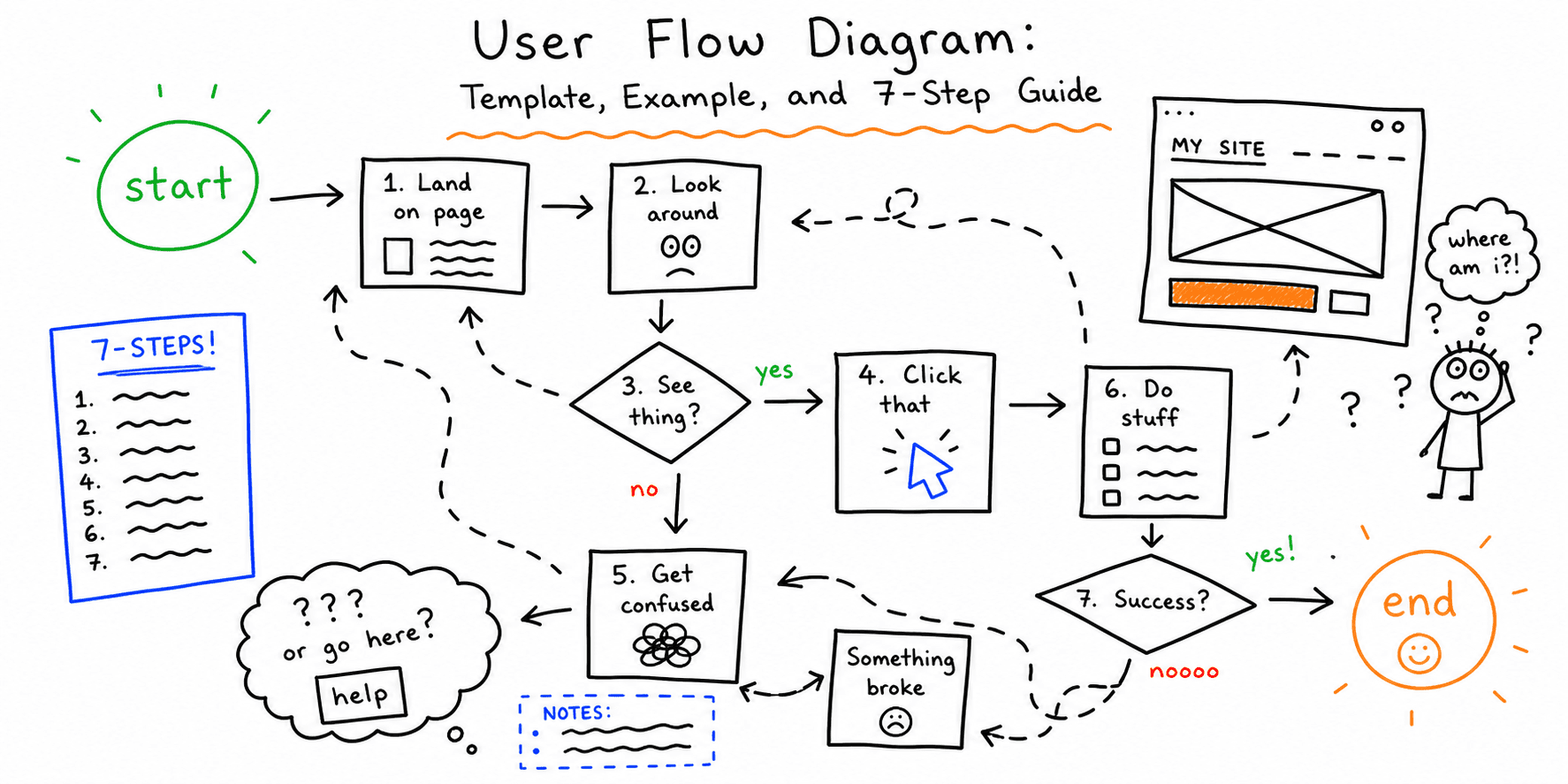

A strong user flow diagram makes hidden friction visible.
When teams skip flow mapping, they usually optimize isolated screens instead of fixing the path users actually take to complete a goal. That leads to prettier pages but weaker conversion and more drop-off.
This guide gives you a practical way to map, review, and improve a user flow diagram for real website journeys.
If you searched for user flow diagram examples, a user flow diagram template, or what is a user flow diagram, this page covers all three intents in one practical guide.
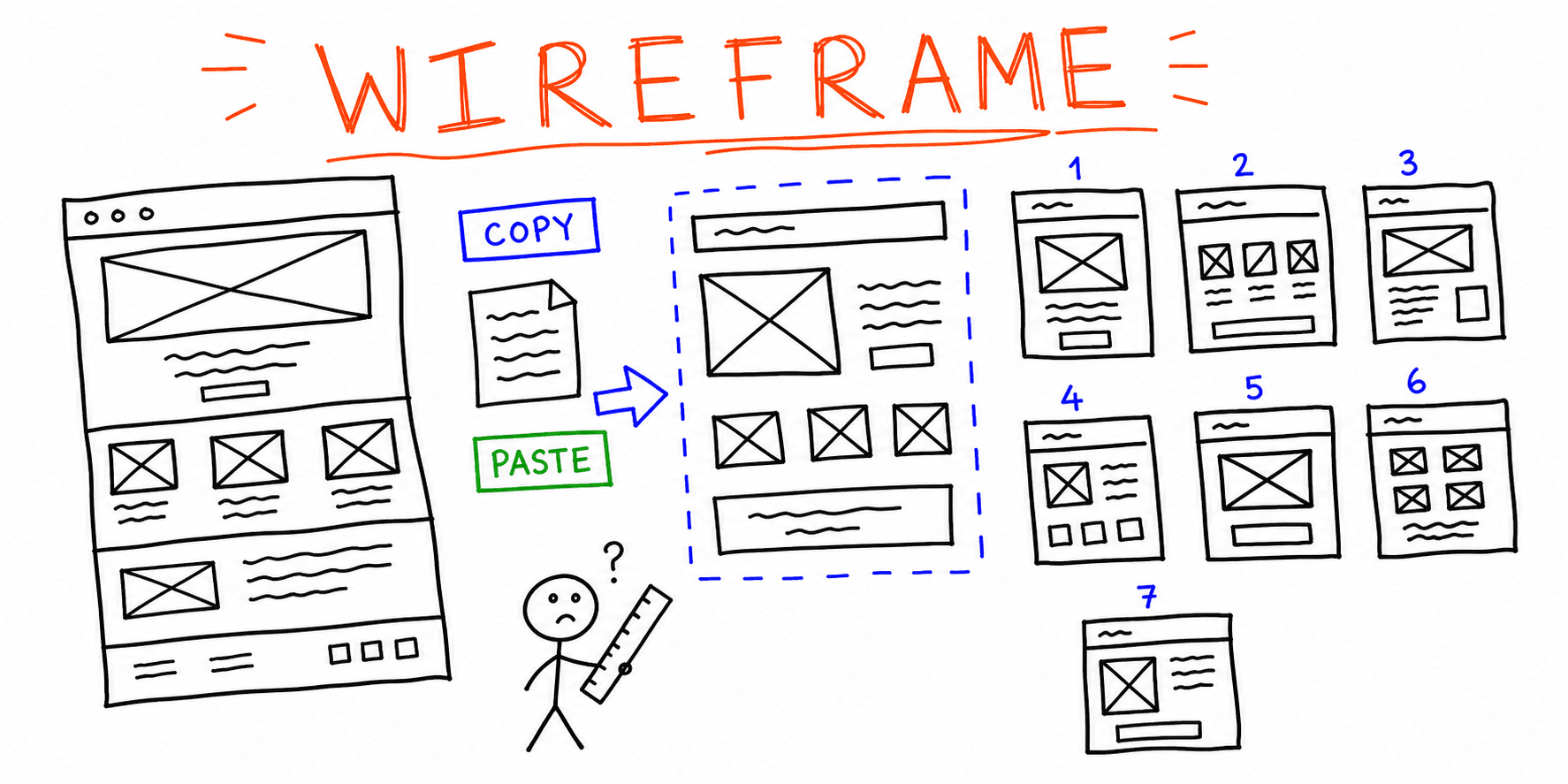
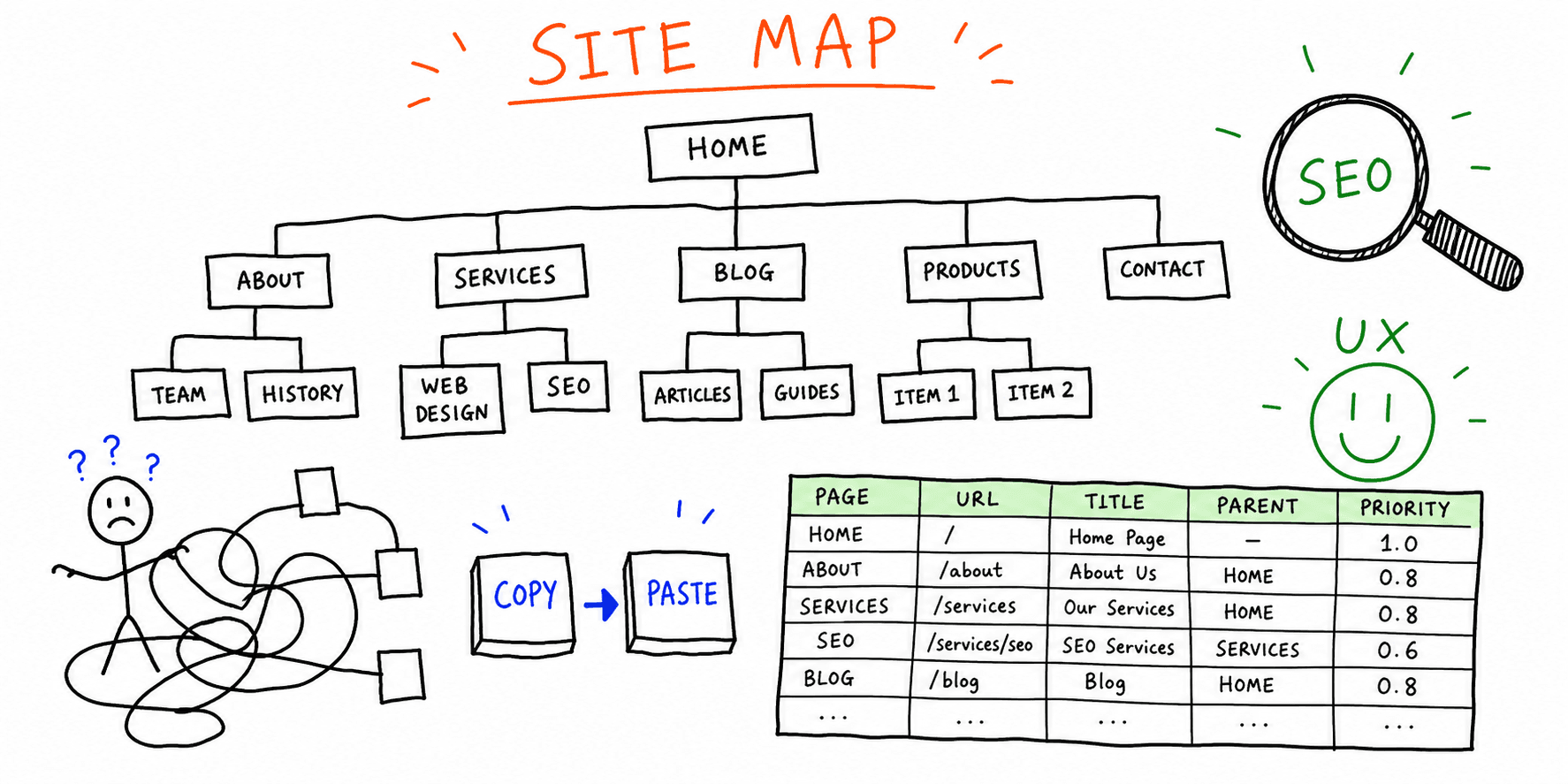
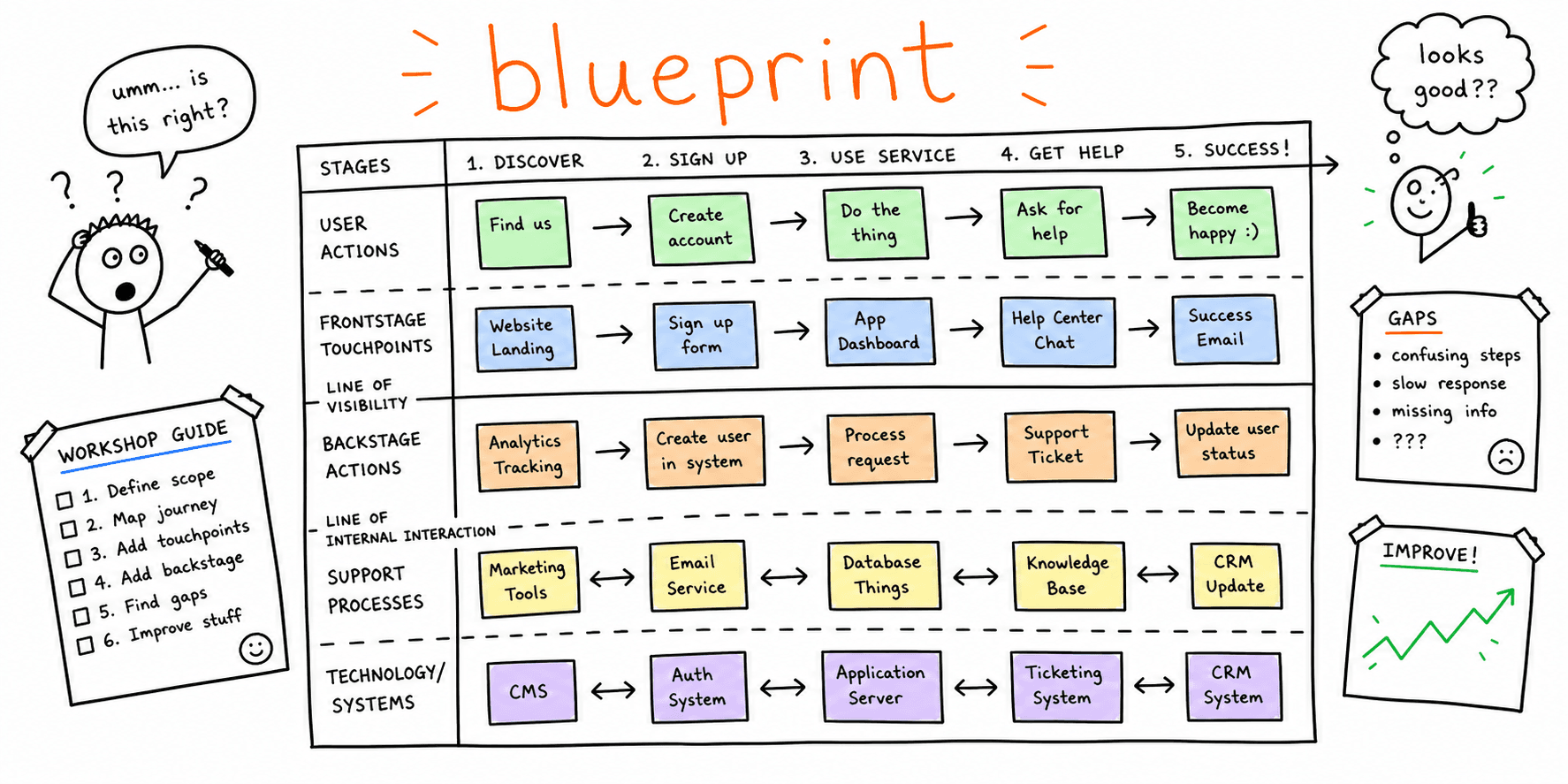
If you are planning a broader UX strategy, pair this with our Customer Journey Map Template, Website Wireframe Template, and Website Sitemap Template.
What Is a User Flow Diagram?
If you are asking what is a user flow diagram, use this definition:
A user flow diagram is a visual map of the steps a user takes to complete one task.
For websites, that usually means one high-value objective such as:
- start a free trial
- book a demo
- complete checkout
- submit a lead form
- generate a report
Each step includes:
- the page or state
- user action
- decision points
- success and failure paths
Think of it as operational UX documentation: it shows where users move, where they hesitate, and where they abandon.
User Flow Diagram vs User Journey Map vs Sitemap
Teams often mix these artifacts. Use this quick breakdown:
| Artifact | Primary question | Typical output |
|---|---|---|
| User flow diagram | "How does a user complete one goal?" | Step-by-step path with decisions and outcomes |
| User journey map | "What does the end-to-end experience feel like?" | Stages, touchpoints, emotions, and opportunities |
| Sitemap | "How is content structured?" | Hierarchical page structure |
Use a user flow chart when you need to fix a task path. Use a journey map when you need to understand broader context. Use a sitemap when you need to organize information architecture.
User Flow Diagram Template (Copy/Paste)
If you need a user flow diagram template, copy this table before drawing. It forces clarity and prevents generic diagrams.
| Step # | Page/State | User goal | User action | Decision/Condition | System response | Exit risk | Evidence | Owner |
|---|---|---|---|---|---|---|---|---|
| 1 | Entry page | Understand offer relevance | Scans headline + proof | Is this for me? | Shows value proposition | Medium | Bounce rate, scroll depth | Marketing |
| 2 | CTA click | Start core action | Clicks primary CTA | CTA clear enough? | Opens form or next step | Medium | CTA CTR | Growth |
| 3 | Form step 1 | Submit key details | Fills required fields | Too many fields? | Validates and advances | High | Form drop-off | Product |
| 4 | Verification step | Confirm identity | Confirms email or OTP | Did code arrive? | Activates account/session | Medium | Verification completion | Product |
| 5 | First task | Get first success | Runs initial action | Is setup obvious? | Displays result | High | Time to first value | Product |
| 6 | Confirmation | Understand next step | Reads result summary | What should I do now? | Prompts next action | Medium | Secondary CTA CTR | Growth |
User Flow Diagram Examples
If you need user flow diagram examples you can adapt quickly, start with these two common website scenarios.
Example 1: Landing Page to Audit Report
This user flow example uses a realistic website-audit journey.
Goal
A visitor starts on a landing page and generates their first audit report.
Current-state flow
- User lands on solution page.
- User clicks "Run audit" CTA.
- User enters URL.
- User creates account.
- User verifies email.
- User returns to dashboard.
- User configures report settings.
- User generates report.
- User views report summary.
Friction found
- The account step appears before users see a sample result.
- Verification interrupts momentum and causes drop-off.
- Report settings are too dense for first-time users.
Improvements shipped
- Added a "preview sample report" before account creation.
- Delayed full profile setup until after first report generation.
- Replaced advanced settings with one recommended default.
Expected impact
- higher CTA-to-start rate
- lower onboarding drop-off
- faster time to first value
After you map your own flow, validate UX and copy quality with Website UX Audit, Landing Page Analyzer, and Website Content Analysis.
Example 2: Ecommerce Checkout Recovery
Goal: increase checkout completion for returning mobile users.
Current-state flow
- User lands on cart page from product page.
- User taps "Checkout."
- User is forced to create an account.
- User returns to checkout form.
- User sees unexpected shipping cost at final step.
- User exits before payment.
Friction found
- account creation blocks momentum before intent is confirmed
- shipping surprise appears too late in the flow
- error messages on coupon code are unclear
Improvements shipped
- enabled guest checkout for first purchase
- surfaced shipping estimator in cart
- simplified coupon validation copy and fallback states
- added trust and payment badges near the final CTA
Metrics to track
- checkout completion rate
- cart-to-checkout click rate
- payment-step drop-off rate
For benchmark targets, use Checkout Completion Rate Benchmarks and the average website conversion rate by industry. For broader conversion fixes, pair this with How to Improve Website Conversion Rate and Website Conversion Optimization. If you want an audit-first path, use the Conversion Rate Optimisation Audit.
7-Step Process to Build a Better User Flow Diagram
1. Pick one objective
Do not map everything. Choose one business-critical outcome first.
Good first candidates:
- demo request
- lead capture
- free trial activation
- checkout completion
2. Define start and end states
Write both as observable events.
- Start: user enters from a specific page/channel.
- End: user completes the target action.
This prevents scope drift.
3. List actual steps from data
Use analytics and recordings before stakeholder opinions.
Minimum data set:
- event funnel
- top drop-off points
- support tickets related to the flow
- session recordings for successful and failed completions
4. Mark decision points clearly
Every branch should include the condition that triggered it.
Examples:
- "Is form valid?"
- "Did verification succeed?"
- "Did user select a plan?"
Without explicit decisions, a diagram looks tidy but hides real failure paths.
5. Add failure and recovery paths
Most conversion losses happen here.
For each risky step, define:
- failure state (what went wrong)
- recovery mechanism (what helps users continue)
- fallback action (what happens if recovery fails)
6. Score friction by severity
Use a simple scoring model:
Severity = (Drop-off impact x Frequency x Fix effort inverse)
- Drop-off impact: how much this step hurts completion
- Frequency: how often users hit the issue
- Fix effort inverse: prioritize faster high-impact wins first
7. Turn the flow into experiments
A user flow template is only useful if it drives implementation.
Each priority issue should become a clear experiment with:
- hypothesis
- UX/copy change
- success metric
- owner
- review date
If you need structured test scripts for validation sessions, use Usability Test Script Example and How to Conduct Usability Testing.
User Flow Diagram QA Checklist
Review your map before sharing it with product or engineering.
- Does each step have one clear user goal?
- Are decision labels explicit and testable?
- Are failure paths shown, not implied?
- Is each step supported by evidence (analytics or research)?
- Is there a metric tied to each major friction point?
- Is there a named owner for each improvement?
- Is the flow narrow enough to execute in one sprint?
For a broader page-level review, pair this with Website UX Checklist and Website Quality Assurance Testing Checklist.
Common Mistakes in User Flow Charts
Mistake 1: Mapping ideal behavior only
Fix: capture what users actually do, including detours and dead ends.
Mistake 2: No mobile branch
Fix: split desktop and mobile where behavior diverges.
Mistake 3: Ambiguous step labels
Fix: replace generic labels like "Continue" with specific actions.
Mistake 4: Treating copy as separate from flow
Fix: annotate critical messaging at high-risk decision points.
Mistake 5: No post-launch monitoring
Fix: set up weekly checks for funnel completion and drop-off movement.
Recommended Tool Stack
You can build a user flow diagram with:
- FigJam or Miro for collaborative mapping
- Figma for linking flow to screens
- Lucidchart or draw.io for lightweight documentation
- Analytics + session replay tools for evidence
Choose speed over perfection. A clear, current diagram beats a polished but outdated one.
From Diagram to Measurable UX Gains
After publishing your updated flow:
- Benchmark completion rate and time-to-complete for the mapped goal.
- Ship one high-severity fix.
- Re-measure after one to two weeks.
- Repeat with the next bottleneck.
If you want a fast first-pass critique before deep flow mapping, run your page through Roast My Web and use the recommendations as input for your next user flow diagram iteration.