Jera Value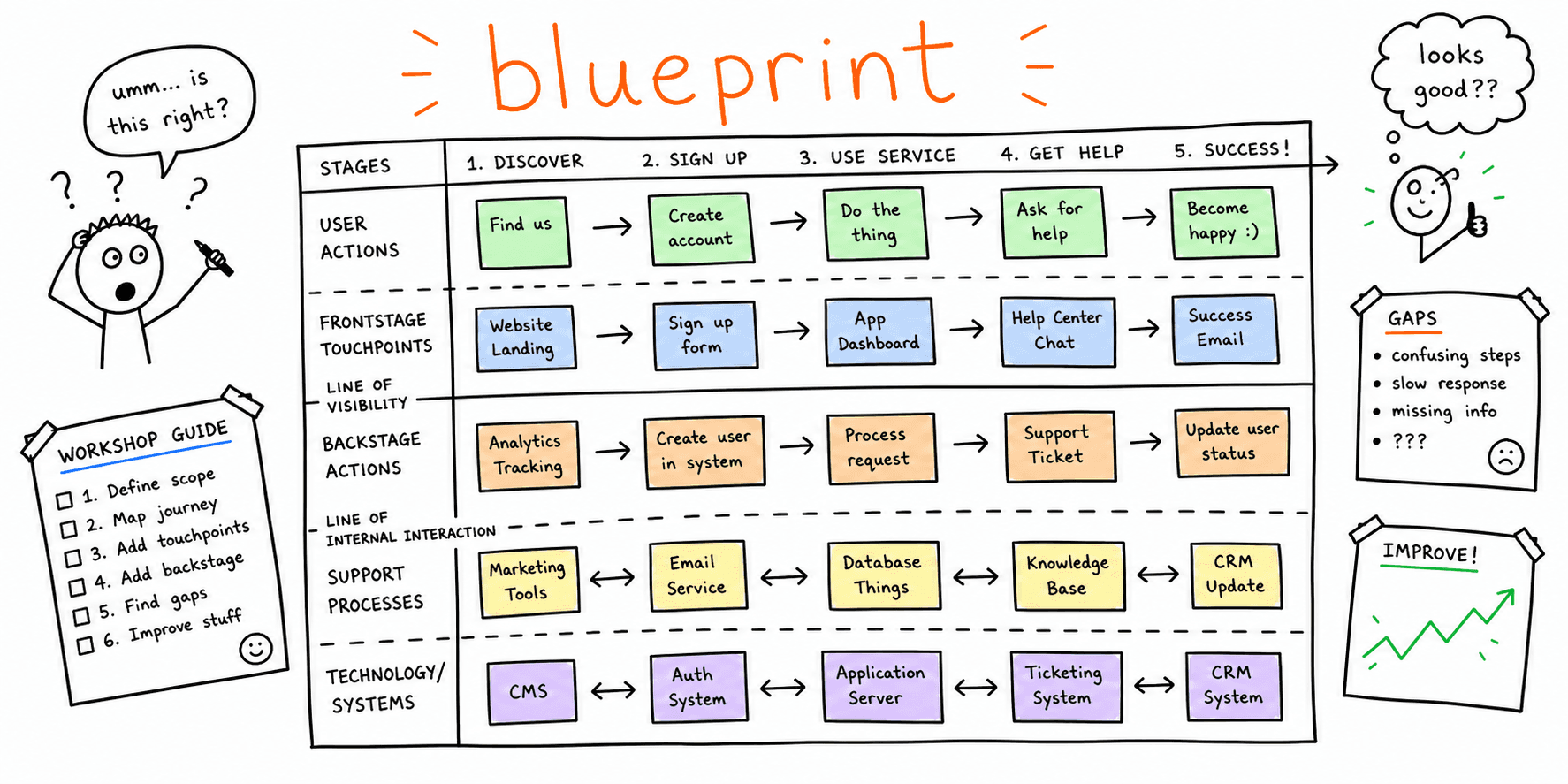

A service blueprint template helps teams map what users see and what the business must deliver behind the scenes. Most teams document journeys but skip operations, and this creates a gap between UX improvements and what the teams can deliver. This guide gives you a copy/paste service blueprint template and a filled service blueprint example. It also gives you a practical workshop workflow for cross-functional teams and a scoring model to decide what to fix first. If you already use our Customer Journey Map Template, this guide extends it into execution.
What Is a Service Blueprint?
A service blueprint is a process map that connects customer behavior to internal delivery. A good blueprint shows the customer actions, the frontstage interactions that customers can see and the backstage actions that they cannot see. It also shows the support systems and dependencies, and the failure points with their recovery paths. Nielsen Norman Group's definition of a service blueprint uses a line of visibility to separate the frontstage actions from the backstage actions. The layering model below puts this line at layer 3, between the frontstage touchpoints and the backstage workflows.
Service Blueprint vs Journey Map vs User Flow
These three artifacts overlap, but each one answers a different question, so one cannot replace another.
| Artifact | Core question | Best use case |
|---|---|---|
| Service blueprint | "How do teams deliver this experience end to end?" | Operational design, ownership, handoffs, SLAs |
| Journey map | "How does this experience feel over time?" | Emotions, pain points, opportunity discovery |
| User flow | "What steps does a user take in one task path?" | Navigation and task completion optimization |
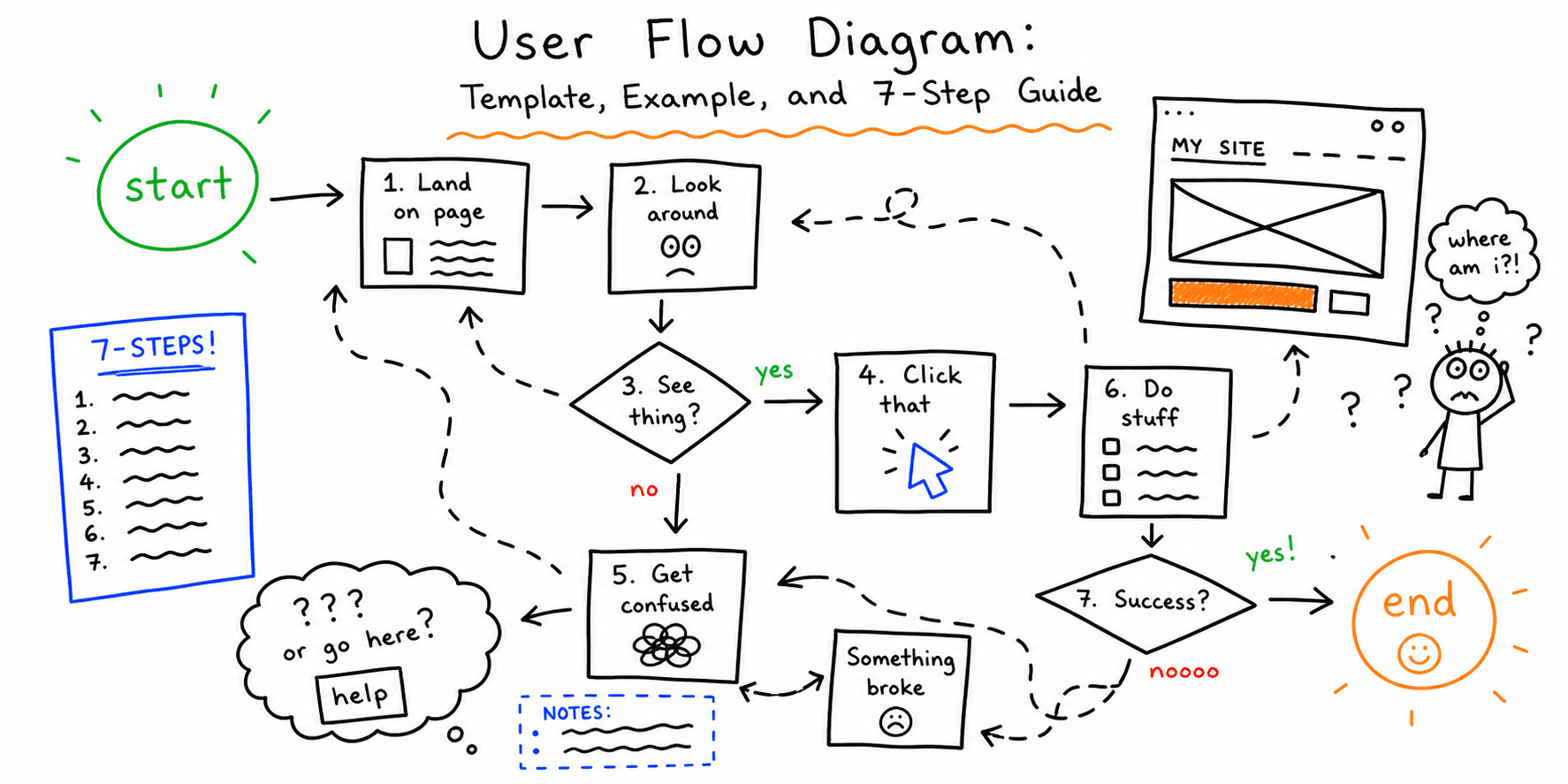
Use this page when you need clarity about execution. When the problem is friction on one task path, use the User Flow Diagram guide. When the problem is the design of the experience at each stage, use the Customer Journey Map Template.
When To Use a Service Blueprint Template
Use a service blueprint template when product, design, engineering, support and operations must agree on one flow. It helps you reduce handoff failures between teams and expose hidden dependencies that cause delay or quality issues. It also helps you find the systemic delivery bottlenecks that hurt conversion and retention, so that you can fix them.
Teams often use a service blueprint when they redesign onboarding or activation, or when they make a checkout or lead funnel more reliable. They also use one to reduce support escalations and to review launch readiness before a major release. For launch and QA readiness, pair the blueprint with the Website Launch Checklist and the Website Quality Assurance Testing Checklist.
Service Blueprint Template (Copy/Paste)
Copy this table into a doc or spreadsheet before your workshop.
| Step | Customer action | Frontstage touchpoint | Frontstage owner | Backstage action | Support process/system | Evidence or artifact | Pain/risk | Metric | Priority (H/M/L) |
|---|---|---|---|---|---|---|---|---|---|
| 1 | |||||||||
| 2 | |||||||||
| 3 | |||||||||
| 4 | |||||||||
| 5 |
Use one row for each interaction step. If more than one system is involved, list all critical dependencies in the support column.
Layering model (recommended)
When your flow is complex, split the blueprint into layers:
- Customer actions
- Frontstage touchpoints
- Line of visibility
- Backstage workflows
- Platform/data dependencies
- Failure + recovery states
Layers keep the workshop clear, and they stop the team from missing invisible work.
How To Fill the Template in 8 Steps
- Define one scope and one success metric.
- List the customer steps in sequence.
- Add frontstage touchpoints for each step.
- Add backstage actions required to deliver each frontstage touchpoint.
- Add systems, tools, APIs, and manual dependencies.
- Mark failure points and likely user-visible symptoms.
- Assign owners per row and set service-level expectations.
- Prioritize rows with the score model below and move top items into delivery.
If your scope includes page-level conversion or UX quality, check the fixes with the Website UX Checklist and the Website Usability Checklist. Then test them with the Usability Testing Template.
Service Blueprint Example (SaaS Trial-to-Value)
This compact service blueprint example covers a SaaS onboarding flow.
Objective
Increase first-report completion within 24 hours.
Current state (sample rows)
| Step | Customer action | Frontstage touchpoint | Frontstage owner | Backstage action | Support process/system | Evidence | Pain/risk | Metric | Priority |
|---|---|---|---|---|---|---|---|---|---|
| 1 | Visits landing page | Hero + CTA | Marketing | Personalization rules loaded | CMS + experiment platform | Session recording | Message mismatch by segment | CTA CTR | M |
| 2 | Starts report flow | URL input form | Product | URL validation + queue job | Validator + job queue | Error logs | False validation failures | Start rate | H |
| 3 | Creates account | Signup form | Product | Account provisioning | Auth service | Funnel report | Drop-off at password step | Signup completion | H |
| 4 | Waits for report | Processing state | Product | Crawl + scoring + render | Crawler + scoring engine | Queue latency dashboard | Long wait with unclear status | Time to first report | H |
| 5 | Views first report | Results page | Product | Recommendation assembly | Rules engine + template system | Click maps | Recommendations too generic | Recommendation CTR | M |
High-impact changes
The team made three high-impact changes. It added pre-submit URL diagnostics with clearer error states, progress checkpoints during report generation, and role-based recommendation summaries on the first report view.
Expected outcome
The team expects faster first value, lower drop-off at activation and more users who return for a second session.
If you need more page-level diagnosis before you redesign this flow, run a Website UX Audit, a Website Content Analysis and the Landing Page Analyzer.
Prioritization Model for Blueprint Findings
Use a simple weighted model:
Priority score = (Impact x Frequency x Confidence) / Effort
- Impact: business and user effect if fixed (1-5)
- Frequency: how often the issue occurs (1-5)
- Confidence: evidence quality from data/research (1-5)
- Effort: delivery effort (1-5)
Sort the rows by score, then assign owners and due dates. You can use these scores next to the severity ratings in the UX Audit Template and the UI Audit Checklist.
Common Service Blueprint Mistakes
Mistake 1: Only mapping visible UX
Fix: Add the backstage and system dependencies for every step that customers can see.
Mistake 2: No ownership per row
Fix: Assign one accountable owner to each step, even when more than one team contributes.
Mistake 3: No measurable outcome
Fix: Attach one metric to every high-priority row (completion, latency, error rate, CSAT).
Mistake 4: Treating blueprint as static documentation
Fix: Review the blueprint every month and after each major release cycle.
FAQ
Is this a free service blueprint template?
Yes. You can reuse and customize the copy/paste table above for free.
Should I create one blueprint for each persona?
Start with one high-value persona and one critical service journey. Add more personas and journeys only after you ship improvements.
How detailed should a service blueprint map be?
Match the detail to the risk of the decision. If a step has high drop-off or complex operations, add more detail to that step.
Can I use this for websites only?
No. A service blueprint with the same structure also works for product onboarding, support flows and offline service operations.
Related Resources
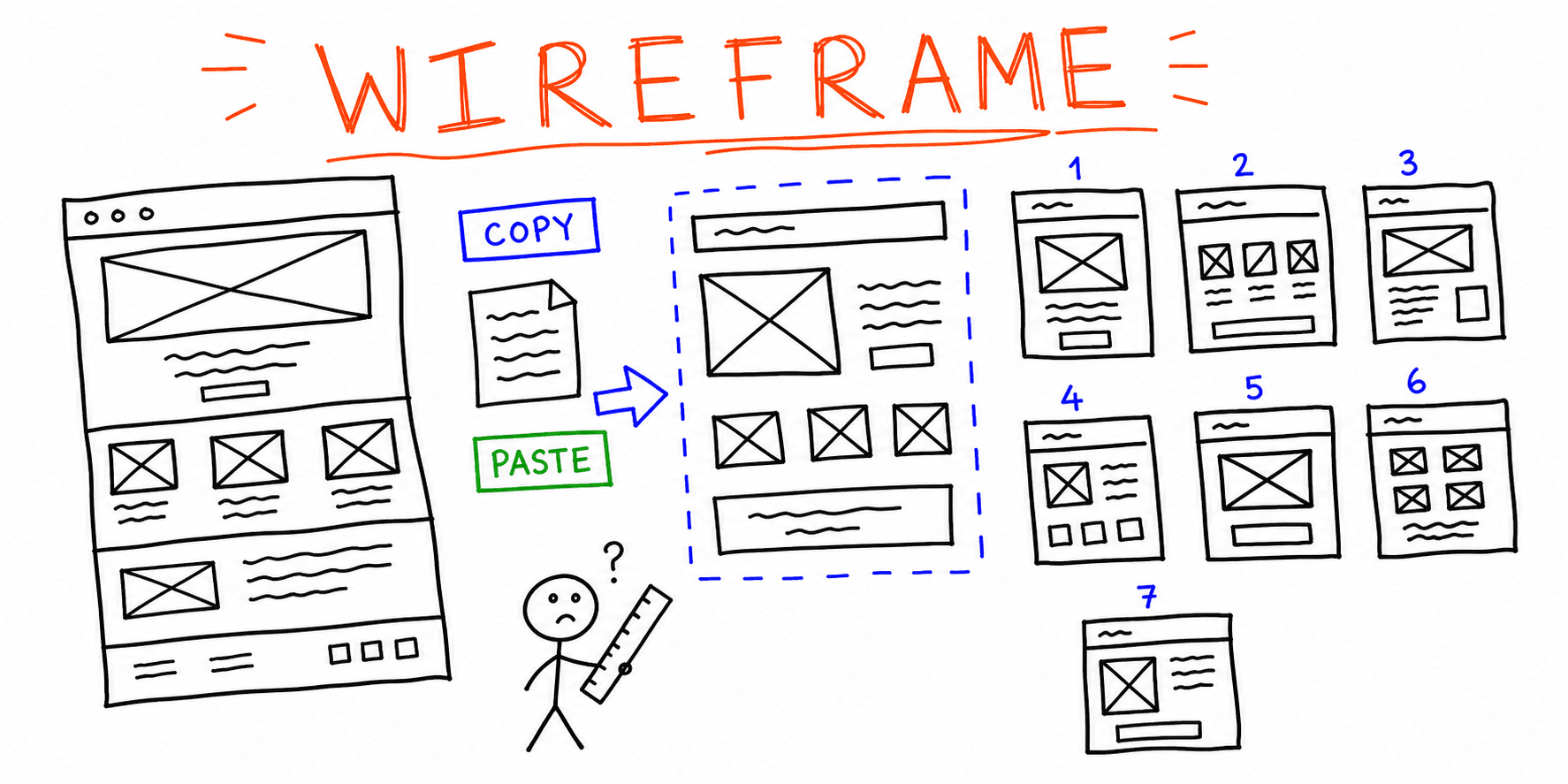
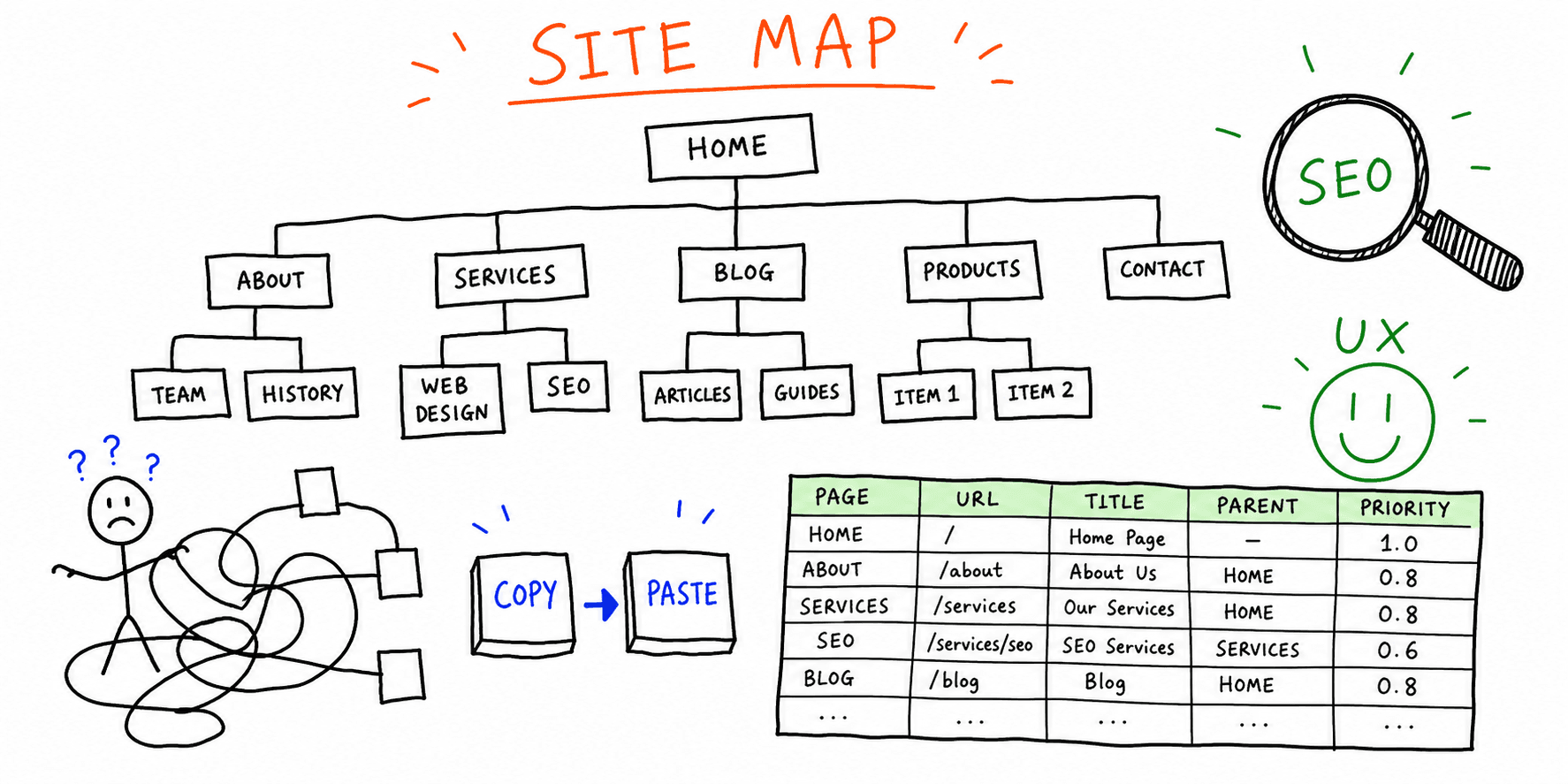
Before you make a service blueprint, map the experience with the Customer Journey Map Template. When one task path causes friction, map its steps with the User Flow Diagram guide. To plan the pages in the flow, use the Website Wireframe Template and the Website Navigation Examples. After you ship the fixes, test them with the Usability Testing Template and the Website UX Checklist.
For a fast page-level diagnosis before you make the blueprint, start with a Website UX Audit. Use Website Content Analysis to find copy and messaging issues on a frontstage page, and the Landing Page Analyzer to find conversion friction on an acquisition page. Each Roast My Web audit reviews one public page and uses one credit, so run one audit for each public page in the flow.