Jera Value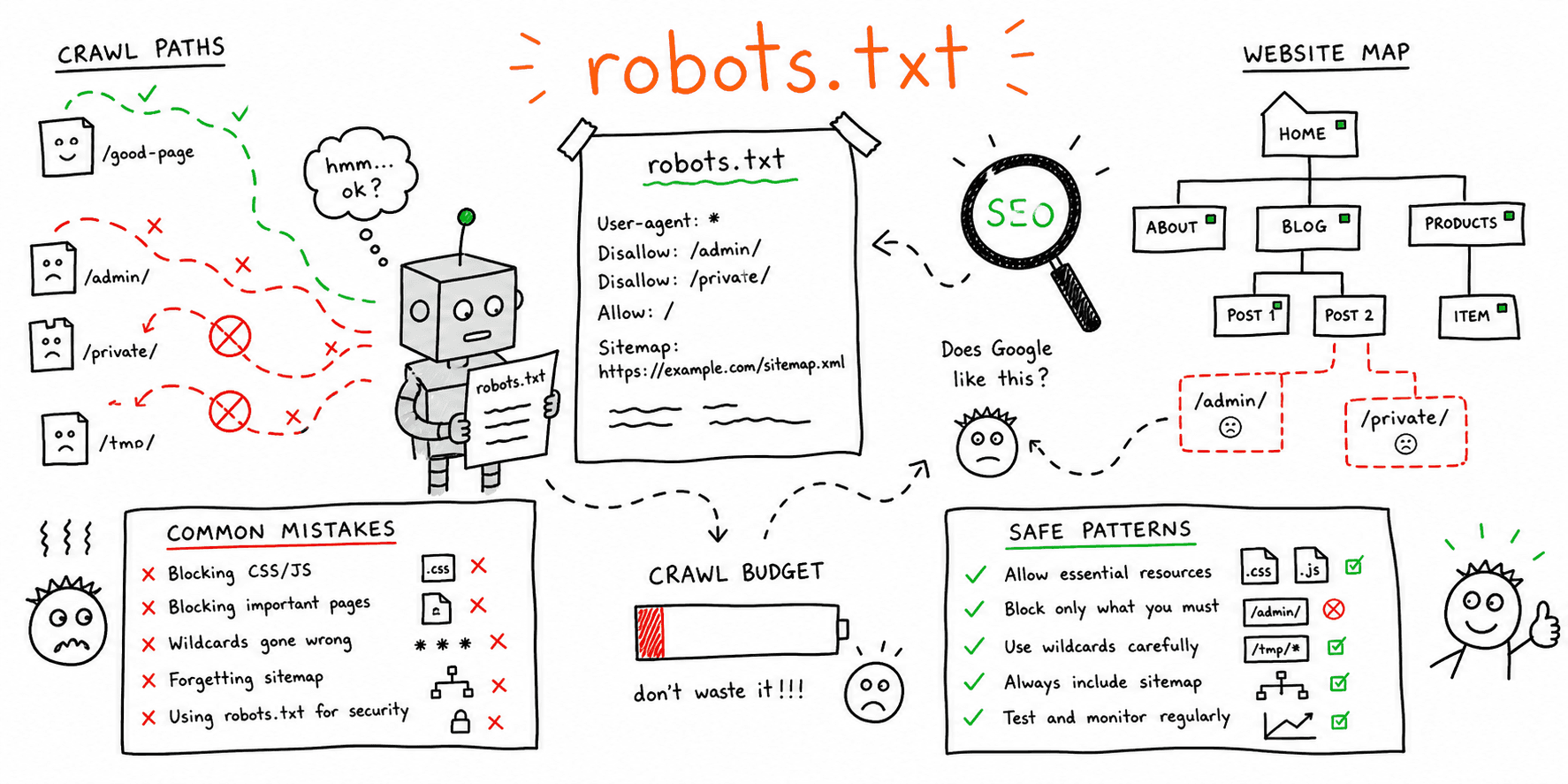

If you searched for robots.txt examples, you probably do not need theory first. You need safe patterns you can copy, adapt, and test before they block the wrong pages.
The biggest mistake teams make with robots.txt is treating it like a deindex button. It is not. robots.txt controls crawling, not guaranteed index removal.
If you want to validate a live or draft file against a real URL, use the Robots.txt Tester. If you need to draft a file first, use the Robots.txt Generator. For the broader crawlability workflow, keep the Technical SEO Audit guide and SEO Website Audit Checklist nearby.
What robots.txt can and cannot do
Robots.txt can help you:
- block crawlers from low-value sections
- prevent staging or internal search pages from being crawled
- reduce crawl waste on parameter-heavy areas
- publish sitemap locations
Robots.txt cannot reliably:
- remove already-known URLs from search on its own
- replace a proper
noindexstrategy where indexing control is needed - fix duplicate content by itself
- protect private content from real access
If content is sensitive, use authentication. Do not rely on robots.txt alone.
Example 1: Simple open site with sitemap
Use this when you want normal crawling and just need a clean baseline file.
User-agent: *
Disallow:

Sitemap: https://www.example.com/sitemap.xml
Why it works:
- nothing important is blocked
- the sitemap is easy for crawlers to discover
- the file is easy to audit later
Example 2: Block staging completely
Use this only on staging or pre-production environments.
User-agent: *
Disallow: /
Important:
- this should never survive a production launch
- staging should also be protected with login or IP controls
If a launch went live with Disallow: /, treat that as a release issue and fix it immediately.
Example 3: Block internal search pages
Internal search results usually do not need search-engine crawl demand.
User-agent: *
Disallow: /search
Disallow: /?s=

Sitemap: https://www.example.com/sitemap.xml
Use this when:
- site search pages create thin or duplicate combinations
- filters or query pages expand infinitely
- you want crawl budget focused on canonical pages
Test exact URLs before publishing. A bad rule here can accidentally catch intended landing pages or faceted navigation routes.
Example 4: Block admin and login areas
User-agent: *
Disallow: /admin/
Disallow: /login/
Disallow: /checkout/
This is common and usually safe, but remember:
- blocked URLs can still be discovered from links
- private sections still need real access control
Example 5: Faceted navigation with a narrow allow pattern
This is where teams often get into trouble.
User-agent: *
Disallow: /collections/*?color=
Disallow: /collections/*?size=
Allow: /collections/new-arrivals

Sitemap: https://www.example.com/sitemap.xml
This kind of rule can help on parameter-heavy ecommerce sites, but only when:
- the blocked combinations are truly low value
- the allowed landing pages are intentional canonical pages
- you have tested exact URLs with the Robots.txt Tester
Do not block filter paths blindly. Some faceted URLs may be valuable landing pages.
Example 6: Multi-bot rules
User-agent: Googlebot
Disallow:

User-agent: *
Disallow: /tmp/
Disallow: /search

Sitemap: https://www.example.com/sitemap.xml
This is useful only when you have a very specific reason to treat bots differently. Most sites should keep the file simple unless there is a clear crawl-management need.
Common robots.txt mistakes
1. Using robots.txt to try to deindex pages
If a URL is already known externally, search engines can still keep a URL indexed without crawling its content.
Use noindex where appropriate and remove internal references when the goal is index cleanup.
2. Leaving Disallow: / live after launch
This happens more often than teams admit, especially after rushed launches.
Check production robots.txt as part of your Website Launch Checklist, not just staging QA.
3. Blocking assets that pages need to render
If important CSS, JS, or media routes are blocked, crawlers may not fully understand the page layout or content.
Keep rendering resources crawlable unless you have a strong reason not to.
4. Publishing rules without testing exact URLs
Pattern assumptions are where most mistakes happen.
Always test:
- one intended allowed URL
- one intended blocked URL
- one edge-case URL near the same pattern
5. Treating crawl-delay like a Google control
Crawl-delay is not a reliable Google lever. Keep it out unless you know another bot in your environment needs it.
10-minute robots.txt QA workflow
| Step | What to test | Pass condition |
|---|---|---|
| 1 | Production file loads | /robots.txt returns 200 and plain text |
| 2 | Core pages | Important pages are crawlable |
| 3 | Low-value paths | Internal search, admin, or staging patterns are blocked as intended |
| 4 | Sitemaps | Correct sitemap lines are present |
| 5 | Launch safety | No accidental Disallow: / on production |
Use the Robots.txt Tester for live validation and the Robots.txt Generator to rebuild a cleaner file if the current one is messy.
Safe launch checklist for robots.txt
- block staging, not production
- keep primary revenue pages crawlable
- test one real URL per rule before deploy
- publish the production sitemap line
- check the file again right after go-live
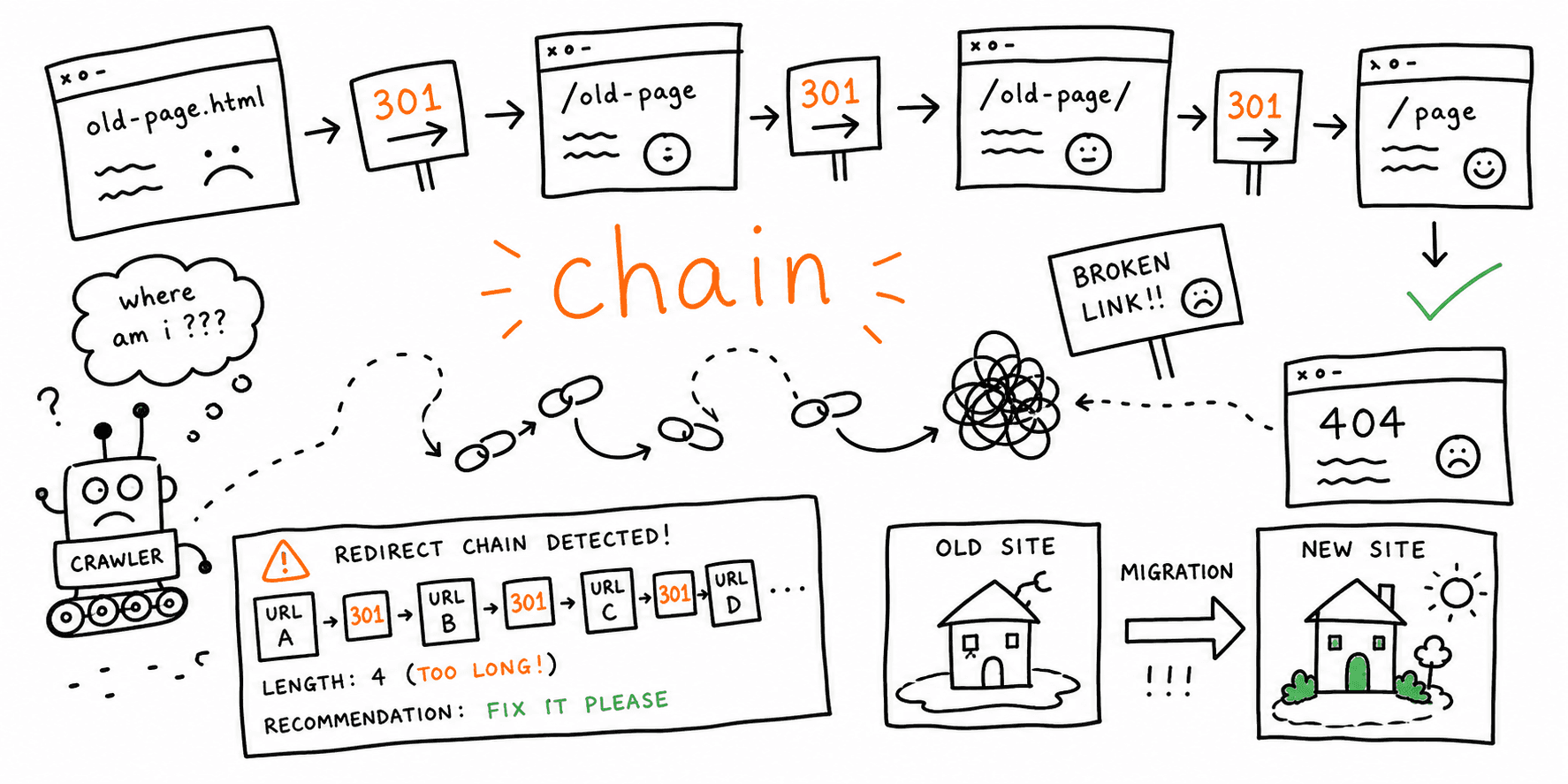
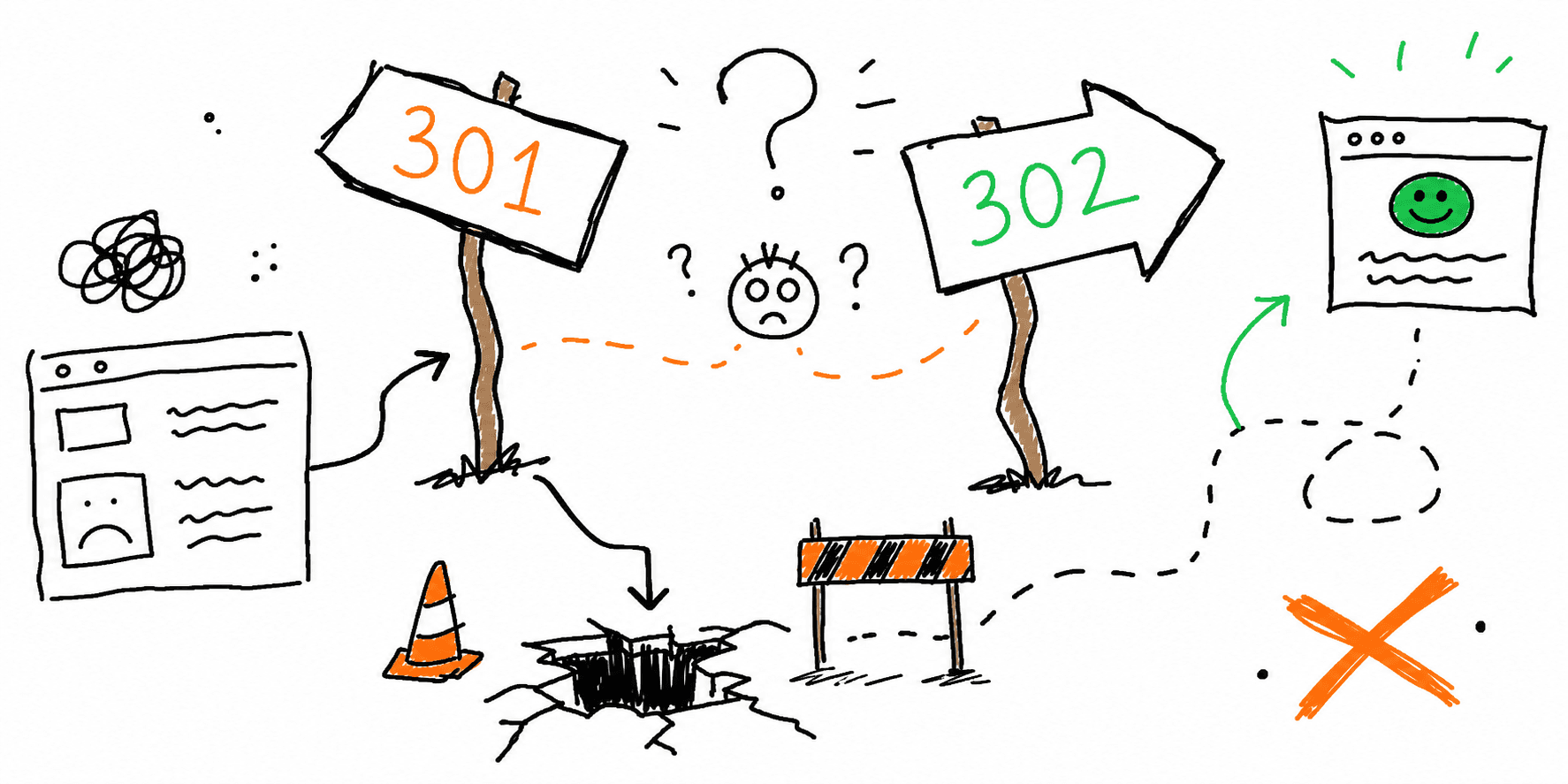
If your launch includes URL changes and redirects, pair this with How to Find Redirect Chains After a Website Migration and 301 vs 302 Redirects: When to Use Each and How to Test Them.
FAQ
Should I block internal search pages in robots.txt?
Often yes, especially when those pages create thin, duplicate, or infinite crawl paths.
Should I block tag pages or filter pages?
Only if they are genuinely low value and not part of your organic strategy. Test specific paths before publishing broad rules.
Can I use robots.txt to hide a staging site?
Use it as one layer, but staging should also be protected with authentication or IP restrictions.
What is the safest default robots.txt file?
The safest default for most live sites is a simple open file plus a sitemap line:
User-agent: *
Disallow:

Sitemap: https://www.example.com/sitemap.xml
Final rule
Good robots.txt files are short, intentional, and tested.
If a rule exists, you should be able to explain:
- what exact URLs it is meant to affect
- why those URLs should be blocked or allowed
- how you tested the rule before deploy
If you cannot answer those three questions, simplify the file and test it again.