Jera Value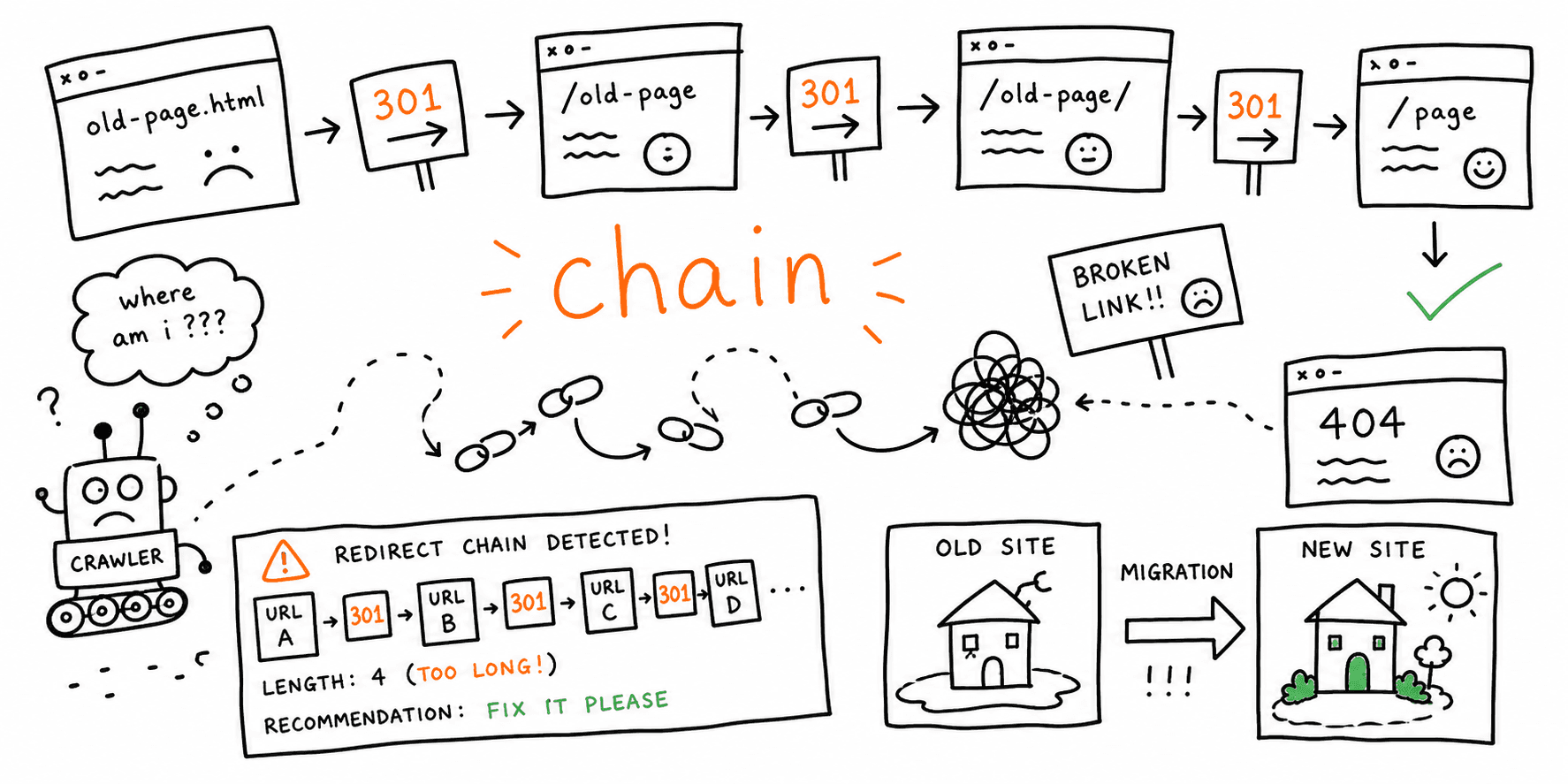

If your rankings, crawl efficiency, or page speed dropped after a redesign, redirect chains are one of the first things to check.
A redirect chain happens when an old URL has to pass through more than one redirect before it reaches the final destination.
Example:
/old-page -> /new-page-temp -> /new-page-final
That may still "work" for users, but it creates unnecessary latency and makes migrations more fragile. If one middle step changes or breaks, the whole path fails.
To test live chains quickly, use the Redirect Checker. For the broader cutover process, keep the Website Migration Service guide and Website Launch Checklist open alongside this page.
Why redirect chains matter after a migration
Redirect chains create four common problems:
- slower time to final page for users
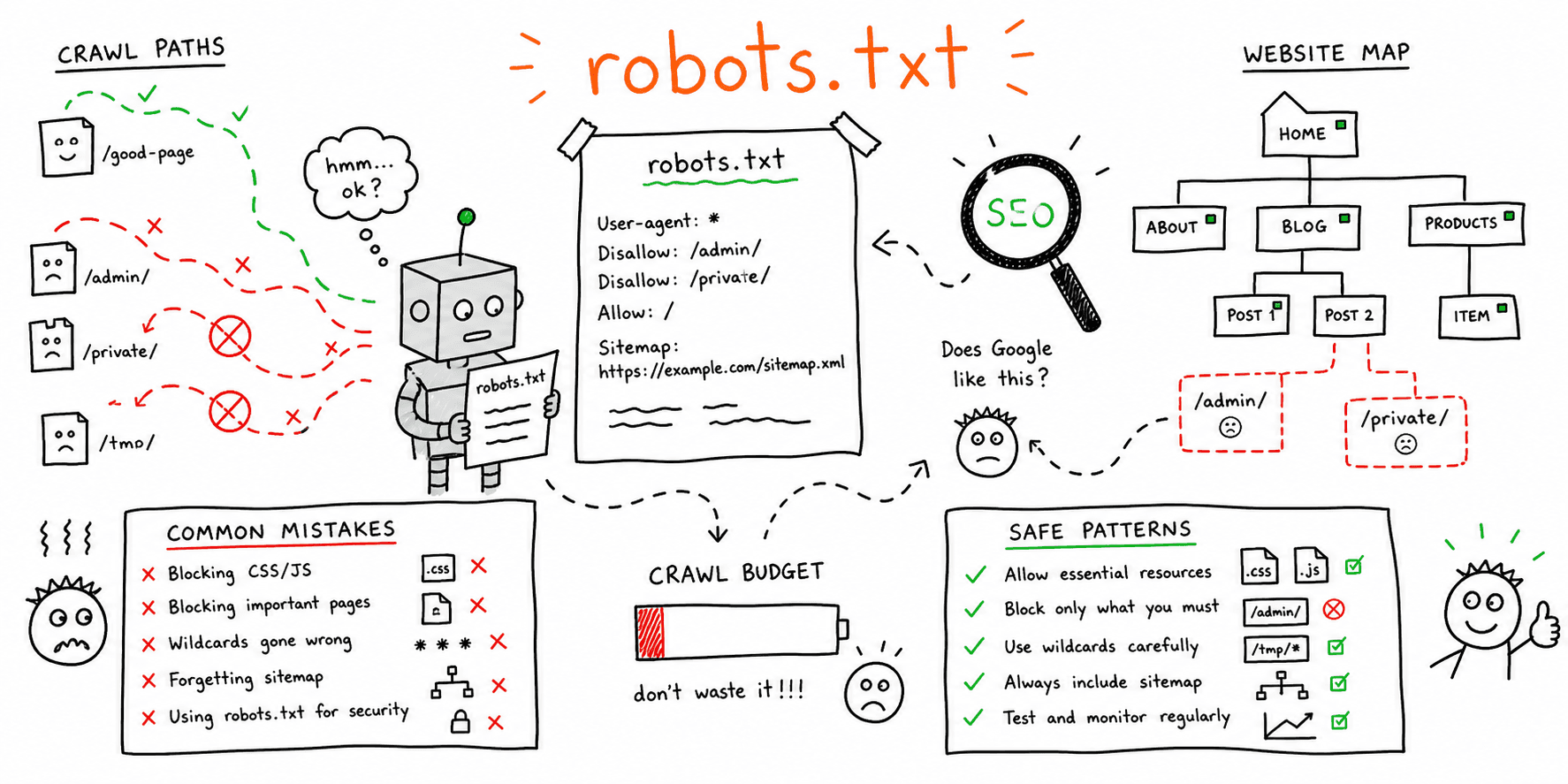
- wasted crawl budget for search engines
- more places for
302,404, and500mistakes to hide - weaker launch QA because the intended target is harder to confirm
The bigger your migration, the more expensive chains become. A few leftover chains on low-value URLs might be tolerable for a day or two. Chains on navigation pages, linked blog posts, or money pages should be treated as a launch issue.
Common chain patterns you should look for
| Pattern | Why it happens | Fix |
|---|---|---|
| Old URL -> staging-era replacement -> final URL | Redirect rules were layered instead of replaced | Redirect old URL straight to the final URL |
| HTTP -> HTTPS -> canonical host -> final page | Protocol and host rules fire separately | Consolidate to one direct canonical redirect when possible |
| Old slug -> new slug -> another new slug | Content or IA changed multiple times | Rewrite the original legacy URL map to the latest final target |
| Removed page -> category -> homepage | Catch-all rules override specific mappings | Add explicit page-level mappings for important retired URLs |
30-minute workflow to find redirect chains
1. Start with high-value URLs, not the whole site
Check these first:
- top organic landing pages from before the migration
- pages with strong backlinks
- main navigation URLs
- old category, service, and product pages
- blog posts that still earn links or traffic
You do not need to start with a full crawl to find meaningful problems. Start with the URLs that can actually hurt traffic and revenue.
2. Test old URLs directly
Paste old URLs into the Redirect Checker one per line and review:
- number of hops
- status code on each hop
- final destination
- final response code
A clean result usually looks like:
old URL -> 301 -> final URL -> 200
Anything longer should be reviewed.
3. Mark temporary redirects inside permanent paths
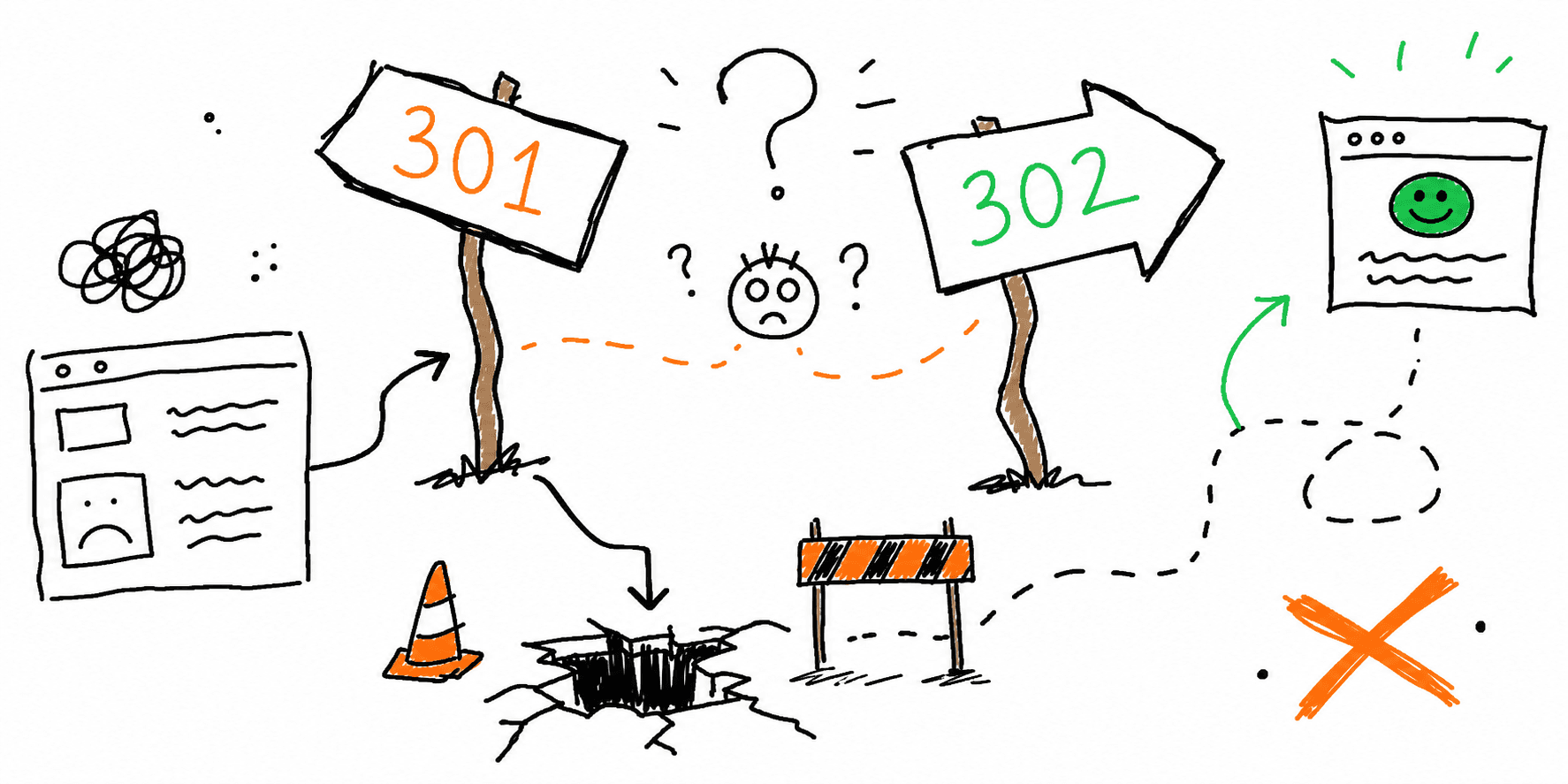
During migrations, a chain that includes 302 or 307 is a stronger warning than a simple extra hop.
If the page move is permanent, the chain should usually become:
old URL -> 301 -> final URL
If you are still deciding whether a move is temporary or permanent, use 301 vs 302 Redirects: When to Use Each and How to Test Them.
4. Validate the final target, not just the chain
A chain can end "successfully" and still be wrong.
Check whether the final URL:
- is the intended replacement
- returns
200 - is indexable
- uses the right canonical
- matches internal links and sitemap URLs
If the final page is weak, the redirect path is still weak.
5. Rewrite the original rule, not just the middle step
The right fix is usually not:
old URL -> better middle URL -> final URL
The right fix is:
old URL -> final URL
Collapse the chain from the first legacy URL to the current canonical destination.
How to prioritize redirect chain fixes
Fix these first:
- Chains on revenue-driving pages
- Chains that include
302on permanent moves - Chains ending in
404or500 - Homepage and host/protocol canonical chains
- Chains on pages with backlinks or historical traffic
Fix these next:
- long-tail blog posts
- archive pages
- retired campaign URLs with low ongoing value
What a migration-ready redirect path should look like
Use this as a pass/fail rule:
| URL type | Pass condition |
|---|---|
| Old high-value page | One redirect hop to the best matching live page |
| Host/protocol canonicalization | One hop to final canonical host + protocol |
| Removed page with replacement | One hop to the closest relevant replacement |
| Removed page without replacement | Intentional 404 or 410, not a lazy homepage redirect |
If your current setup cannot meet those rules yet, you still have migration cleanup left to do.
Redirect chain examples and fixes
Bad
http://example.com/services/seo -> https://example.com/services/seo -> https://www.example.com/services/seo -> https://www.example.com/seo-audit
Better
http://example.com/services/seo -> https://www.example.com/seo-audit
Bad
/old-blog-post -> /blog/category -> /blog/final-article
Better
/old-blog-post -> /blog/final-article
Bad
/old-product -> 302 -> /new-product -> 301 -> /new-product/
Better
/old-product -> 301 -> /new-product/
Post-launch redirect monitoring checklist
For the first two to four weeks after launch, review:
- top old URLs from analytics and backlink tools
404reports from Search Console and crawls- internal links still pointing at redirected URLs
- XML sitemap freshness
- chains discovered by QA or support tickets
If you want a broader operating routine after the relaunch, pair this with the Website Maintenance Checklist.
FAQ
Is one extra redirect hop always a disaster?
No. But it is usually a sign that the redirect map can be improved. On important URLs, there is little reason to keep extra hops once the final target is known.
Should I fix internal links if the redirect already works?
Yes. Internal links should point to the final canonical URL, not the redirected one.
Can canonical tags solve redirect chains?
No. Canonicals and redirects do different jobs. A canonical hint does not remove the latency or crawl inefficiency of a chained redirect path.
What is the fastest way to spot redirect chain issues after launch?
Start with legacy top pages and test them live with the Redirect Checker. That gives you immediate evidence without waiting for a full-site crawl.
Final rule
After a migration, do not ask whether the redirect "works."
Ask:
- is it one hop?
- is it permanent where it should be?
- does it reach the correct final page?
- does that final page return
200?
If the answer is no on any important URL, you still have migration SEO debt to clear.