Jera Value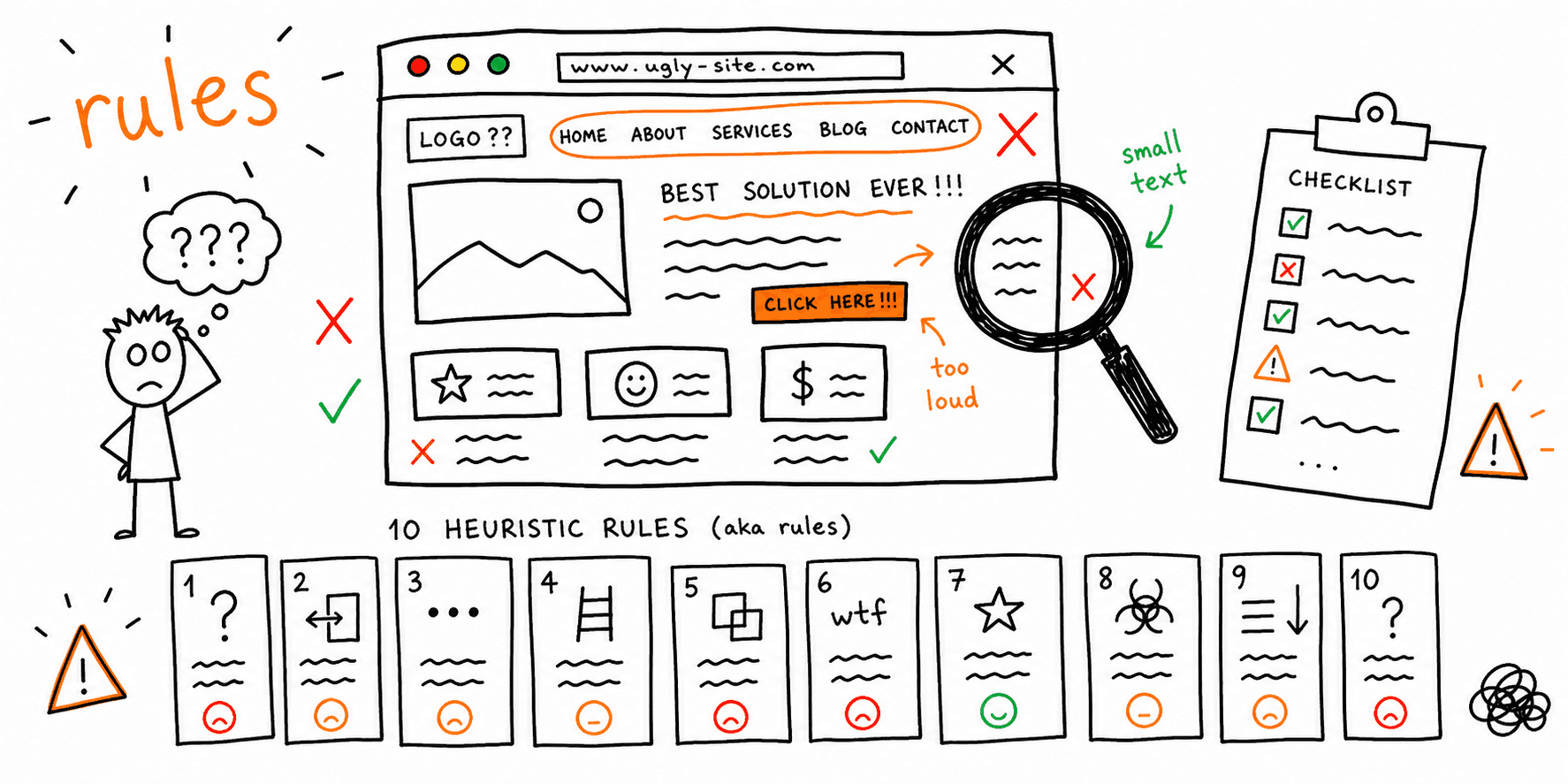

A heuristic evaluation is an expert review against usability principles. This guide gives you the exact template, checklist, and example to run one quickly.
What you'll get:
- A clear heuristic evaluation checklist
- A copy/paste heuristic evaluation template
- A filled heuristic evaluation example you can adapt
- A step-by-step process to run the evaluation and prioritize fixes
Use the sections below as building blocks; keep what you need and delete the rest.
For a broader review, see the UX audit template. If you want a design-focused pass before full UX research, use the UI audit checklist.
References for this guide are listed at the end.
What is a heuristic evaluation?
A heuristic evaluation is an expert review of an interface against a set of usability guidelines, or heuristics. Evaluators judge whether the UI violates those principles, then document the issues they find. This is a fast way to surface usability problems early, but it does not replace user testing.
Heuristic evaluation in UX: quick answer
In UX teams, heuristic evaluation is usually the fastest expert-review method to find friction before launch.
Use it when:
- You need actionable findings in a single working session
- You have low traffic and cannot run large user tests yet
- You want a structured way to prioritize UX fixes by severity
Then validate key findings with real users using this usability testing template.
When to use a heuristic evaluation
Use it when you need fast, structured feedback without recruiting users.
Good times to run it:
- Early in design to catch problems before build
- Before launch to spot obvious friction
- After a redesign to compare new UX against known heuristics
- During ongoing audits to keep quality high
Note: heuristic evaluation is expert-led. Usability testing still matters for real user behavior.
The 10 usability heuristics checklist
These are Jakob Nielsen's 10 usability heuristics. Use them as your baseline checklist.
- Visibility of system status
- Match between system and the real world
- User control and freedom
- Consistency and standards
- Error prevention
- Recognition rather than recall
- Flexibility and efficiency of use
- Aesthetic and minimalist design
- Help users recognize, diagnose, and recover from errors
- Help and documentation
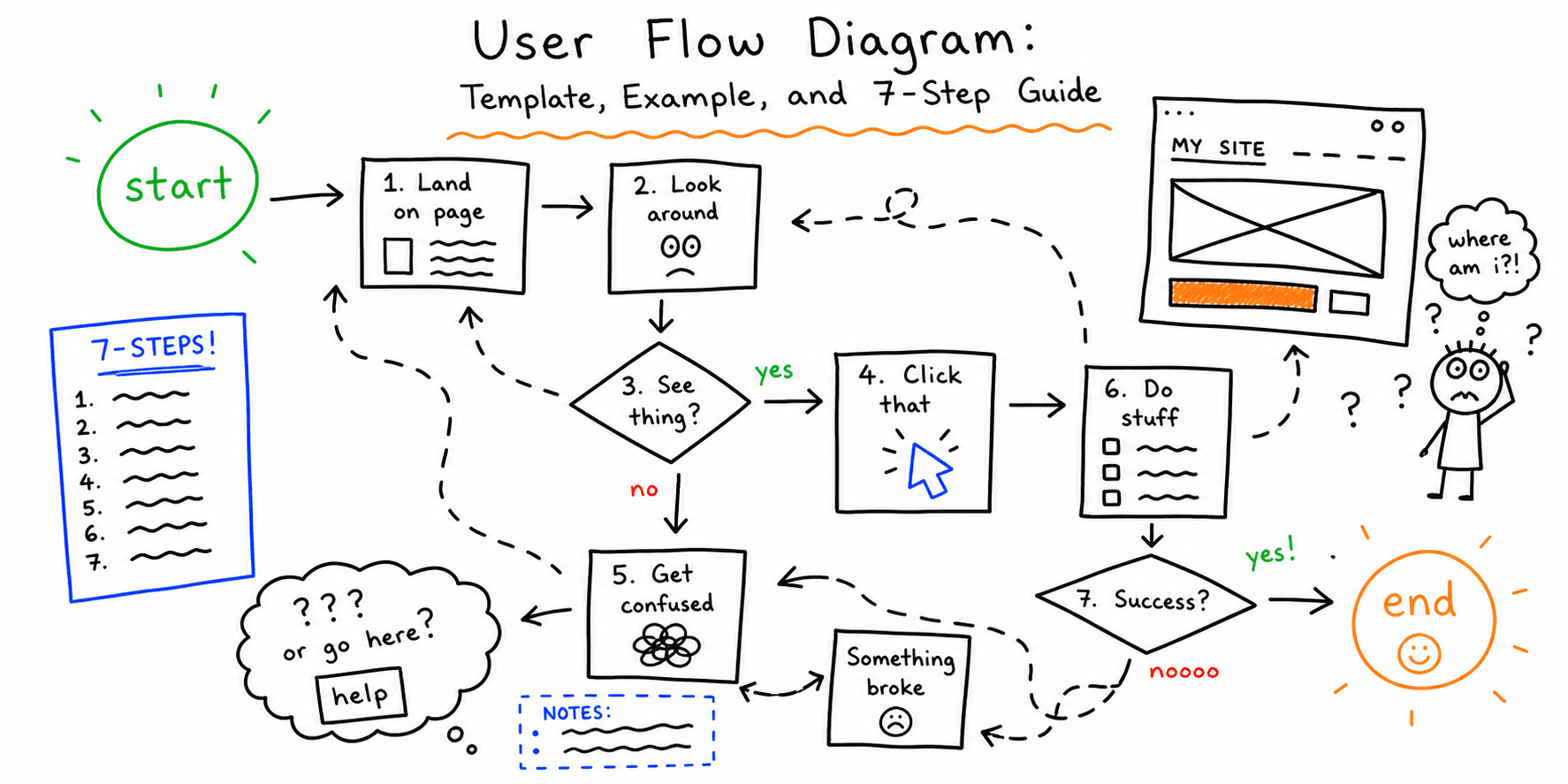
How to run a heuristic evaluation (step-by-step)
This flow is based on Nielsen Norman Group guidance plus modern UX practice.
- Pick your heuristics. Start with the 10 Nielsen heuristics.
- Set scope. Choose a specific flow, page set, or device.
- Recruit 3 to 5 evaluators. More than one is critical for coverage.
- Brief the team. Align on goals, users, and tasks.
- Evaluate independently. Each evaluator reviews alone.
- Document issues. Record the heuristic violated, evidence, and impact.
- Consolidate and prioritize. Combine findings, remove duplicates, and rank by severity.
Nielsen Norman Group notes that evaluators should work independently and that 3 to 5 evaluators is the sweet spot. They also recommend timeboxing evaluations to about 1 to 2 hours per evaluator.
If you want a second expert method to compare findings, pair this with a cognitive walkthrough template.
Heuristic evaluation example (filled in)
Use this short sample to see the expected level of detail:
| Screen/Flow | Heuristic violated | Issue summary | Severity (0-4) | Recommendation |
|---|---|---|---|---|
| Pricing page | Match with real world | Plan labels use internal terms users do not know | 2 | Rename plans using customer language and add plan comparison |
| Signup form | Error prevention | Password rules appear only after submit | 3 | Show rules before typing and validate in real time |
| Checkout address | Recognition rather than recall | Returning users must re-enter previously used data | 2 | Add address autocomplete and saved address selector |
| Dashboard nav | Visibility of system status | Active section is unclear after page transitions | 1 | Highlight current nav state and add page-level breadcrumbs |
| Account delete | User control and freedom | No undo or clear recovery path after deletion | 4 | Add delayed delete window and clear restore instructions |
Heuristic evaluation template (copy/paste)
Use this template in a spreadsheet, doc, or whiteboard. Nielsen Norman Group specifically recommends spreadsheets or whiteboards for documenting issues. Miro provides a ready-made heuristic template if you want a visual workspace.
Issue log template
| Screen/Flow | Heuristic | Issue summary | Evidence | Severity (0-4) | Recommendation | Owner | Status |
|---|---|---|---|---|---|---|---|
| Signup | Error prevention | Password rules not visible until submit | Screenshot + form error | 2 | Show rules inline and validate in real time | UX | Open |
Severity scale (simple)
- 0 = Cosmetic (does not block task)
- 1 = Minor (noticeable friction)
- 2 = Moderate (slows task completion)
- 3 = Major (frequent frustration or drop-off risk)
- 4 = Critical (blocks task or causes failure)
Heuristic evaluation checklist template (compact)
If you want a faster evaluation, use this checklist format. Check each heuristic as you review core flows.
- Visibility of system status
- Match between system and the real world
- User control and freedom
- Consistency and standards
- Error prevention
- Recognition rather than recall
- Flexibility and efficiency of use
- Aesthetic and minimalist design
- Help users recognize, diagnose, and recover from errors
- Help and documentation
Heuristic evaluation vs usability testing
Heuristic evaluation is done by experts using established principles. Usability testing is done by real users completing tasks.
Both are valuable. Heuristic evaluation is fast and cheap. Usability testing reveals real-world behavior and confusion. Use this guide for the expert pass first, then run how to conduct usability testing on the highest-risk flows.
Common mistakes to avoid
- Using only one evaluator (you will miss issues)
- Skipping independent reviews and groupthink takes over
- Mixing evaluation with solutioning too early
- Ignoring user testing because a heuristic review "passed"
FAQ
How many evaluators do I need?
Nielsen Norman Group recommends 3 to 5 evaluators to capture a broader set of usability issues.
How long should a heuristic evaluation take?
Nielsen Norman Group suggests timeboxing each evaluator to 1 to 2 hours to keep the review focused.
Can I use a heuristic evaluation template in Excel or Google Sheets?
Yes. A spreadsheet is one of the most common ways to capture findings and prioritize issues.
References
- Nielsen Norman Group — How To Conduct A Heuristic Evaluation
- Nielsen Norman Group — Ten Usability Heuristics
- Nielsen Norman Group — Theory Heuristic Evaluations
- Maze — Heuristic Evaluation
- Miro — Heuristic Evaluation
Related resources
- UI audit checklist
- Website UX checklist
- Website usability checklist
- How to conduct usability testing
- Usability testing template
- Cognitive walkthrough template
- Website audit checklist
- Website UX best practices
If you want a fast UX audit for a specific page, start here: Website UX Audit
Need a design and UX score you can share with clients? Start with Website Design Audit.
Want client-ready UX findings in minutes? Roast My Web generates branded PDF audit reports with prioritized UX, conversion, and SEO fixes.