Jera Value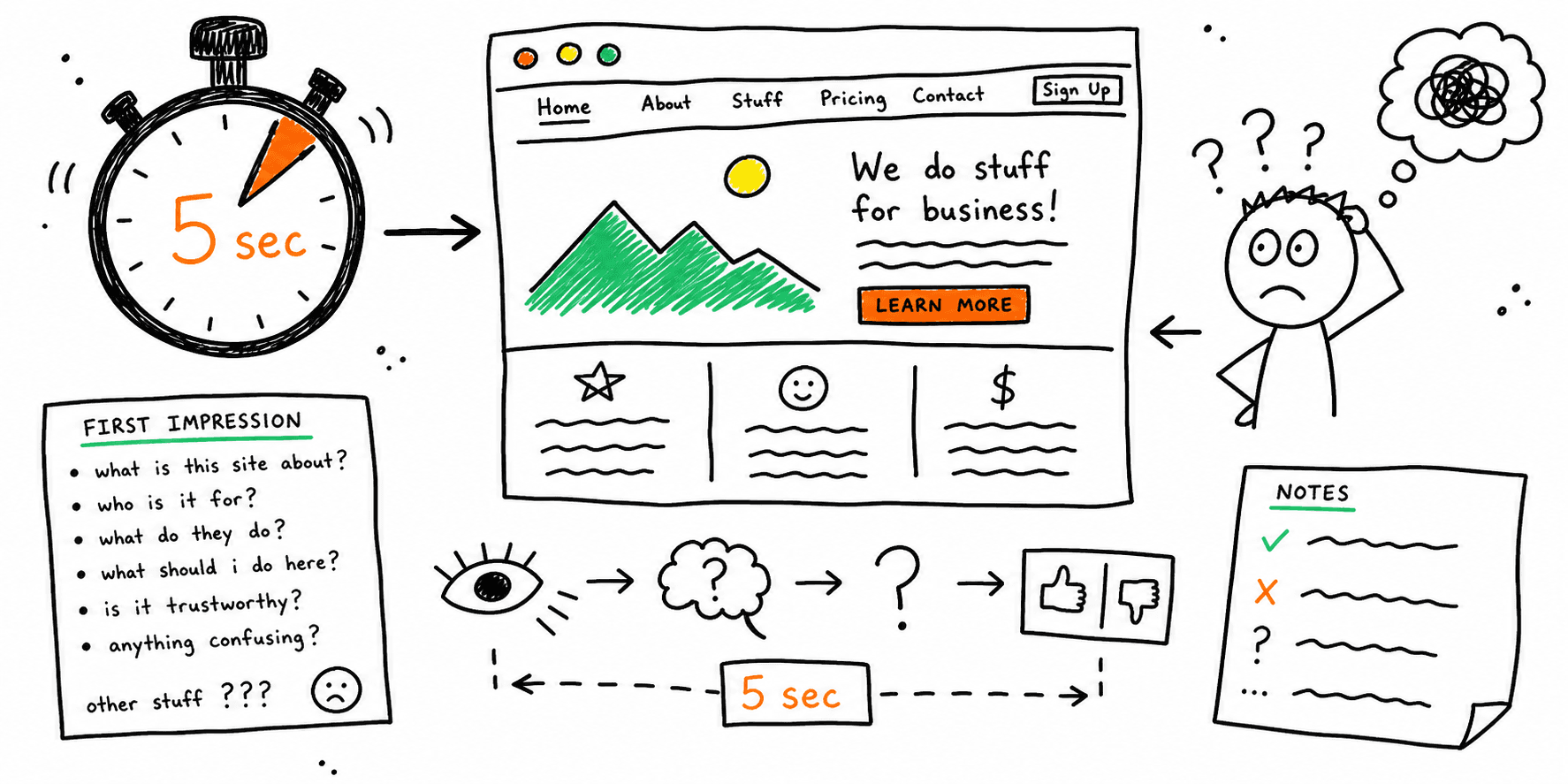

A 5 second test measures what people understand after seeing a page for only five seconds.
If users cannot quickly answer these basics, your page will underperform:
- What is this?
- Who is this for?
- What should I do next?
This guide gives you a practical 5 second test template, scoring model, and reporting workflow you can run in one working session.
Use it with:
- First click test template
- Tree testing template
- How to conduct usability testing
- Website usability checklist
When to Run a 5-Second Test
Run this test before paid traffic, launch, or major redesign handoff when you need fast signal on clarity.
Best use cases:
- New homepage positioning
- New landing page hero section
- Pricing page message refresh
- Product page value proposition rewrite
If your question is "Can users find the right menu option?" run a first click test or tree test instead.
5-Second Test vs First Click Test vs Usability Test
| Method | Best for | Main output |
|---|---|---|
| 5 second test | First impression and message clarity | Recall, comprehension, CTA recognition |
| First click test | Navigation decision quality | First-click success, wrong-click clusters |
| Usability test | End-to-end task friction | Blockers, quotes, fix priority |
A practical sequence for launch teams:
- Run a 5 second test for clarity.
- Run a first click test for wayfinding.
- Run usability testing on the full flow.
5 Second Test Template (Copy/Paste)
1) Setup
| Field | What to define |
|---|---|
| Objective | Example: "Can users explain the offer and next step?" |
| Page/screen | URL or prototype frame |
| Audience segment | ICP, traffic source, or use case |
| Device scope | Desktop, mobile, or both |
| Exposure time | Keep fixed at 5 seconds |
| Sample size | Minimum 12 participants per segment |
2) Prompt block
Use neutral prompts after the 5-second exposure:
- "What does this page offer?"
- "Who do you think this is for?"
- "What would you do next?"
- "What do you remember most?"
Do not include brand claims or menu labels in the question wording.
3) Scoring sheet
| Participant | Offer recall (0-2) | Audience recall (0-2) | CTA recall (0-2) | Confidence (1-5) | Notes |
|---|---|---|---|---|---|
4) Success thresholds
Use clear pass/fail rules before you run the test:
- Offer recall score >= 1.5 average
- Audience recall score >= 1.5 average
- CTA recall score >= 1.3 average
- At least 70% of participants identify the intended next action
If your team already runs a launch QA pass, fold these criteria into your website quality assurance checklist.
5 Second Test Questions You Can Use
Use scenario-neutral prompts for better signal:
- "In one sentence, what is this page about?"
- "Who do you think this page is meant for?"
- "What action looks most important here?"
- "What part of the page do you remember first?"
- "What feels confusing or unclear?"
For landing pages, pair this with the landing page checklist and landing page copywriting framework.
5 Second Test Example (Filled)
Context: B2B SaaS homepage update before PPC launch.
Goal: Improve above-the-fold clarity for finance operations buyers.
Participants: 18 users from target segment.
| Metric | Baseline | After rewrite |
|---|---|---|
| Offer recall avg (0-2) | 0.9 | 1.7 |
| Audience recall avg (0-2) | 1.0 | 1.6 |
| CTA recall avg (0-2) | 0.7 | 1.4 |
| Correct next action recognition | 44% | 78% |
What changed:
- Replaced generic hero headline with audience + outcome statement.
- Added supporting proof point near primary CTA.
- Simplified CTA label to one action.
After this step, the team ran a website usability test and a website UX audit before launch.
45-Minute 5-Second Test Workflow
- Choose one page and one audience segment.
- Freeze the tested variation (no in-test edits).
- Run 12-20 responses with fixed five-second exposure.
- Score recall dimensions using one rubric.
- Identify the top two clarity failures.
- Rewrite hero + CTA block only.
- Re-test the updated variant.
Keep rounds small and focused. Big redesigns should move into a structured website design audit or landing page analyzer workflow.
Common Mistakes That Invalidate Results
- Showing the page longer than five seconds for some participants
- Asking leading questions like "Did you see the free trial CTA?"
- Mixing desktop and mobile results into one score
- Testing multiple page variants in one undisciplined run
- Shipping copy changes without re-testing
Turning Results Into Ship-Ready Fixes
Map each failed recall dimension to a page element:
- Offer recall failure -> rewrite headline/subhead
- Audience recall failure -> clarify persona and use case language
- CTA recall failure -> simplify visual hierarchy and CTA copy
Then pass updates through your website content analysis, website checker, and conversion rate optimisation audit so messaging fixes support conversion goals.