Jera Value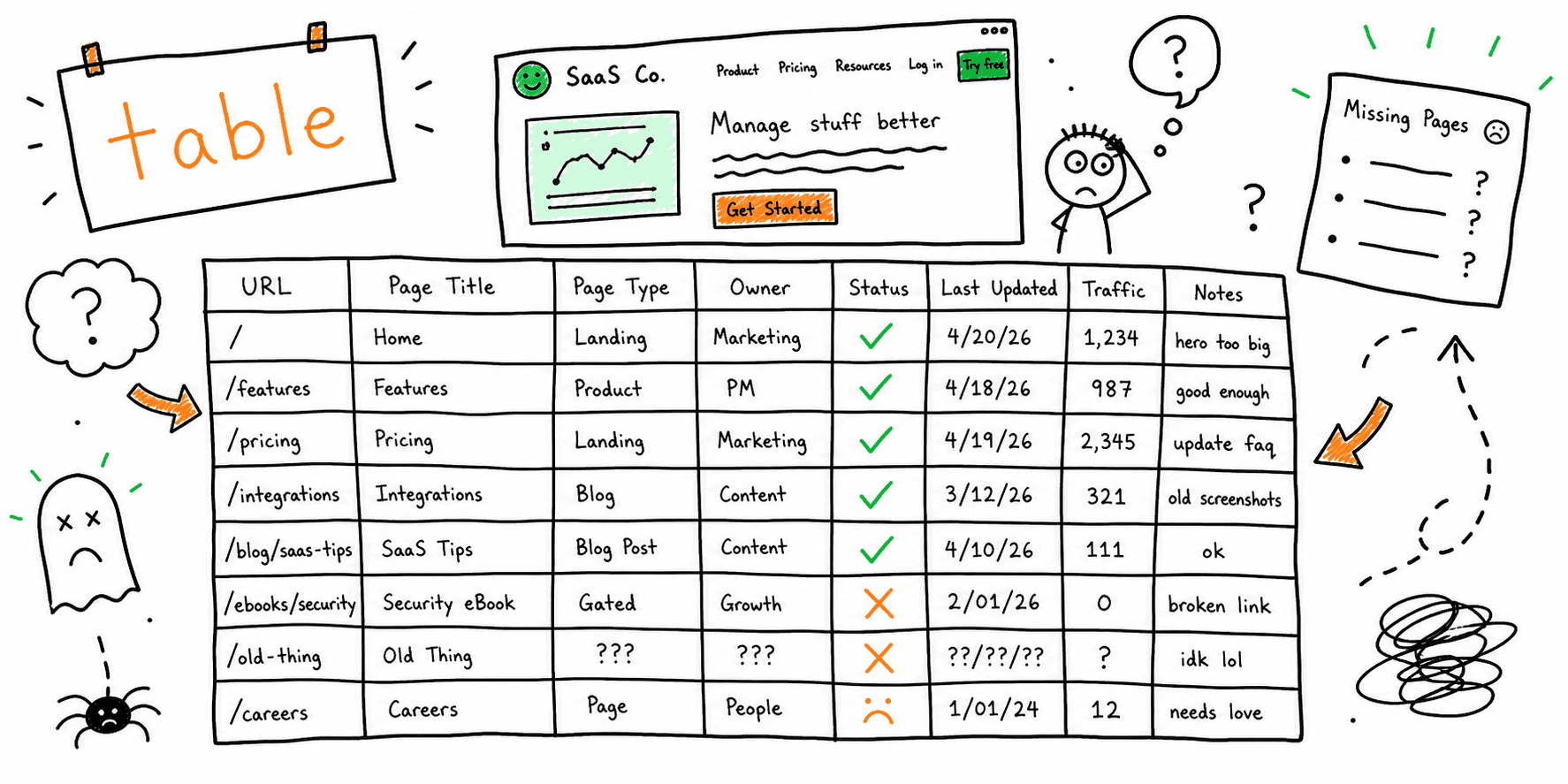

This content inventory example shows how to track pages, assign actions, and keep ownership clear. Use it as a reference for your own inventory.
Need page-level clarity before you decide actions? Use the content audit tool.
Content inventory example (sample table)
| URL | Title | Content type | Primary topic | Traffic | Conversions | Action | Notes |
|---|---|---|---|---|---|---|---|
| / | Homepage | Landing page | Product overview | 12,000 | 320 | Update | Clarify CTA above the fold |
| /pricing | Pricing | Landing page | Pricing | 6,400 | 210 | Update | Add social proof and FAQ |
| /blog/seo-audit-checklist | Blog post | SEO checklist | 2,300 | 18 | Keep | Strong rankings | |
| /blog/content-audit-template | Blog post | Content audit | 1,200 | 6 | Update | Expand examples | |
| /features/automation | Feature page | Automation | 900 | 12 | Merge | Combine with /features/workflows |
How to use this example
- Add a column for owner and last updated date.
- Use actions consistently (keep, update, merge, remove).
- Sort by traffic or conversions to prioritize fixes.
Related resources
Final thoughts
A content inventory example is only useful if it leads to action. Assign owners, set deadlines, and turn the inventory into a roadmap.